Opens in a new tab
8th Nov '22
/
0 comments

How to Push The Footer Down in Bricks

Looking to have the footer stay at the bottom of the browser window in your Bricks site?

Simply add this CSS:

.brx-body {
	min-height: 100dvh;
}

There are several places in which custom CSS can be added in Bricks.

Since you would want this to be site-wide, one good place to put in is Bricks → Settings → Custom code under Custom CSS.

Before:

After:

Get access to all 633 Bricks code tutorials with BricksLabs Pro

Leave the first comment


Related Tutorials..

Pro
Horizontal Scrolling Sections in Bricks Using GSAP’s ScrollTrigger

Horizontal Scrolling Sections in Bricks Using GSAP’s ScrollTrigger

In this Pro tutorial we'll use GSAP's ScrollTrigger library in Bricks to create a section that will scroll horizontally across a number of full width…
Pro
How to Hide the Header Initially and Show It After Scrolling Down in Bricks

How to Hide the Header Initially and Show It After Scrolling Down in Bricks

Hiding the header when the scroll position is at the top and reveal it after the user scrolls down.
Categories:
Tags:
Pro
Accordion Grid Query Loop in Bricks

Accordion Grid Query Loop in Bricks

How to set up a accordion in Bricks such that the "titles" are arranged in a grid with the full width content opening below.
Categories:
Pro
Search Results Template in Bricks

Search Results Template in Bricks

Updated on 26 Oct 2023 This Pro tutorial provides the steps to set up a search template in Bricks with these features: Step 1 Create…
Categories:
Pro
Sticky Header Only For Visitors in Bricks

Sticky Header Only For Visitors in Bricks

A user asked: Anyone know if its possible to make the sticky of the header conditional only for logged out users? This Pro tutorial shows…
Categories:
Pro
Team Member Photos Stack with Hover Tooltips in Bricks

Team Member Photos Stack with Hover Tooltips in Bricks

Herman Baiatian shared in the Bricks Facebook group here that he worked on overlapping team member headshots showing info in hover tooltips. I recreated it…
Categories:
Pro
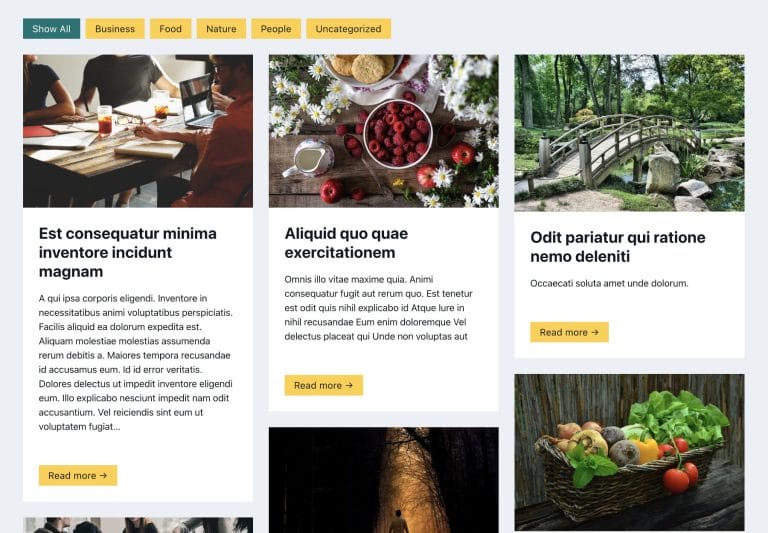
Filtering Masonry-layout Posts by Categories in Bricks using Isotope

Filtering Masonry-layout Posts by Categories in Bricks using Isotope

Step by step on how to use Isotope in Bricks for filtering posts by categories.
Categories:
Pro
Mmenu Light in Bricks

Mmenu Light in Bricks

Here's the steps to implement Mmenu Light for a sliding OffCanvas mobile menu in Bricks.
Categories: