Opens in a new tab
24th Apr '23
/
0 comments

Checking for Post Type in Bricks

Looking for a way to output elements conditionally based on the current post type in the loop in Bricks?

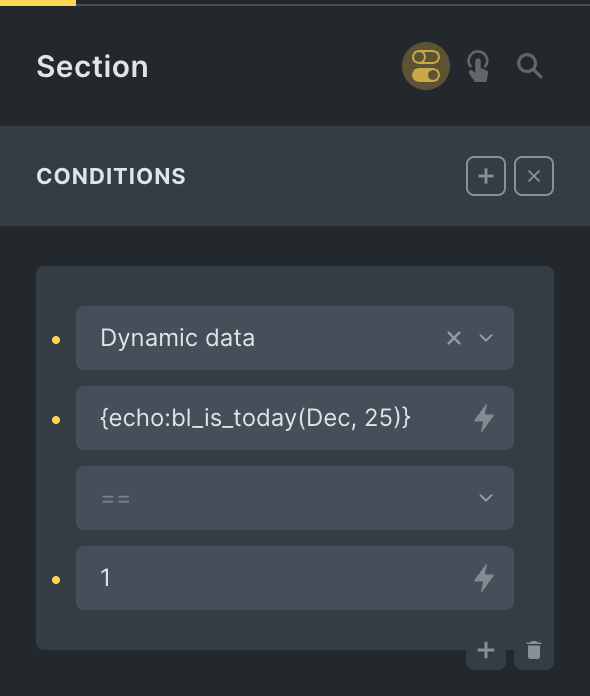
Add a Dynamic data condition like this:

{echo:get_post_type}

Another example:

Get access to all 633 Bricks code tutorials with BricksLabs Pro

Leave the first comment


Related Tutorials..

Pro
Month and Day Condition in Bricks

Month and Day Condition in Bricks

This Pro tutorial shows how we can define a custom function that takes in a month in the three-letter format (like Dec) and a day…
Categories:
Pro
City-based and Country-based Conditional Output in Bricks

City-based and Country-based Conditional Output in Bricks

This Pro tutorial provides the steps to render a Bricks element only if the visitor is from the specified country or city. Note: Caching may…
Categories:
Pro
User Role Conditional Output in Bricks

User Role Conditional Output in Bricks

This Pro tutorial provides the steps to output elements based on their CSS class to users of the specified role in WordPress when using Bricks…
Categories:
Pro
Condition to Check if the Current Category Has At Least One Child

Condition to Check if the Current Category Has At Least One Child

Looking to render an element in the category archive Bricks template only if the category of the current category archive page is a parent? This…
Categories:
Pro
At Least 1 Search Result Condition in Bricks

At Least 1 Search Result Condition in Bricks

Registering a custom condition to render elements depending on whether there is at least one search result.
Categories:
Pro
Custom Conditions in Bricks Builder

Custom Conditions in Bricks Builder

Updated on 22 Jun 2022 This Pro tutorial is a continuation of the previous Conditions in Bricks Builder tutorial. We are going to keep updating…
Categories: