
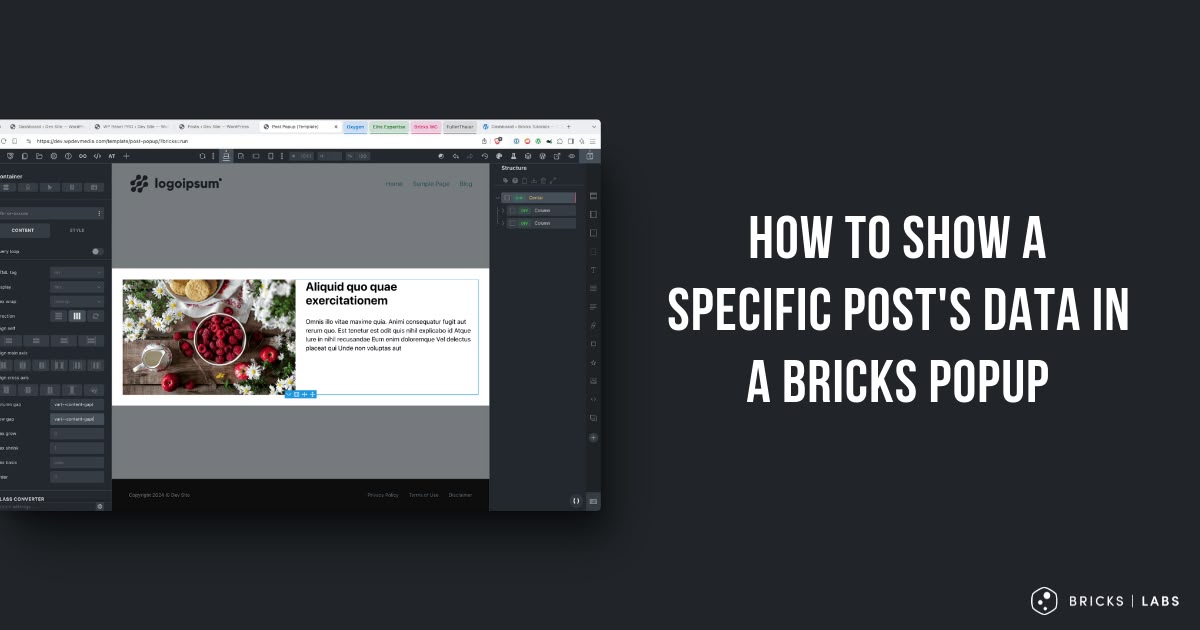
This tutorial provides the steps to show a specific post’s data like the title, featured image in a Bricks Popup.
Step 1
Go to Bricks → Templates and add a new one of the type ‘Popup’.
Edit it with Bricks and in its settings → Template Settings → Popup, enable “Fetch content via AJAX”.

In the CONDITIONS controls group, specify where the Popup should appear.
Ex.:

Add a Container and any other desired elements.
Map the elements to dynamic data.
You may want to populate the content with the post whose data you want to show in the popup.
Step 2
Edit the Page where you would like to show the Popup with Bricks.
Add a button and add an Interaction for showing your Popup.
Specify the ID of the post whose data should be shown in the Popup in the Context ID control.

That’s it! Test the popup on the front end.


1 comment
Joseph Orr
Thank you!!! You saved me countless hours trying to get this to work. You may want to add that post_id (wrapped in curly braces) will also dynamically reference the post in a dynamic query.