

Get access to all 610 Bricks code tutorials with BricksLabs Pro
Related Tutorials..

Opening RSS Block’s Links in New Tabs
Looking to have links output by RSS Block (in the block editor) in new tab/window when using Bricks? Add this in your Bricks template/Page at…
Categories:
Tags:

How to disable smooth scroll in Bricks
In certain situations like using ScrollSmoother, you may be looking to disable smooth scrolling functionality that’s built into Bricks.
Categories:
Tags:
Pro

How to Limit the Depth of Nav Menu in Bricks
Updated on 31 Oct 2023 This Pro tutorial provides the steps for limiting the depth of WordPress navigation menu rendered via Bricks' Nav Menu element.…
Categories:
Tags:
Pro
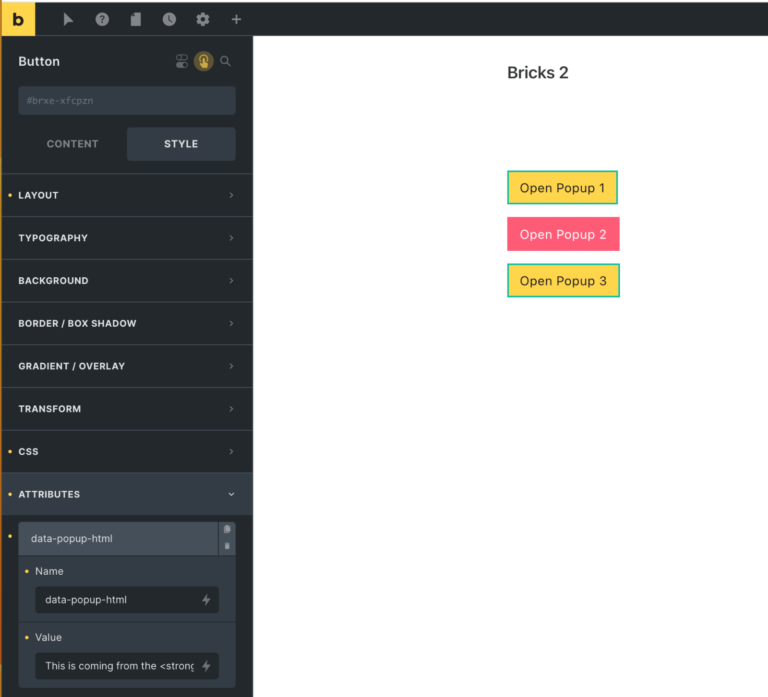
Button-specific HTML in Bricks Popup
In the Bricks Facebook group a user asks: I need to create popups to expend the text (eg. read more). I wonder if I have…
Categories:
Tags:
Pro

WP Grid Builder Filters inside Bricks’ OffCanvas
This Pro tutorial provides the steps to move WP Grid Builder's filters inside the Bricks' native Offcanvas on smaller viewport widths. Let's work with the…
Categories:
Tags:
Pro

Grid.js in Bricks
This Pro tutorial provides the steps to use Grid.js in a WordPress site powered by Bricks builder. Grid.js is a lightweight and performant JavaScript library…
Categories:
Tags:

Enqueueing a JavaScript File in Bricks
Bricks child theme's functions.php comes with code to enqueue (load) style.css on the front end. What if you want to load a custom JavaScript file…
Categories:
Tags:

Auto-switching Bricks Tabs
How to switch tabs every x seconds when the tabs element is scrolled into view.
Categories:
Tags:

Loading External Scripts in WordPress With Defer Attribute
The next major version of WordPress, 6.3 includes a loading strategy for scripts so we can easily specify that the scripts have defer or async…
Categories:
Tags: