
Update on 6 Oct 2025: Also included code for Bricks' Popup.
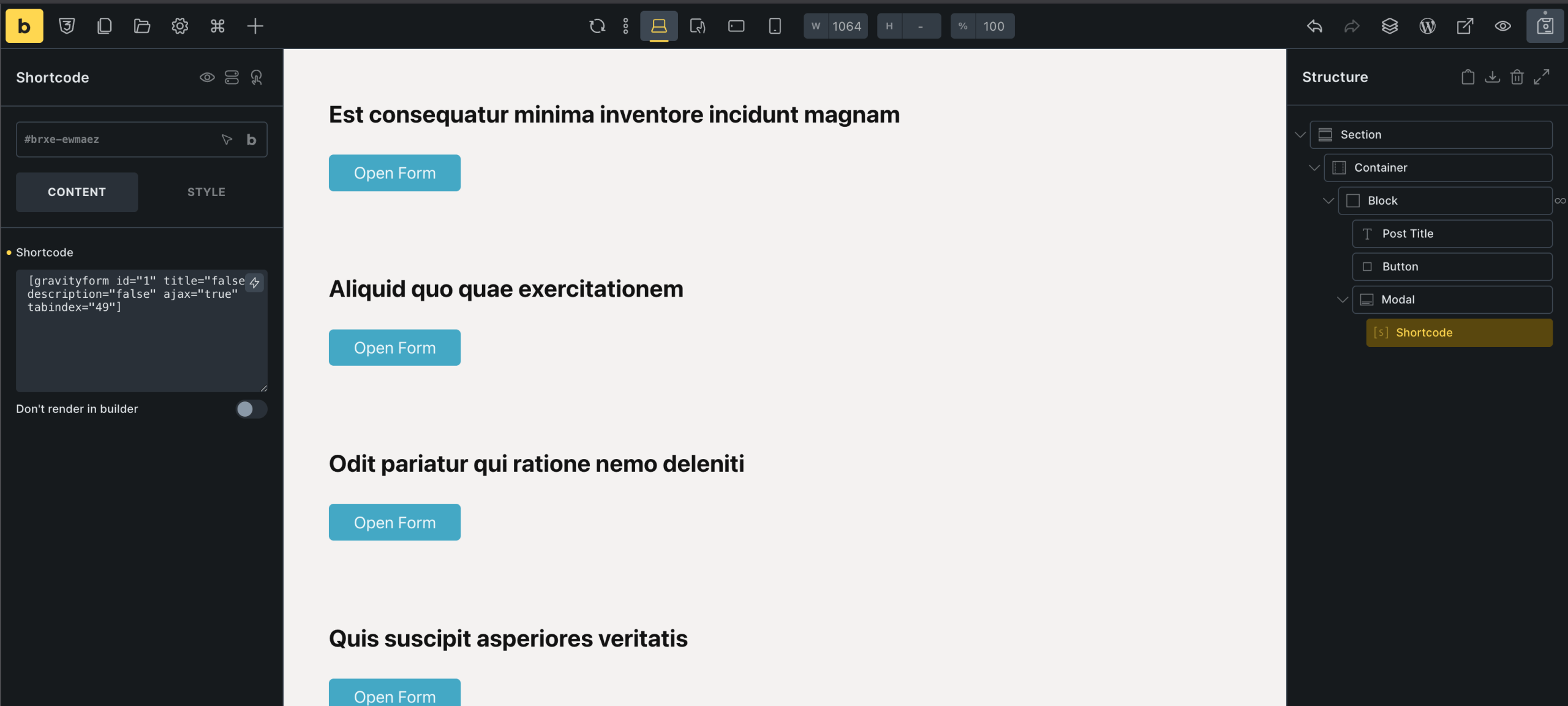
In Bricks Facebook group, a user asks:
Has anyone used gravity forms in a bricks pop up in a query loop? I can get the form to get the post id of each item in the loop but just get a spinning circle on submission. I have set context for post id and to also get content via Ajax. Anyone who has this working? Thanks.

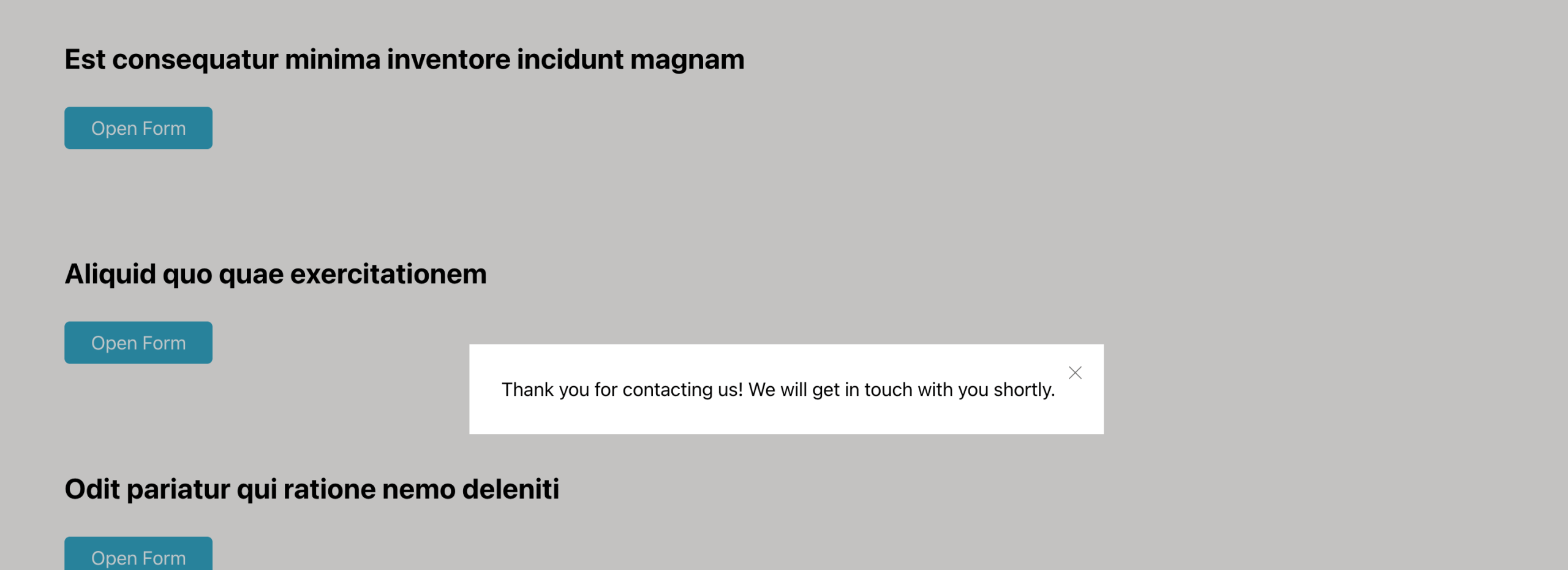
After the form gets submitted:
This Pro tutorial provides the steps to
- add and configure hidden Gravity Forms form fields for receiving post data like id/title/custom field values as part of the submitted form data
- add the form shortcode inside BricksExtras' Modal element inside a Bricks posts query loop
- add custom JavaScript to reset the form once it has been submitted so the confirmation message in the modal gets removed after a modal has been closed and reopened via the 'Open Form' button
We shall also cover the case of retaining partially filled form field values when a modal is closed without clicking the submit button and a different modal is opened - using sessionStorage.
Step 1
Create a new GF form titled say, "Dynamic Post Form" either from scratch or from one of the presets.
Add hidden fields for the items that you wish to store in the form submissions.

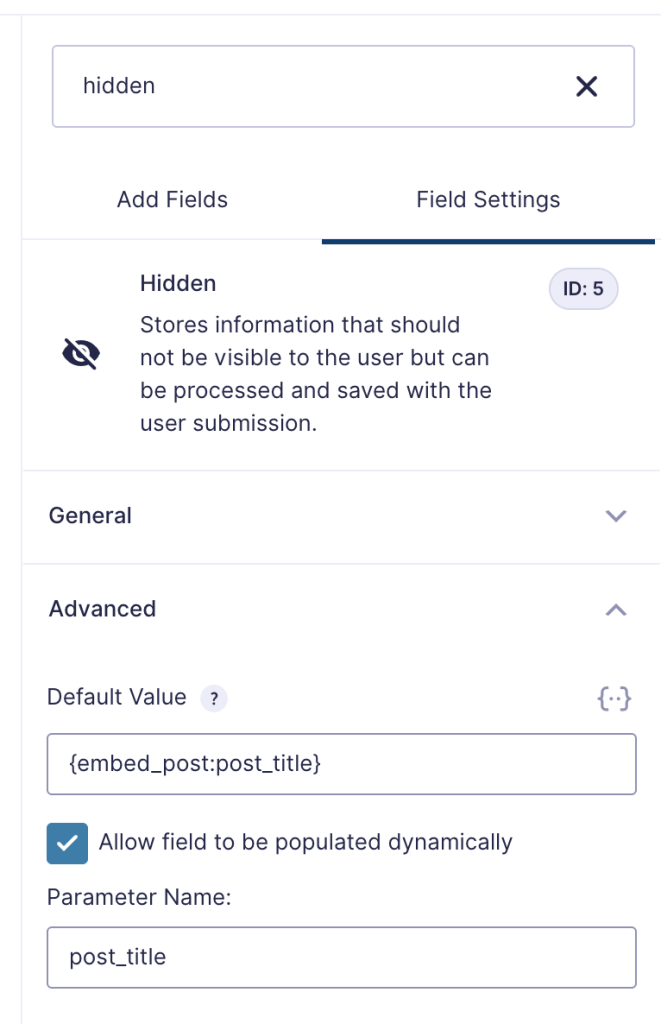
For the Post ID hidden field, set Default Value to {embed_post:ID}
Tick "Allow field to be populated dynamically".
Parameter Name: post_id
Similarly, for the post title field:
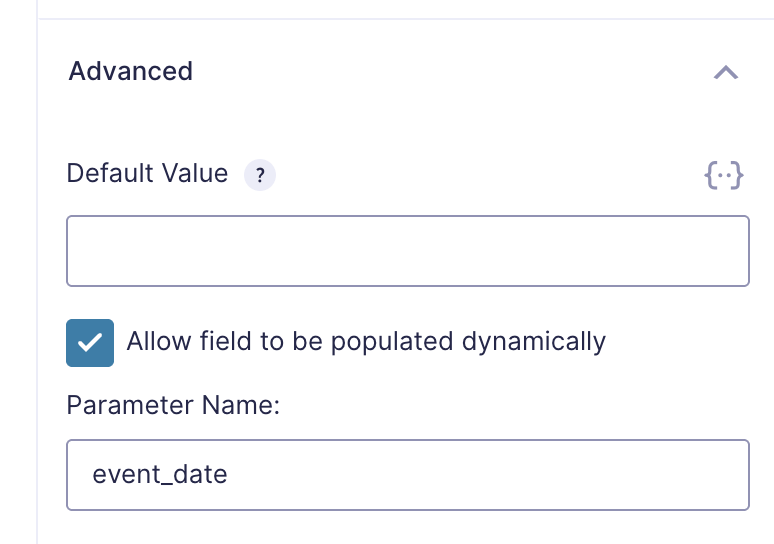
If you wish to capture a custom field, add a hidden field for it whilst leaving the default value empty.
Step 2
Let's
- disable the Gravity Forms' confirmation anchor functionality that automatically scrolls the page to the confirmation text upon submission
- dynamically set the value of
event_dateparameter to the value of a custom field created using ACF
Add the following in child theme's functions.php (w/o the opening PHP tag) or a code snippets plugin:

