22nd Nov '22
/
0 comments

Width and Height of Mobile Hamburger Toggle in Bricks

Looking to change the size of Bricks hamburger toggle in the mobile menu?

The default width value of 20px can be changed by selecting the Nav Menu element → MOBILE MENU → HAMBURGER TOGGLE → Toggle width.

CSS has to be added to change the height as of Bricks 1.5.7.

STYLE → CSS → Custom CSS:

root:not(.show-mobile-menu) .bricks-mobile-menu-toggle {
	height: 18px;
}

root:not(.show-mobile-menu) .bricks-mobile-menu-toggle .bar-center {
	top: 8px;
}

root:not(.show-mobile-menu) .bricks-mobile-menu-toggle .bar-bottom {
	top: 16px;
}
Get access to all 610 Bricks code tutorials with BricksLabs Pro

Leave the first comment


Related Tutorials..

Pro
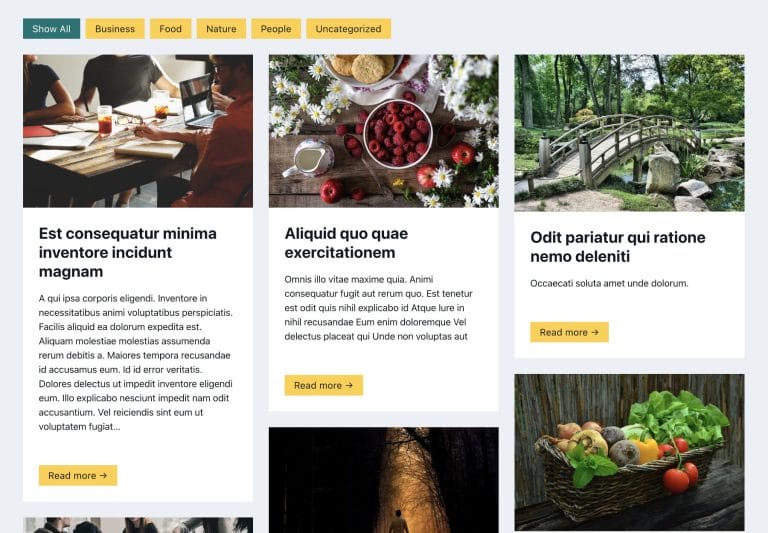
Filtering Masonry-layout Posts by Categories in Bricks using Isotope

Filtering Masonry-layout Posts by Categories in Bricks using Isotope

Step by step on how to use Isotope in Bricks for filtering posts by categories.
Categories:
Pro
Responsive iframes in Bricks

Responsive iframes in Bricks

This Pro tutorial provides the steps to add responsive iFrames in Bricks. Step 1 Edit your Page/Template with Bricks. Add a Code element having this…
Categories:
Tags:
Pro
Team Member Photos Stack with Hover Tooltips in Bricks

Team Member Photos Stack with Hover Tooltips in Bricks

Herman Baiatian shared in the Bricks Facebook group here that he worked on overlapping team member headshots showing info in hover tooltips. I recreated it…
Categories:
Pro
Custom Posts Grid Layout in Bricks using CSS Grid

Custom Posts Grid Layout in Bricks using CSS Grid

There are at least three ways in which we can build custom loops in Bricks. Posts elementTurning on Query Loop on a containerCode element While…
Categories:
How to Create a Right Overflow Effect on Sliders in Bricks

How to Create a Right Overflow Effect on Sliders in Bricks

In this tutorial, we'll learn how to recreate a nice overflow effect on the right of our sliders in Bricks. Introduction Recently, I've been asked…
Categories:
How to create filters with IsotopeJS in Bricks (Part 4): AJAX filter and infinite loops, Sorting, List view and Disable animations

How to create filters with IsotopeJS in Bricks (Part 4): AJAX filter and infinite loops, Sorting, List view and Disable animations

This tutorial will explain how to enable the AJAX filter with an infinite scroll query loop container, how to add a sorting function, how to…
Categories:
Create a App-Like Navigation in Bricks

Create a App-Like Navigation in Bricks

I've promised a few folks in the Facebook group to create a tutorial on how to create an app-like navigation in Bricks like in the…
Categories:
Pro
Accordion Grid Query Loop in Bricks

Accordion Grid Query Loop in Bricks

How to set up a accordion in Bricks such that the "titles" are arranged in a grid with the full width content opening below.
Categories:
Sticky Element using Position Sticky

Sticky Element using Position Sticky

If you are looking to make an element, typically, the site header sticky whether it is at the top of the page to begin with…
Categories:
Tags: