Maybe I'm completely wrong with this approach, but I would like your opinion on this...
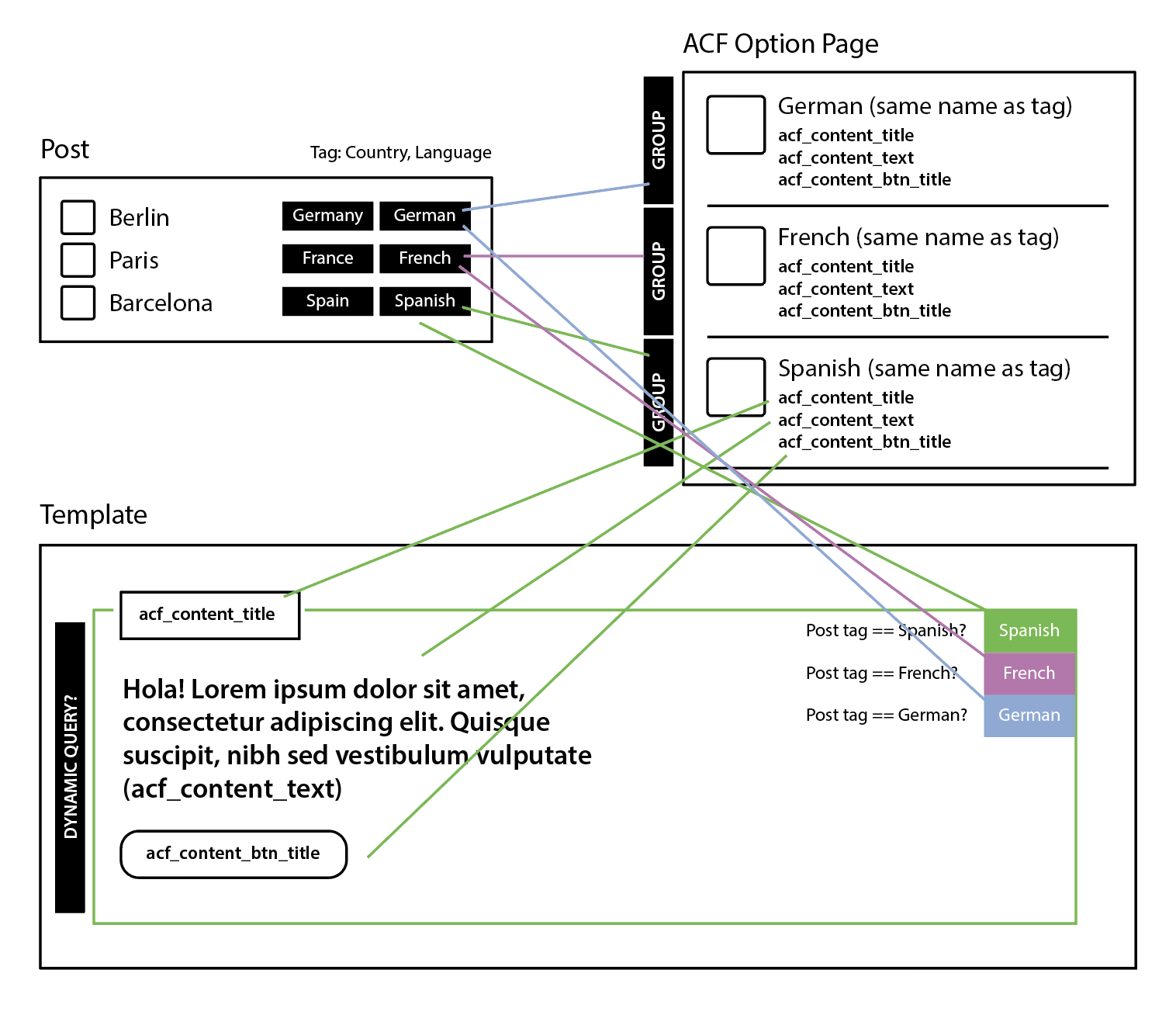
So what I'm trying to do here is where you have a post with a tag that can get data through an ACF option page based on that tag (same name).
Now this is a very very simple example of what I'm trying to achieve through a query loop.
Previously I've been trying to achieve this with Elementor and it was just plain horrible to do this with just duplicating containers and setting conditions based on the tag/post title/parent, which is not very efficient. Since I moved to Bricks, I know this is possible, but the options are sometimes mind-boggling to me, especially with the queries.
As I said, this is a very simple example. Instead of having all the data in a post, I want to manage this more centralised through a ACF option page where I can edit the data from there and is then dynamically loaded based on a tag. The country tag is used for something else entirely, that's why it's there.
Many, many, many thanks if you guys can route me to get this to work :) It's really appreciated!
Note: The website itself is just in English. It's just "some" landing pages that need to be translated in this way so it's easy to maintain on the long-run.
Again... any help is appreciated!!
Let's break this down and set up the scenario practically.
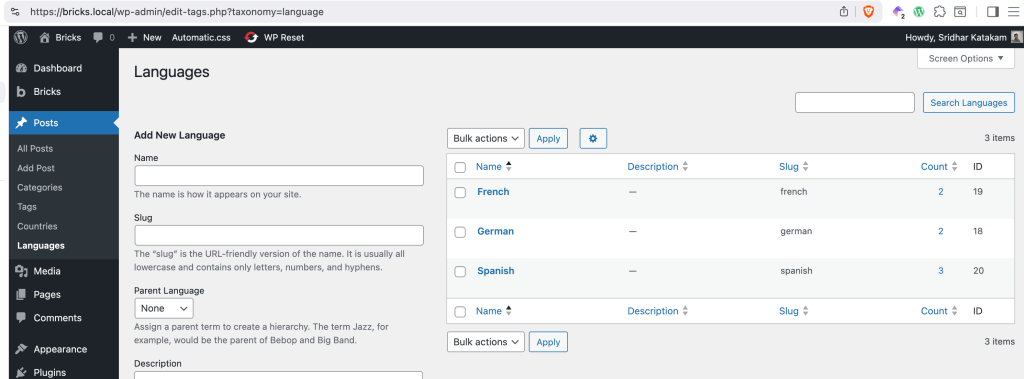
First, there's a Language taxonomy for posts (could be standard posts or a CPT posts) with these sample terms:
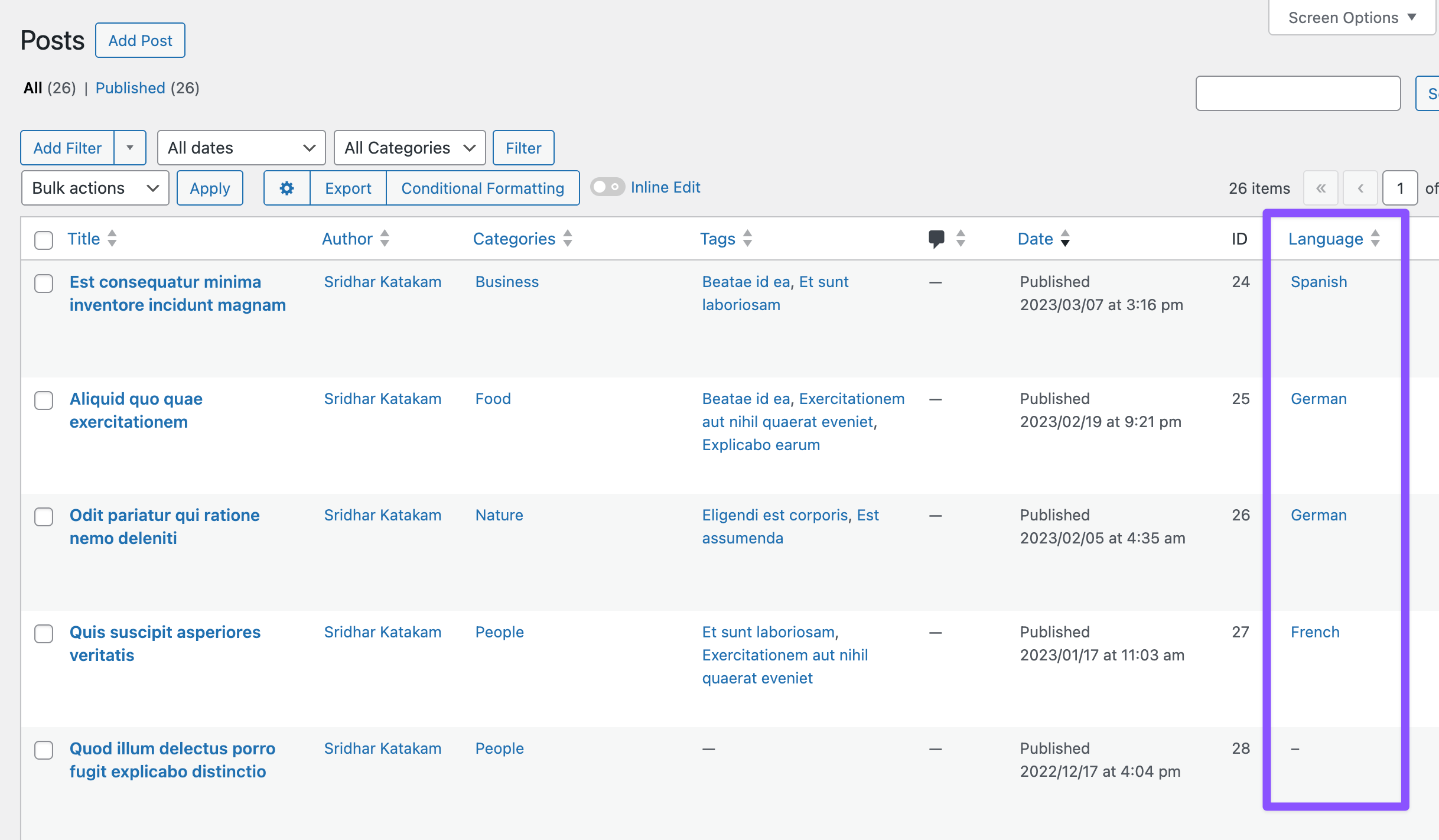
Sample posts with languages assigned:
Based on the graphic in the question, we are assuming that a post will have at most 1 language assigned to it. We shall code in such a way that even if there are multiple, the first one will be considered.
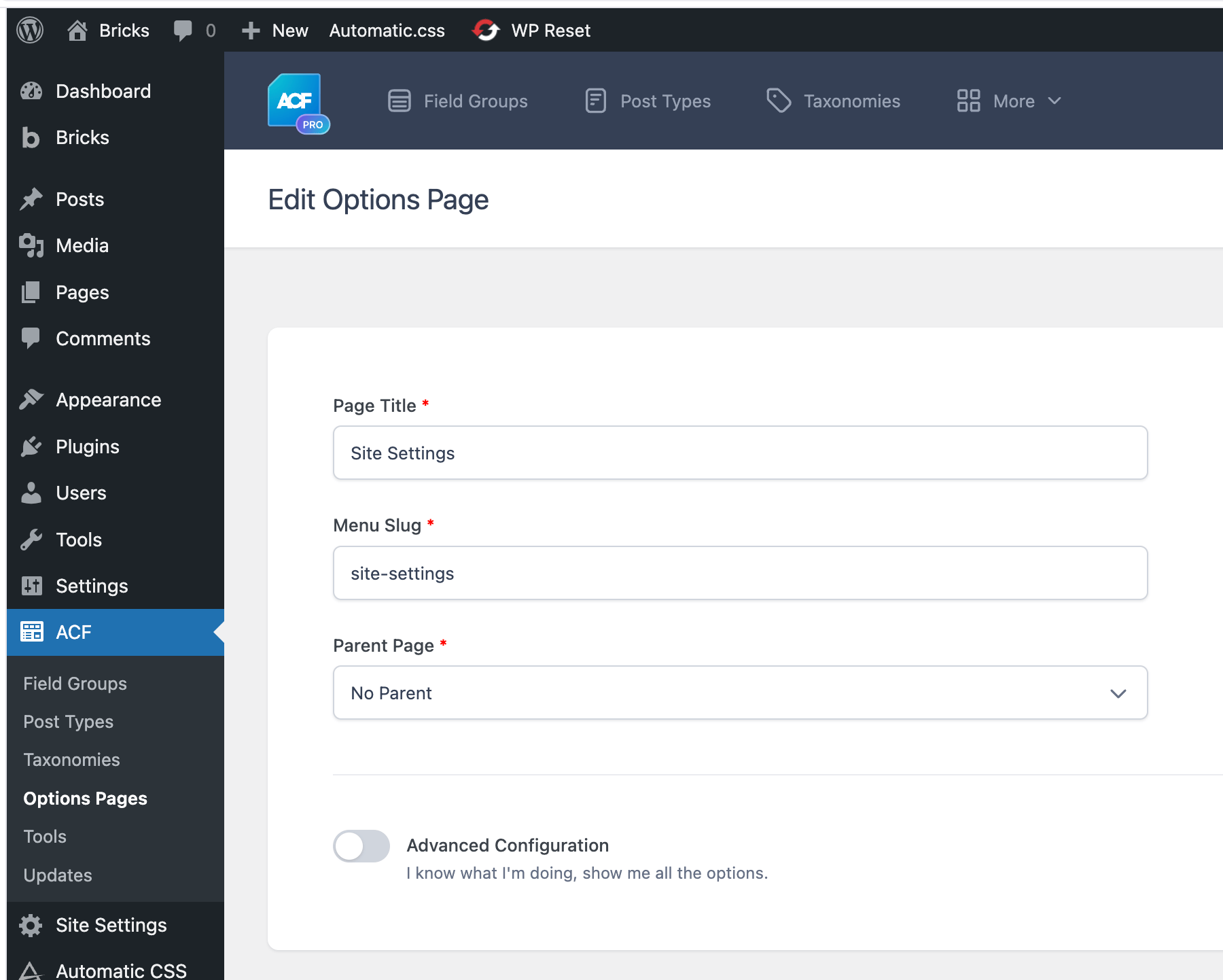
Then there's a ACF options page.
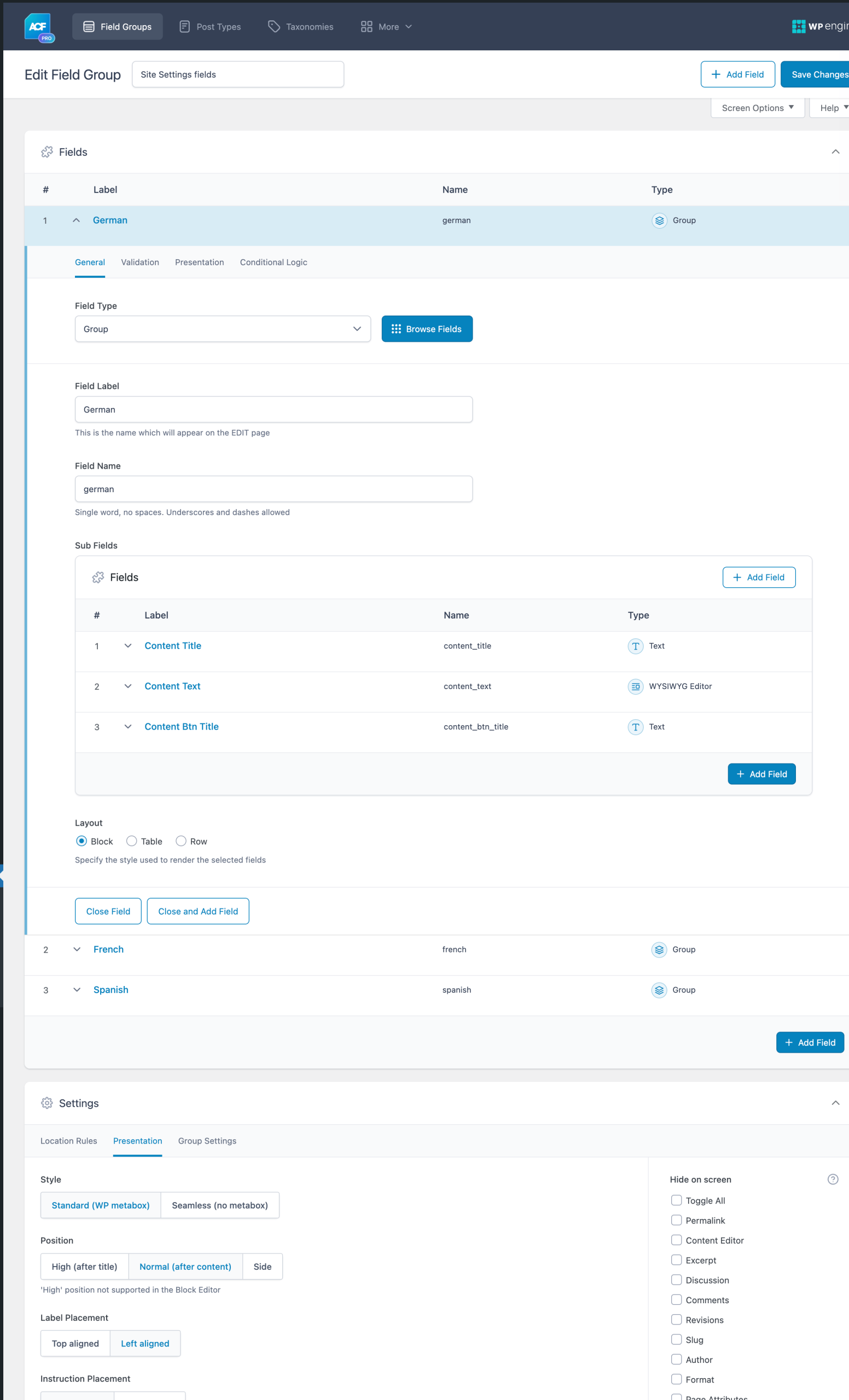
with this field group:
Each language has a Group field of its own and the sub field names are the same inside each.
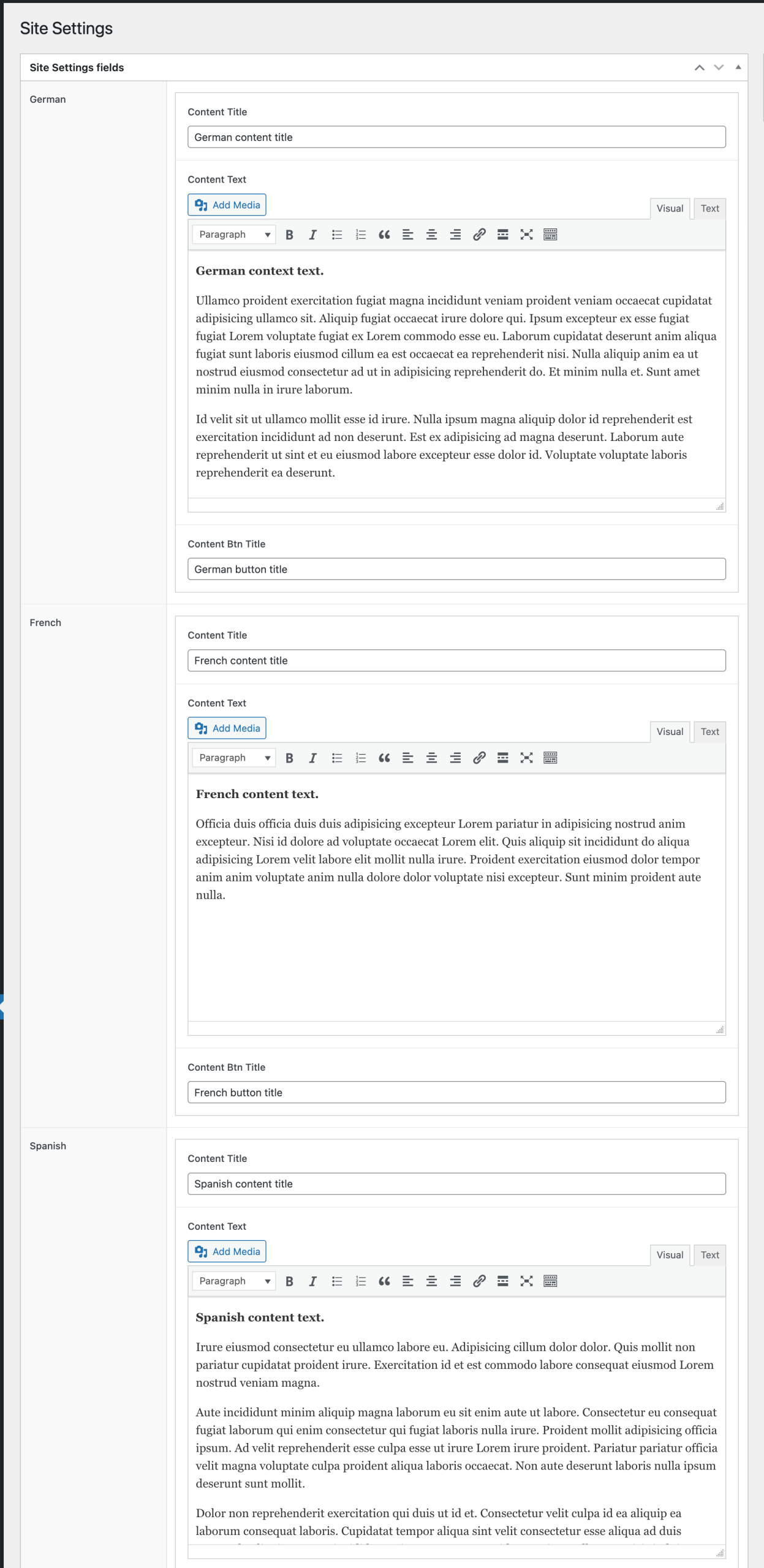
Site settings fields populated:
The objective is (in single post template) to
check if the current post has a Location term set (Ex.: Spanish)
create a custom function that takes a specific sub field name (Ex.: content_title) and returns the matching field value array from ACF settings page based on post's language taxonomy term
create another custom function that returns true or false depending on whether the current post has at least one language taxonomy term with a corresponding ACF field group on the settings page
and use the functions to conditionally output the data in single post template.
This Pro tutorial provides the code for this and while it is generic and can be used in any WordPress site including Elementor, we shall use Bricks theme for the implementation.
Step 1
Set up the location taxonomy, add a few terms, create a ACF options page, add a field group having Group type of fields with the same names as the taxonomy terms, add (the same) desired sub fields in each group, and add a few sample posts with locations set.