4th Apr '24
/
0 comments

Floating Bottom Div when Scrolling Down in Bricks

Floating Bottom Div when Scrolling Down in Bricks

In the BricksLabs Facebook group, a user asked:

Any tutorial on how to implement the floating call to action element at the bottom this site? https://www.heyfriends.studio/

Initially thinking of headroomJS but open to suggestions.

I also have motion.page so if anyone has implemented something like this using that plugin, I'd appreciate your feedback.

This Pro tutorial provides the steps for setting up a bottom floater, which is initially off the screen on page load. When scrolling down, it slides up into view and remains; when scrolling up, it disappears (slides off the screen) and re-appears when scrolling down.

Step 1

Edit with Bricks the relevant Page/Template depending on where you want the floater to appear.

For sitewide, you could edit the Footer template.

This is a BricksLabs Pro tutorial.

For full access login below or create your BricksLabs Pro account

Get access to all 610 Bricks code tutorials with BricksLabs Pro

Related Tutorials..

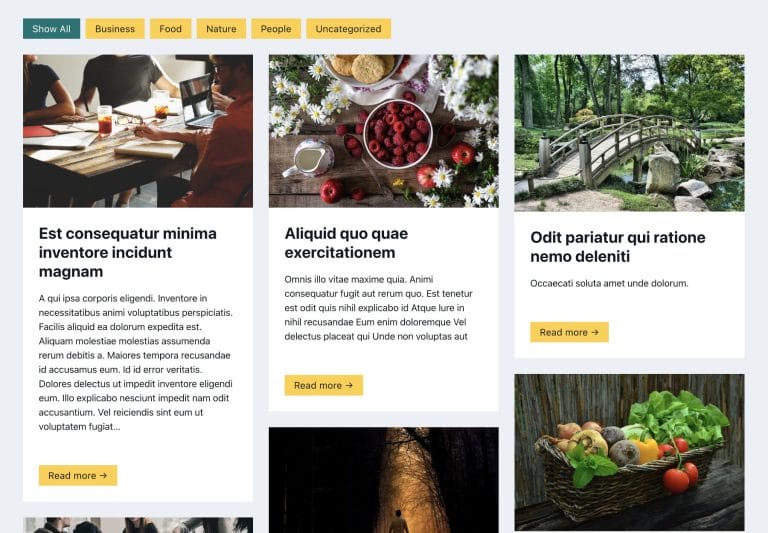
How to create filters with IsotopeJS in Bricks (Part 3): apply multiple filters

How to create filters with IsotopeJS in Bricks (Part 3): apply multiple filters

This tutorial will review how to apply multiple filters to an isotope container using the IsotopeJS library‘s features in Bricks.
Pro
How to Combine Multiple Menus into Bricks’ Mobile Menu

How to Combine Multiple Menus into Bricks’ Mobile Menu

Bricks' native 'Nav Menu' element comes with a built-in mobile menu, which shrinks the menu down to a menu toggle button to open an offcanvas…
Categories:
How to add SVG icon as list item bullets

How to add SVG icon as list item bullets

Add this sample CSS: Replace brxe-list with the class of your ul element. Here's how you can generate the value of background-image property: Copy your…
Categories:
Tags:
Pro
Stacking Post Cards in Bricks

Stacking Post Cards in Bricks

How we can stack posts in a query loop so they stick on top of the previous one when scrolling.
Categories:
Tags:
Pro
Horizontal Scrolling Tabs in Bricks

Horizontal Scrolling Tabs in Bricks

Nestable Tabs element in Bricks wraps into multiple lines out of the box at smaller viewport widths. This Pro tutorial provides the steps to remove…
Categories:
Tags:
Pro
Centered Image Logo in Bricks

Centered Image Logo in Bricks

Updated on 8 Mar 2023 This Pro tutorial provides the steps to add a logo image as the center menu item that shrinks when the…
Categories:
Pro
Mmenu Light in Bricks

Mmenu Light in Bricks

Here's the steps to implement Mmenu Light for a sliding OffCanvas mobile menu in Bricks.
Categories: