30th Jul '24
/
0 comments

Bricks Term Query Sorted by Tag Count of Posts in the Current Category

Bricks Term Query Sorted by Tag Count of Posts in the Current Category

In the Bricks Facebook group a user asks:

I have a archive template for post categories. I would like to know if is possible using query builder, extract the most used post tags for post of current category

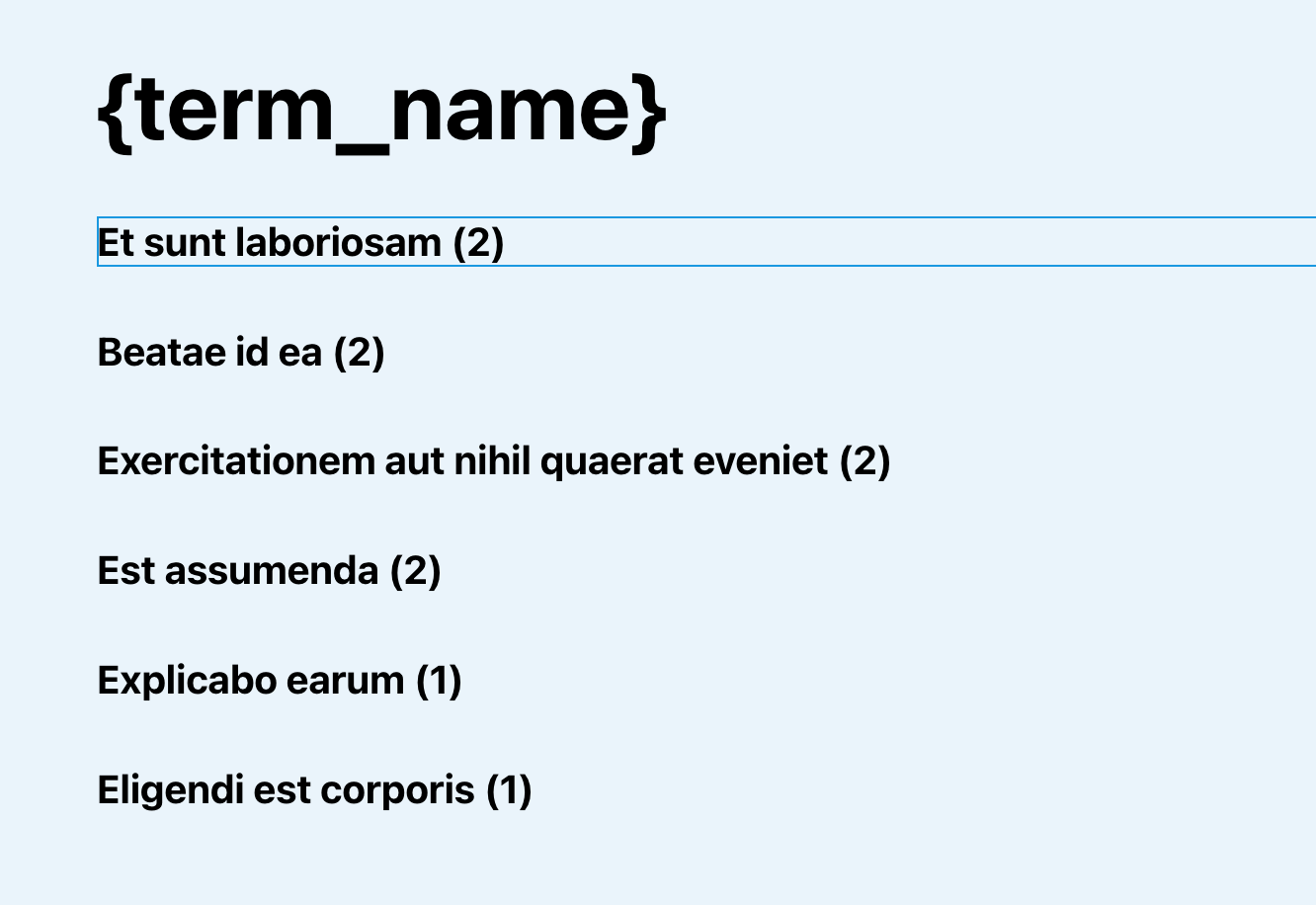
This Pro tutorial provides the steps to set up a Terms query loop in Bricks for tags and order the results by the tag count for the posts in the current category when viewing category archive pages.

Step 1

Edit the template (create, if not existing) that applies to your category archives with Bricks.

Set up a Tags query.

This is a BricksLabs Pro tutorial.

For full access login below or create your BricksLabs Pro account

Get access to all 610 Bricks code tutorials with BricksLabs Pro

Related Tutorials..

Pro
Restrict Content Pro in Bricks

Restrict Content Pro in Bricks

This Pro tutorial provides the steps to restrict Pages and individual elements like Sections in Bricks depending on whether the current user has any active…
Pro
Conditionally Excluding Elements from Bricks Editor

Conditionally Excluding Elements from Bricks Editor

In the past, we shared How to Exclude Elements from Bricks Editor. This Pro tutorial shows how specific elements can be excluded selectively based on…
Pro
How to Inject a Different Type of Post in Bricks Query Loop

How to Inject a Different Type of Post in Bricks Query Loop

Updated on 26 Aug 2024 A user asks: Hello, I'd like to inject a CPT post card inside of a Bricks query loop of a different CPT…