3rd Mar '25
/
0 comments

CMB2 Repeatable Group Bricks Query Loop

This Pro tutorial provides the steps to create a custom query loop type for outputting the subfield values of a Group field (repeatable) when using CMB2, a free custom fields plugin for WordPress in Bricks.

We shall add a Group field containing a Text field, URL text field and a File field (for the image) via code.

A sample post (a Page to be precise, in this example):

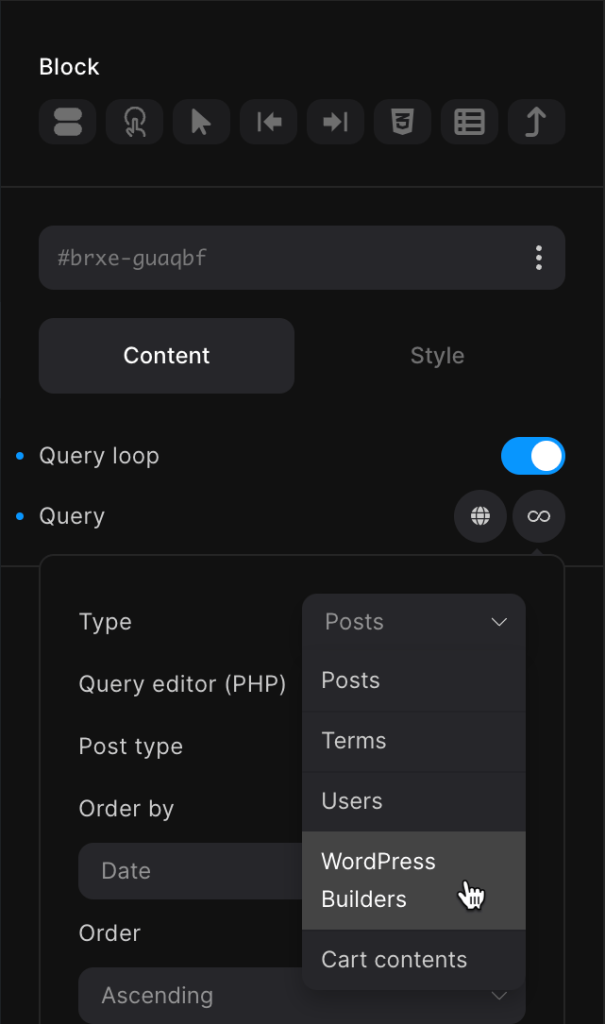
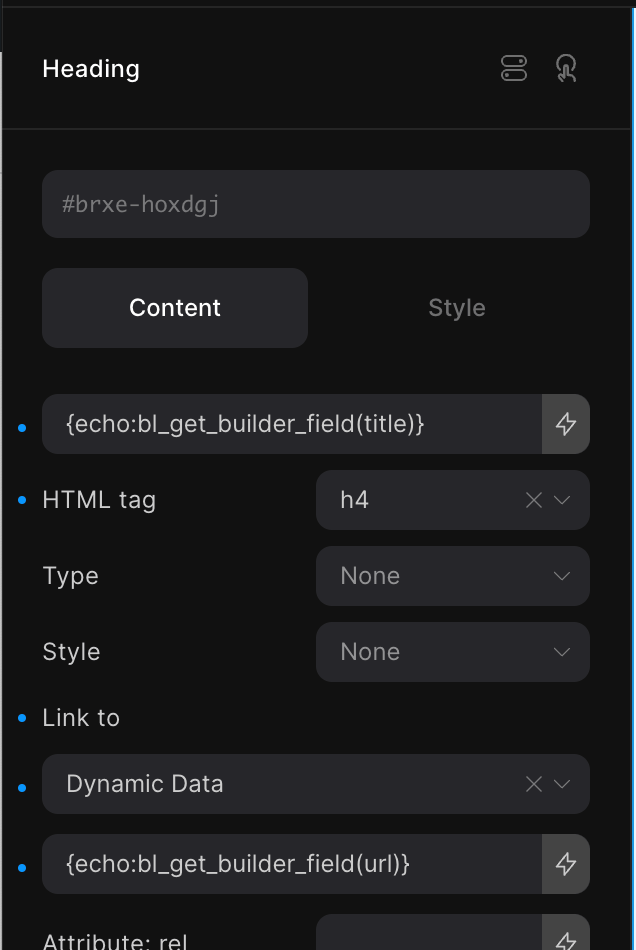
After implementing the tutorial, you will be able to select the custom query type and output subfield values using dynamic data tags.
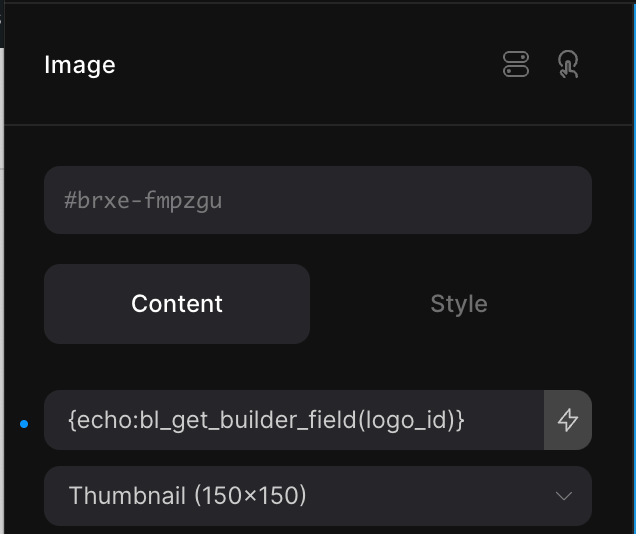
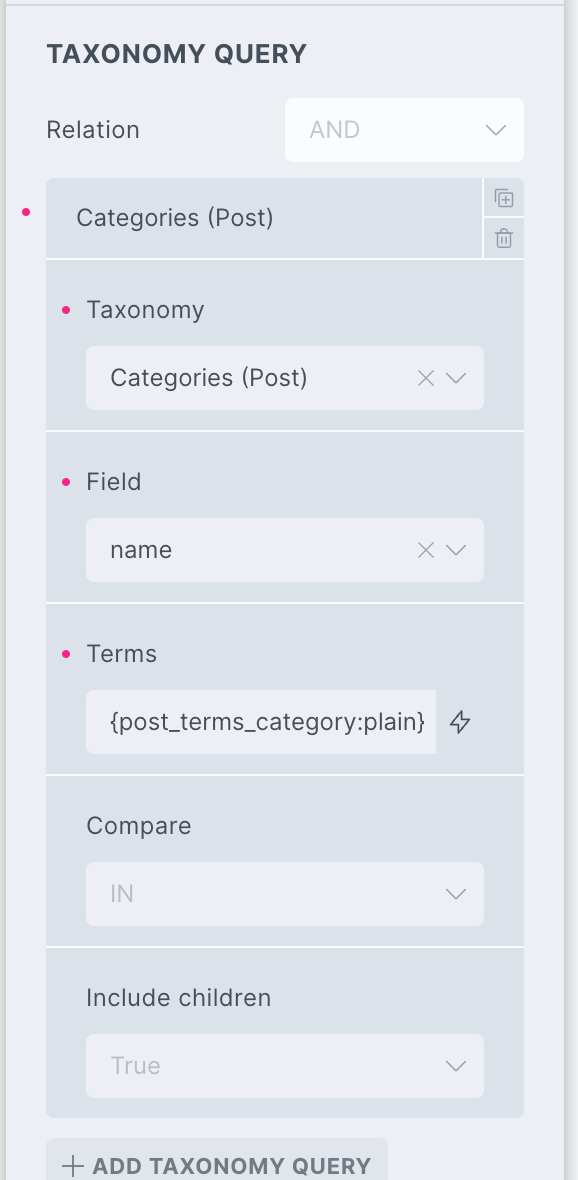
to get

Step 1

Install and activate CMB2 from the WordPress repository via Plugins → Add New Plugin.

There is no GUI for the plugin.

Step 2

Let's define the CMB2 metabox and field configurations.

Add the following in child theme's functions.php (w/o the opening PHP tag) or a code snippets plugin:

This is a BricksLabs Pro tutorial.

For full access login below or create your BricksLabs Pro account

Get access to all 630 Bricks code tutorials with BricksLabs Pro

Related Tutorials..

Pro
Parent post Bricks query loop

Parent post Bricks query loop

Updated on 5 Feb 2024 In the BricksLabs Facebook group a user asks: Is there a way to output the data of a parent post…
Categories:
How to create filters with IsotopeJS in Bricks (Part 4): AJAX filter and infinite loops, Sorting, List view and Disable animations

How to create filters with IsotopeJS in Bricks (Part 4): AJAX filter and infinite loops, Sorting, List view and Disable animations

This tutorial will explain how to enable the AJAX filter with an infinite scroll query loop container, how to add a sorting function, how to…
Categories:
Pro
Events grouped by Event Date custom field in Bricks

Events grouped by Event Date custom field in Bricks

This Pro tutorial for Bricks users provides the steps to output posts of an event custom post type dynamically grouped by the value of their…
Categories:
How to display a Query Loop in 3 columns in Bricks

How to display a Query Loop in 3 columns in Bricks

This tutorial provides the builder settings and CSS codes that can be pasted in order to create a 3-columns query loop container inside Bricks Builder.
Categories:
Pro
Posts Grouped by Years and Months in Bricks

Posts Grouped by Years and Months in Bricks

How display posts organized by months & within years based on the published date.
Categories:
Pro
Displaying Gallery of SureCart Product Images with Bricks’ Query Loop

Displaying Gallery of SureCart Product Images with Bricks’ Query Loop

Custom query loop for looping through SureCart product images.
Categories:
Tags:
Pro
Child Posts Section in Bricks

Child Posts Section in Bricks

This Pro tutorial provides the steps to limit the posts (can be of any post type) output by Bricks' query loop to children of the…
Categories:
Pro
Related Episodes Grouped by Episode Chapters on Single Podcasts in Bricks when using JetEngine

Related Episodes Grouped by Episode Chapters on Single Podcasts in Bricks when using JetEngine

A user asks: How to Display Related Episodes Grouped by Chapters on a Podcast Page in Bricks? Hi everyone, I have two post types created…