16th Mar '26
/
0 comments

Masonry Accordion Query Loops in Bricks Builder

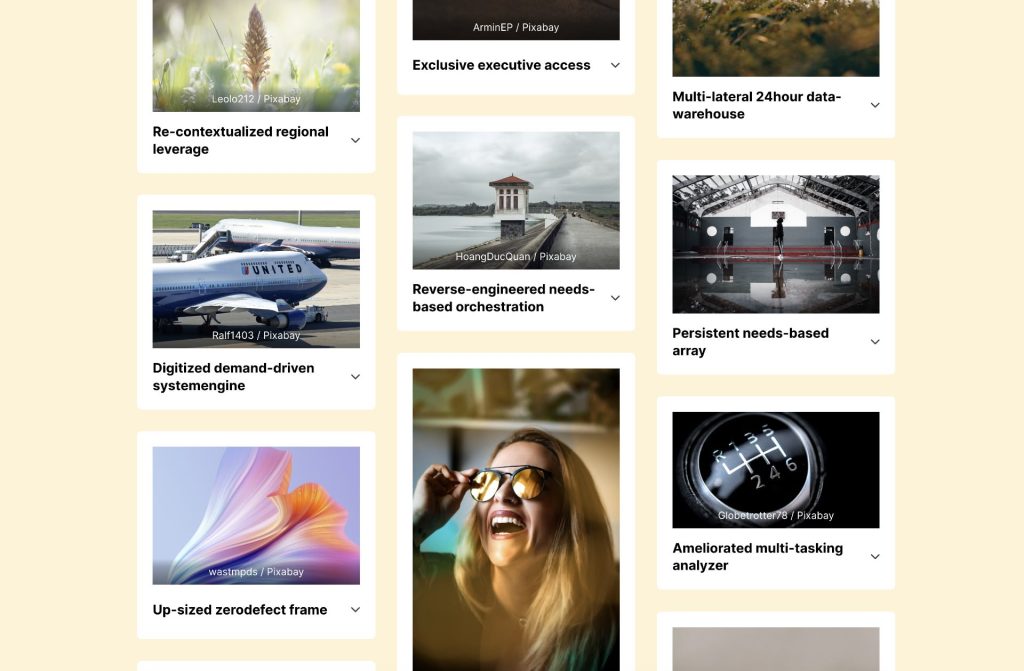
This Pro tutorial provides the steps to enable masonry for posts query loops inside an Accordion (Nestable) Bricks element.
Step 1

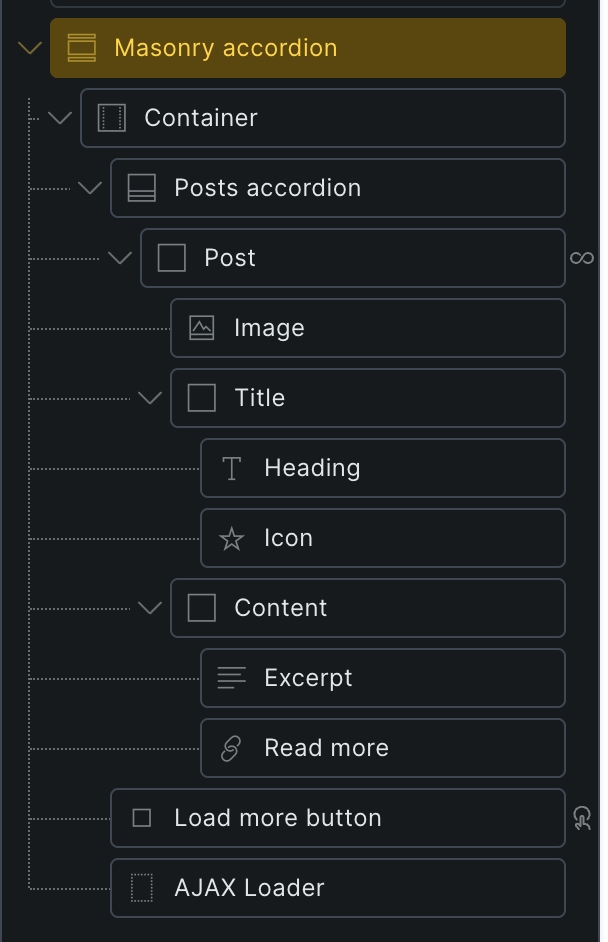
Edit your Page/Template with Bricks and paste the Section's JSON after copying it from here.
Step 2

Enable masonry controls for nestable accordion elements and inject Isotope JS library (built into Bricks)'s sizer elements into the elements.

Add the following in child theme's functions.php (w/o the opening PHP tag) or a code snippets plugin:

This is a BricksLabs Pro tutorial.

For full access login below or create your BricksLabs Pro account

Get access to all 633 Bricks code tutorials with BricksLabs Pro

Related Tutorials..

Pro
Collapsing all accordion items on mobile in Bricks

Collapsing all accordion items on mobile in Bricks

Learn how to collapse all items of Bricks nestable accordions at a specific breakpoint.
Categories:
Tags:
Pro
Related Services grouped by Service Categories on Single Branch Posts in Bricks

Related Services grouped by Service Categories on Single Branch Posts in Bricks

How to query ACF relationship fields on single CPT templates.
Categories:
Bricks Accordion (Nestable) Element’s Icons

Bricks Accordion (Nestable) Element’s Icons

Adding icon rotations to Bricks' Accordion (Nestable) element when opened.
Categories:
Tags:
Pro
Posts Grouped by Post Dates in Bricks

Posts Grouped by Post Dates in Bricks

Setting up query loops for “Post Dates” with an the inner loop displaying all posts published on that day.
Categories:
Pro
Related Episodes Grouped by Episode Chapters on Single Podcasts in Bricks when using JetEngine

Related Episodes Grouped by Episode Chapters on Single Podcasts in Bricks when using JetEngine

A user asks: How to Display Related Episodes Grouped by Chapters on a Podcast Page in Bricks? Hi everyone, I have two post types created…
Pro
Events grouped by months within years based on event date custom field value

Events grouped by months within years based on event date custom field value

How to output events grouped by years and months using three nested query loops in Bricks.
Categories:
Pro
Upcoming Events in Bricks Grouped by ‘Month Year’ with Frontend Filtering by Event Type

Upcoming Events in Bricks Grouped by ‘Month Year’ with Frontend Filtering by Event Type

Updated version of the earlier Upcoming Events Grouped by ‘Month Year’ in Bricks tutorial with some improvements: