
As someone that has recently learned some JavaScript (from here) and React (from here), here are my thoughts and notes as I follow the official tutorial on creating my first WordPress block.
- It would be nice if the fact that JavaScript and React knowledge is needed to understand the code were mentioned.
- scaffold = build an initial structure
- create a new folder called “Block Tutorial” ← You don’t do that because the
npxcommand creates the plugin folder calledcopyright-date-blockinside thepluginsdirectory.
Created a new site in Local, opened the plugins directory in Terminal and ran
npx @wordpress/create-block@latest copyright-date-block --variant=dynamic
cd copyright-date-block
Got this error:

AI’s reply:

Right, nothing to worry or so I thought…
Activated the plugin and:

After googling for half an hour and trying out a bunch of things including re-installing Node, found the fix here:
export NODE_ENV=developmentRe-ran
npx @wordpress/create-block@latest copyright-date-block --variant=dynamicand this time:
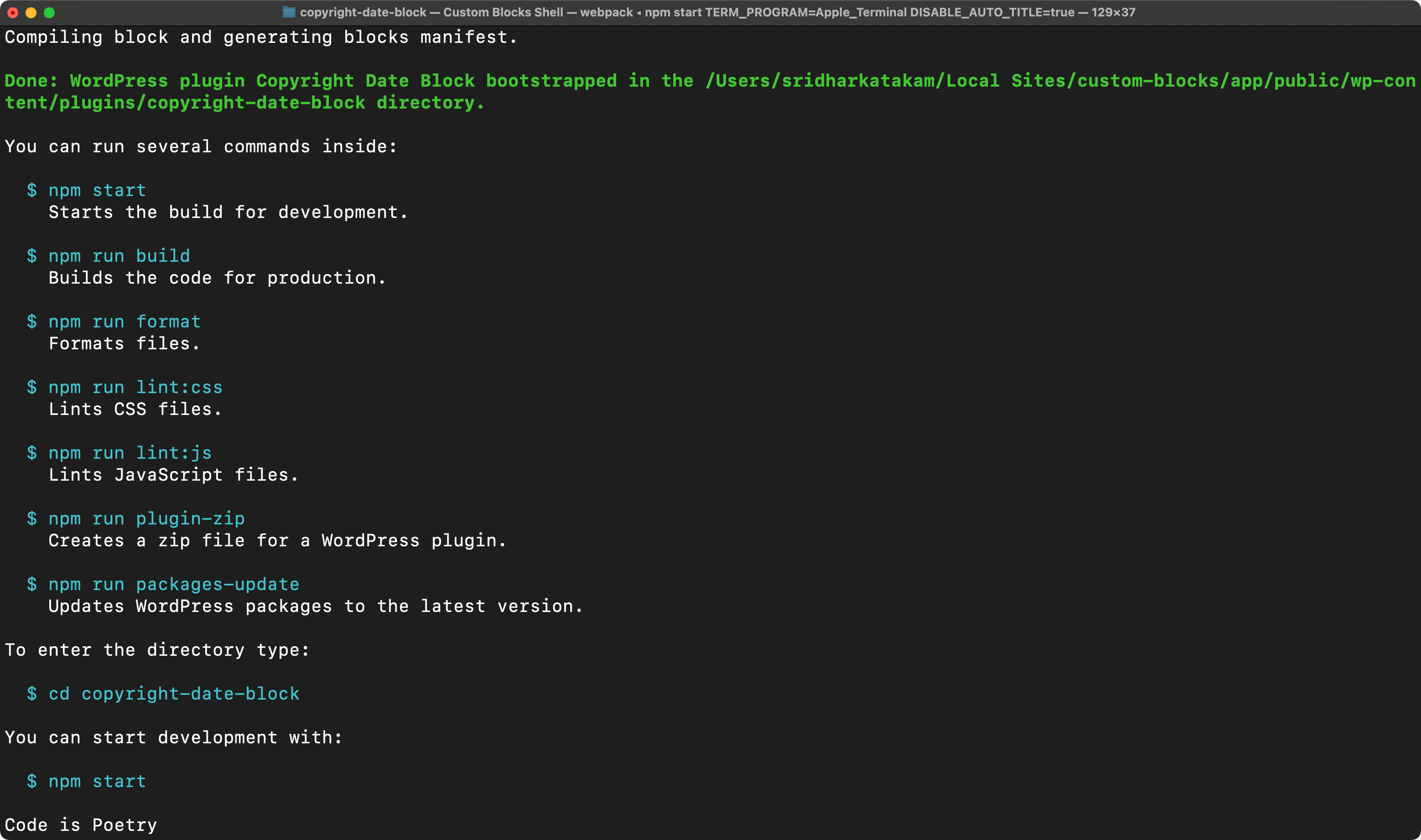
Looks good, right? But, the fatal error continues to appear.
Here’s the fix after trying out a bunch of things for 45 min:
In the plugin directory:
mkdir -p dirIn package.json
replace
"build": "wp-scripts build --webpack-copy-php --blocks-manifest",with
"build": "wp-scripts build --webpack-copy-php && wp-scripts build-blocks-manifest && cp build/blocks-manifest.php dir/",and replace
"start": "wp-scripts start --webpack-copy-php --blocks-manifest"with
"start": "wp-scripts start --webpack-copy-php && wp-scripts build-blocks-manifest && cp build/blocks-manifest.php dir/"In copyright-date-block.php:
change
$manifest_data = require __DIR__ . '/build/blocks-manifest.php';to
$manifest_data = require __DIR__ . '/dir/blocks-manifest.php';Run
npm run buildThis should fix the fatal error due to missing blocks-manifest.php file.
You can now
npm run startRight. Time to resume the official tutorial.
The generated index.js has
import { registerBlockType } from '@wordpress/blocks';I do not find blocks folder inside node_modules/@wordpress. Is it supposed to be there? Searching for registerBlockType, I can’t find where it is defined.
Similarly, a few other packages are misisng.
Fixed by running
npm install @wordpress/blocks @wordpress/block-editor @wordpress/components @wordpress/i18n @wordpress/element --saveWithout doing above, changes like setting a custom calendar icon wasn’t reflecting in the editor.
import Edit from './edit';We are importing the Edit component here.
import metadata from './block.json';metadata is a local variable (an object) that references the JSON data inside block.json. We can name it anything else blockdata.
In edit.js:
import { useBlockProps } from "@wordpress/block-editor";

export default function Edit() {
	const currentYear = new Date().getFullYear().toString();

	return <p {...useBlockProps()}>© {currentYear}</p>;
}
Remember: Changes done to the files won’t reflect unless npm run start is running.
After adding
console.log(attributes);in the Edit(), checked the console and see an empty object. Expected to see an object having showStartingYear and startingYear keys. Not sure why.
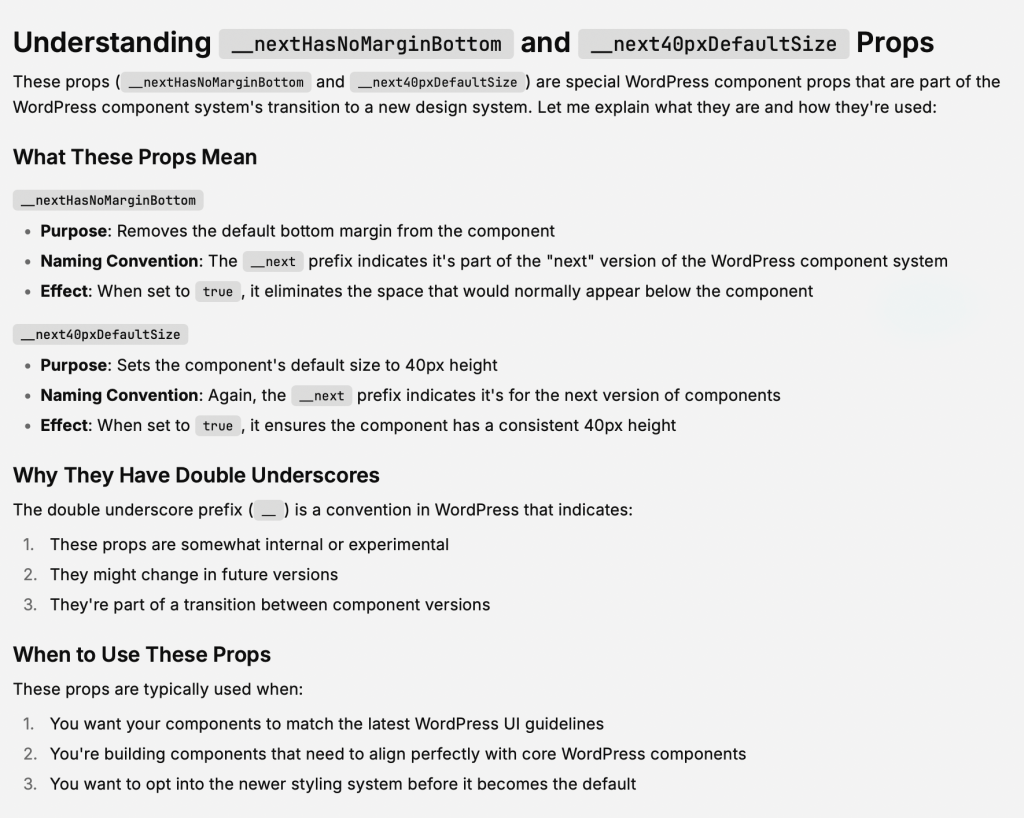
Regarding __nextHasNoMarginBottom and __next40pxDefaultSize:
value={startingYear || ""}means
- use the value of
startingYearif it exists and is truthy - if
startingYearis falsy (undefined, null, empty string, 0, false, etc.), use an empty string (””) instead
onChange={(value) => setAttributes({ startingYear: value })}Why we are updating the startingYear state to an object that only has the startingYear key? Aren’t we supposed to destructure the original object and replace the startingYear key? What about the showStartingYear key?
Answer by AI:

Looks like here’s how the dynamic variant of the block creation works:
- In
block.jsonwe set what the block supports: These are the design settings. Ex.: text and background color, typography settings like font-size - In
block.jsonwe set the attributes (state variables). These are the config settings that users can change for the block and these will influence the output. - In
edit.jswhich is responsible for the output in the block editor, we add a custom settings panel and inside that controls (text and toggle in this case). The value entered by the user in the input control updates the corresponding state. Whether the toggle control is checked or unchecked is synced with the corresponding state. If the toggle control is checked, only then do we render the text (input) control. - For the frontend output, we edit render.php.
$attributesarray contains the attribute names as keys.
Static
<p { ...useBlockProps.save() }>useBlockProps.save():

It returns an object.
The name of the function in save.js should be Save() and not save() since it is a React component.
Not sure why
export default function Save() {
	return (
		<p {...useBlockProps.save()}>
			{"Copyright Date Block – hello from the saved content!"}
		</p>
	);
}
is not simply written as
export default function Save() {
	return (
		<p {...useBlockProps.save()}>
			Copyright Date Block – hello from the saved content!
		</p>
	);
}
There is so much going on here and I am not sure if all the trouble is worth to make a block static. I’ll skip this and come back to it later if/when needed.


2 comments
Manuel
Hi Sridhar, would you say the platforms you chose to learn JS and React are better than an Udemy course? I am about purchasing a popular udemy course on JS but seeing the linked sites, i would like to know what you think of it.
Sridhar Katakam
The best courses on JavaScript and React are on Udemy. These are the ones by Jonas Schmedtmann.
Jad's courses (linked in this article) are relatively smaller and practical.
If you have the time to learn, definitely do Jonas' courses.