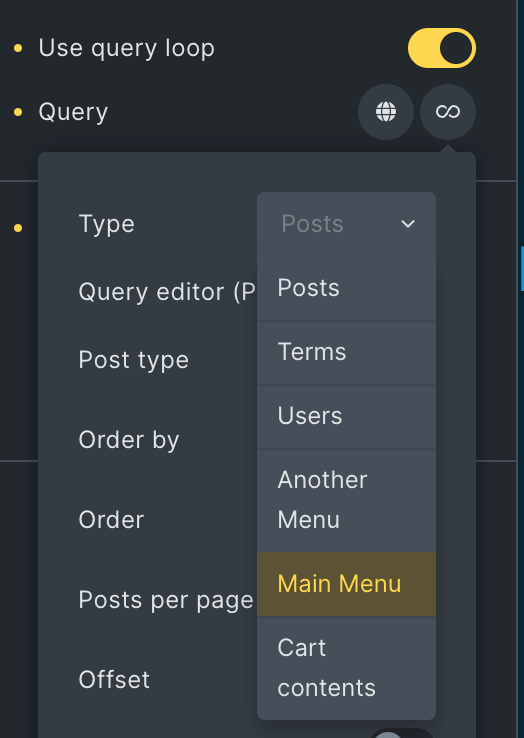
This Pro tutorial provides the steps to set up tabs (horizontal or vertical) where the tab menu items can be post titles (or any other post-specific data like a custom field value or the featured image) and the tab pane items can be post excerpt and/or any other post-specific data using Tabs (Nestable) element in Bricks.
Any element can be inserted in the tab menus and tab panes and so you will have full flexibility in designing your post (can be of any post type) tabs in the Bricks editor.
If you are looking for term names as the tab titles with corresponding posts as the tab content, follow these tutorials instead:
- Dynamic Tabs in Bricks
- Posts Grouped by Taxonomy Terms in Bricks using BricksExtras' Dynamic Table and Pro Tabs
Horizontal Tabs Section
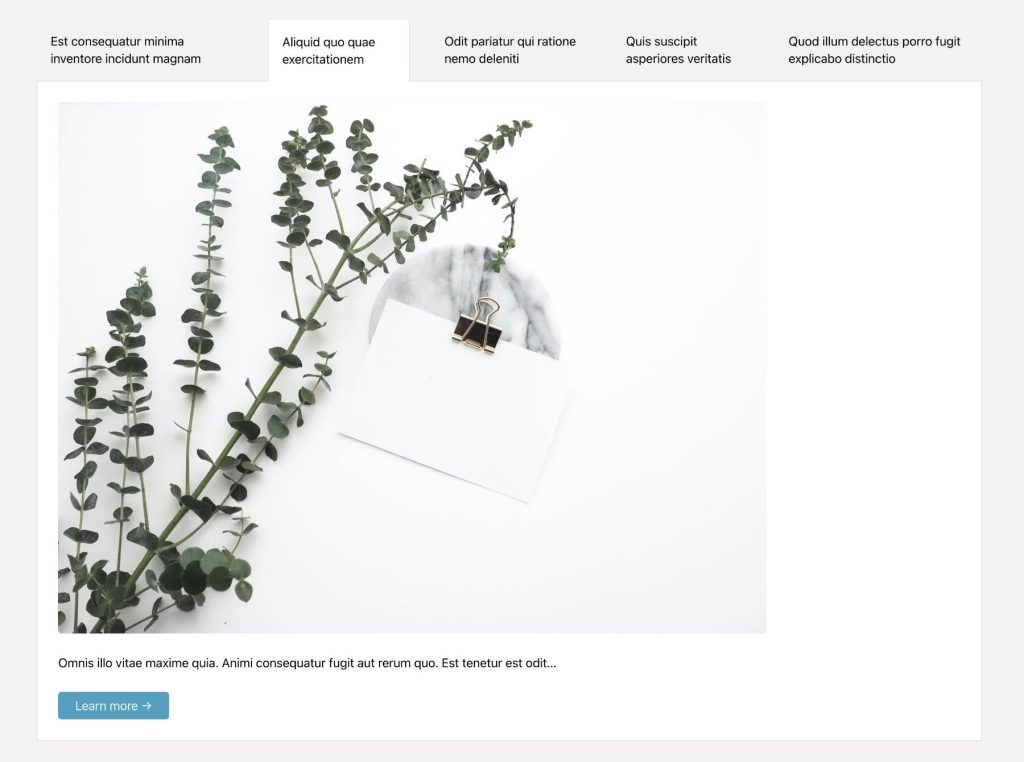
Copy the JSON code from the link below and paste in your Bricks page/template for the fully built Section.