6th Jul '23
/
4 comments

Sticky Footer Reveal in Bricks

Looking for slideout/sticky reveal effect for your Bricks site’s footer like this?

Simply add this CSS:

main {
  /* make sure to cover the screen */
  min-height: 100vh;

  /* need a solid bg to hide the footer */
  background: white;

  /* put on top */
  position: relative;
  z-index: 1;
}

#brx-footer {
  /* place on the bottom */
  position: sticky;
  bottom: 0;
  left: 0;
}

Source: https://css-tricks.com/the-slideout-footer/

Get access to all 610 Bricks code tutorials with BricksLabs Pro

4 comments

  • Lucas Pelton

    With Bricks 1.9.9 the frontend.light.min.css has the following rule, which overrides the postition:sticky in your post

    #brx-footer { background-position: 50%; background-size: cover; flex-shrink: 0; margin-top: auto; position: relative; width: 100%; }

    You can fix the override by making your css more specific, like this:

    footer#brx-footer { /* place on the bottom */ position: sticky; ...

  • Yorgos Kastritseas

    on mobile the footer goes up and covers my header

Leave a Reply to Sridhar Katakam (Cancel Reply)


Related Tutorials..

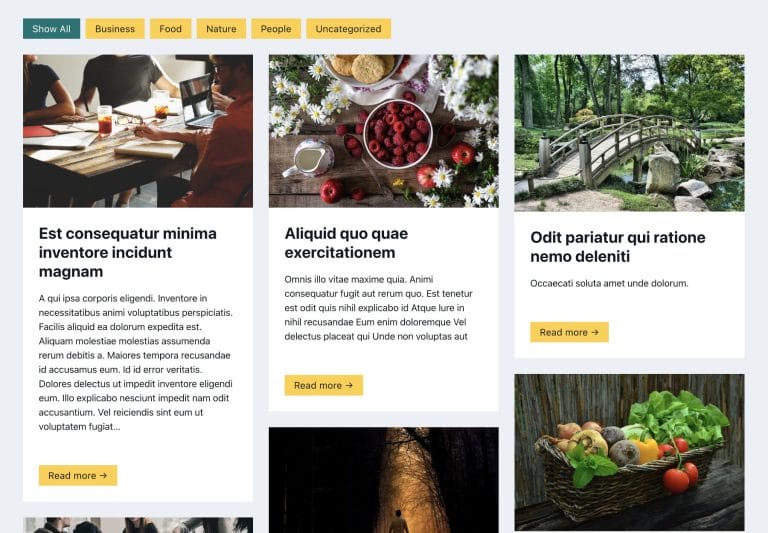
Add masonry style to the Remote Template list

Add masonry style to the Remote Template list

This article will show you how to transform the remote templates list of Bricks in a masonry style without cropping your images - it will…
Categories:
Tags:
Pro
How to Hide the Header Initially and Show It After Scrolling Down in Bricks

How to Hide the Header Initially and Show It After Scrolling Down in Bricks

Hiding the header when the scroll position is at the top and reveal it after the user scrolls down.
Categories:
Tags:
Pro
Sticky Posts in Bricks

Sticky Posts in Bricks

This Pro tutorial provides the steps to output sticky posts using a Posts element or a Query Loop enabled container/block in Bricks. Add a Posts…
Categories:
Tags:
Pro
Dynamic Horizontal Posts Accordion in Bricks

Dynamic Horizontal Posts Accordion in Bricks

Creating a horizontal accordion of featured images from posts output by Bricks' query loop.
Categories:
Tags:
Pro
Stripe’s Animated Gradient in Bricks

Stripe’s Animated Gradient in Bricks

This Pro tutorial provides the steps to set up an animated gradient as a background of a section in Bricks using the code generated by…
Categories:
Pro
Fixed Sidebar Layout in Bricks

Fixed Sidebar Layout in Bricks

A user asked: This Pro tutorial provides the steps to set up a fixed left (or can be on the right) sidebar using hooks and…
Categories:
Pro
Floating Bottom Div when Scrolling Down in Bricks

Floating Bottom Div when Scrolling Down in Bricks

Creating a floating call to action element that reveals only as the user scrolls down.
Categories:
Tags:
Pro
Oxygen’s Focus Section in Bricks

Oxygen’s Focus Section in Bricks

These are the steps to implement Focus Section, an Oxygen’s composite element, in Bricks.
Categories: