30th Jul '24
/
0 comments

Bricks Term Query Sorted by Tag Count of Posts in the Current Category

Bricks Term Query Sorted by Tag Count of Posts in the Current Category

In the Bricks Facebook group a user asks:

I have a archive template for post categories. I would like to know if is possible using query builder, extract the most used post tags for post of current category

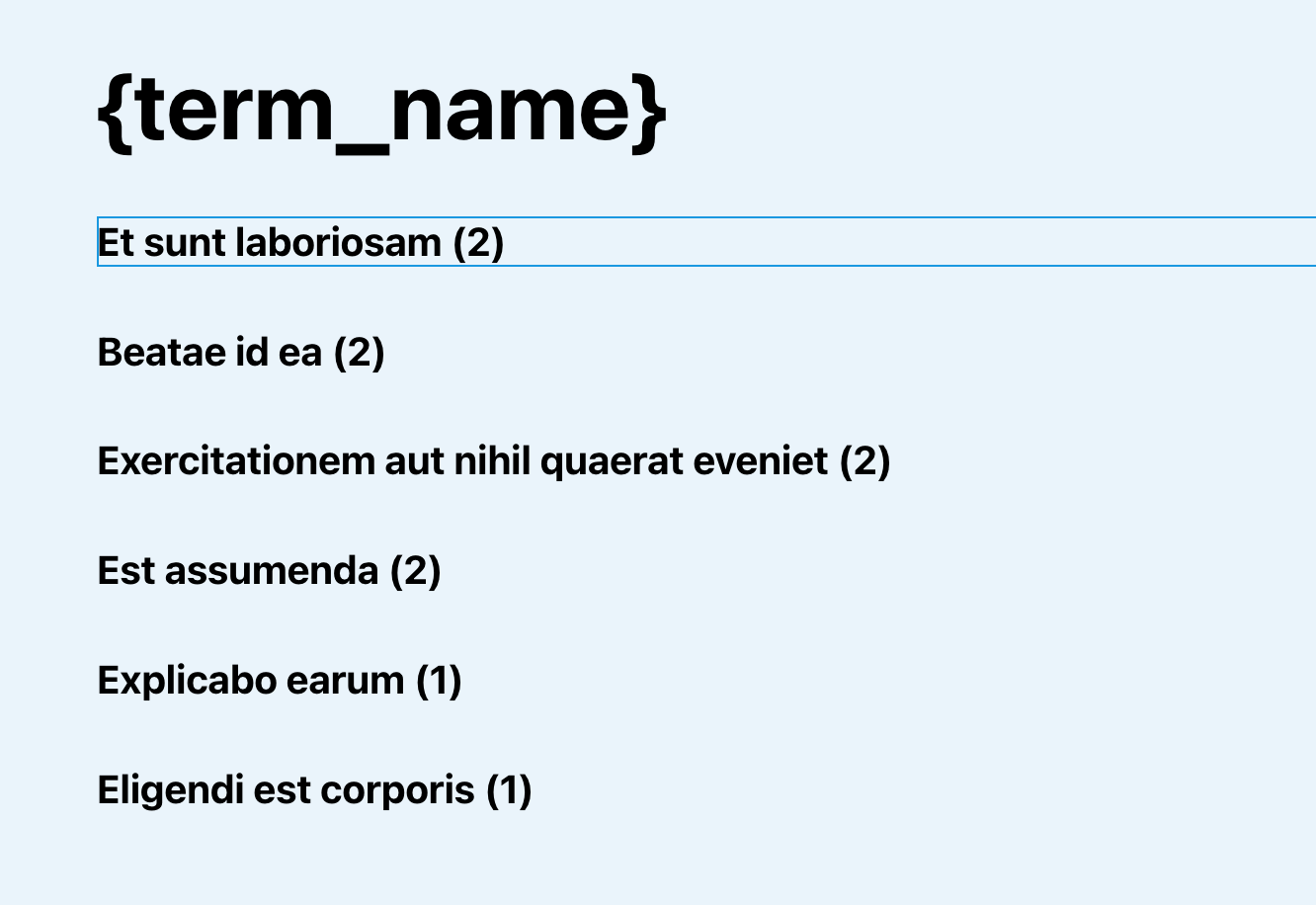
This Pro tutorial provides the steps to set up a Terms query loop in Bricks for tags and order the results by the tag count for the posts in the current category when viewing category archive pages.

Step 1

Edit the template (create, if not existing) that applies to your category archives with Bricks.

Set up a Tags query.

This is a BricksLabs Pro tutorial.

For full access login below or create your BricksLabs Pro account

Get access to all 609 Bricks code tutorials with BricksLabs Pro

Related Tutorials..

Pro
Term Parent Slug Data Attribute in Bricks

Term Parent Slug Data Attribute in Bricks

How we can set a data attributes on a child taxonomy dynamically based on the parent taxonomy.
Categories:
Pro
Terms Query in Bricks Filtered by Post Meta

Terms Query in Bricks Filtered by Post Meta

Consider this scenario: CPT: jobTaxonomy: industryCustom field: job_visibility of type Radio with a default value of public. The other value is private. Requirement: Show the…
Pro
Making a Nav Menu Item Active for Custom Post Type Single Views in WordPress

Making a Nav Menu Item Active for Custom Post Type Single Views in WordPress

Consider this scenario: CPT: project Page titled "Project" is being used to show a list/grid of all the projects rather than the CPT archive. When…
Categories:
How to create filters with IsotopeJS in Bricks (Part 2): Dynamic Image Galleries

How to create filters with IsotopeJS in Bricks (Part 2): Dynamic Image Galleries

This tutorial series will review how to create a dynamic filterable image gallery using the IsotopeJS library‘s features in Bricks. Requirements Create a custom taxonomy for your…
Pro
“Truncate text to these many characters” Bricks Control

“Truncate text to these many characters” Bricks Control

Bricks provides a :<number> dynamic data tag modifier that can be used to limit the amount of text by the specified number of words. Ex.:…