

Get access to all 628 Bricks code tutorials with BricksLabs Pro
Related Tutorials..
Pro
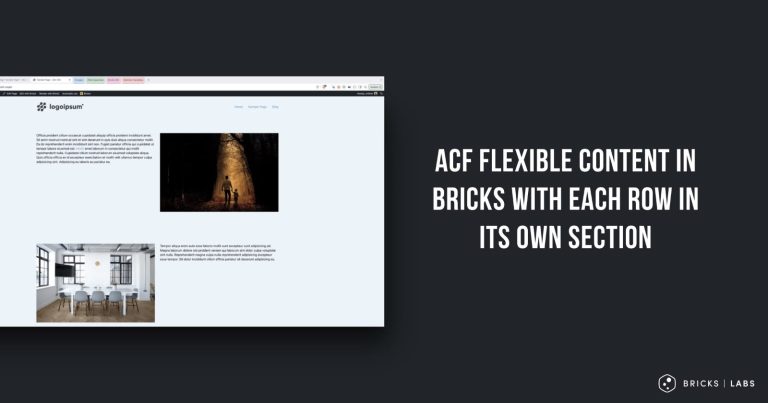
ACF Flexible Content in Bricks with Each Row in its Own Section
How we can use flexible content where each row layout still gets its own full-width section.
Categories:
Tags:

WooCommerce Product Loop Template in Bricks
Create a standard product loop template design in Bricks, and set it to override the default WooCommerce product loop.
Categories:
Tags:
Pro

Configuring Image Gallery dynamic source in Bricks
Let's say you have a custom field created with ACF Pro of the type Gallery called "Property Gallery" for posts of "Property" CPT. In the…
Categories:
Tags:
Pro

How to Update Custom Fields with Default Values For Existing Posts when using ACF
Let's take a scenario where there are 10 Pages in a WordPress site. You proceed to create a Text-type of custom field called, say, "Custom…
Categories:
Tags:

ACF Repeater Sub Field Values as Tabs in Bricks
Bricks' query loop supports ACF Repeaters and Meta Box Groups out of the box besides posts, users and terms. This tutorial shows how we can…
Categories:
Tags:
Pro

ACF Flexible Content Field – Layout Labels and Sub Field Labels
How to output the text of layout labels and/or sub field labels using the Flexible Content field of ACF Pro.
Categories:
Tags:
How to apply a custom query var to multiple query loops in Bricks
In this tutorial, we'll learn how to apply a PHP filter to modify the query var of multiple query loops in a single function Introduction…
Categories:
Tags:
Pro

ACF Taxonomy Field Value in Single Posts
Consider this scenario: CPT: Movie Movie CPT Taxonomy: Movie Genre Movie Genre Taxonomy's field: Genre Color Each movie will have only genre set. The requirement…
Categories:
Tags:

ACF Gallery Images Count Dynamic Condition in Bricks
Conditionally output elements based on how many images are present in the current post’s ACF Gallery field.
Categories:
Tags: