10th Sep '24
/
0 comments

Custom SQL Ordering for Sorting Events in Bricks

Custom SQL Ordering for Sorting Events in Bricks

Consider the following scenario.

CPT: eventCustom field: event_date (of type Date)

Sample posts with post titles matching the meta value for convenience:

Requirement:

Show the events ordered by the event date with all current/upcoming events in ascending order and then all past events in descending order.

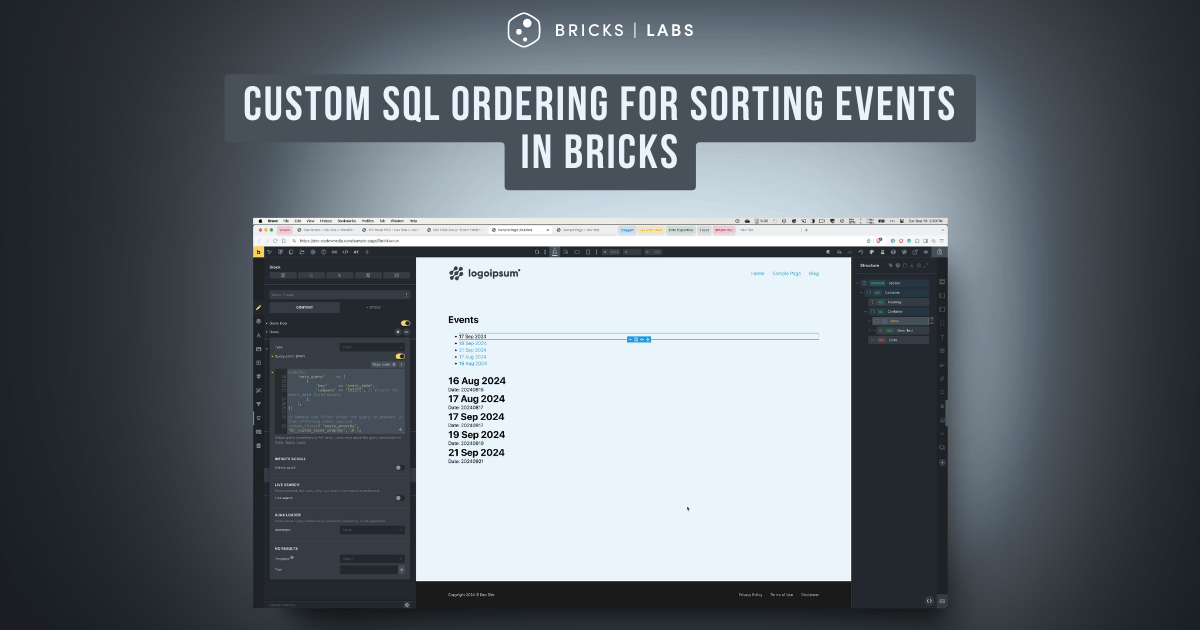
After implementing the tutorial:

This Pro tutorial provides the steps to create a custom sorting system that orders events by displaying future events first in ascending order, followed by past events in descending order, all within a single database query in Bricks.

Split (multiple) queries and post-query PHP sorting using a Bricks filter are two other ways of getting the same result. But a custom SQL ORDER BY clause has several advantages like performance, scalability for large datasets and pagination support.

Single Tutorial Purchase Option

Lifetime access to this single tutorial can be purchased for $39 here.

Step 1

Create event CPT and a corresponding field group having event_date field.

Add event posts and populate the field for each. We shall only pull the events for which the event date has been set.

Step 2

Define a custom function to modify the ORDER BY clause for event queries.

Add the following in child theme's functions.php (w/o the opening PHP tag) or a code snippets plugin:

This is a BricksLabs Pro tutorial.

For full access login below or create your BricksLabs Pro account

Get access to all 610 Bricks code tutorials with BricksLabs Pro

Related Tutorials..

Pro
Child Posts Section in Bricks

Child Posts Section in Bricks

This Pro tutorial provides the steps to limit the posts (can be of any post type) output by Bricks' query loop to children of the…
Categories:
Bricks Query Loop – Posts Authored by Logged in User

Bricks Query Loop – Posts Authored by Logged in User

How to display only the posts authored by the currently logged-in user in a query loop.
Categories:
Pro
Parent post Bricks query loop

Parent post Bricks query loop

Updated on 5 Feb 2024 In the BricksLabs Facebook group a user asks: Is there a way to output the data of a parent post…
Categories:
Pro
Nested Meta Box Query Loop Inside a CPT Query Loop in Bricks

Nested Meta Box Query Loop Inside a CPT Query Loop in Bricks

This Pro tutorial provides the steps for setting up a cloneable Meta Box group query inside a CPT query in Bricks. Scenario: CPT: course Meta…
Categories:
Pro
Term Parent Slug Data Attribute in Bricks

Term Parent Slug Data Attribute in Bricks

How we can set a data attributes on a child taxonomy dynamically based on the parent taxonomy.
Categories:
Pro
Post Titles and Post Content Tabs in Bricks

Post Titles and Post Content Tabs in Bricks

How to set up Nestable tabs with post titles as the tab menu, and post content and/or any other post-specific data as the tab content.
Categories:
Pro
6 Random Posts from Tag A + 6 Random Posts from Tag B in a Single Bricks Query Loop

6 Random Posts from Tag A + 6 Random Posts from Tag B in a Single Bricks Query Loop

Displaying two set of random posts, inside one query loop.
Categories:
Pro
Modern Events Calendar in Bricks

Modern Events Calendar in Bricks

This Pro tutorial provides the steps for using Modern Events Calendar in Bricks. We shall set up the single event Bricks template with a combination…