Opens in a new tab
23rd Mar '23
/
3 comments

Looping Through a Cloneable Meta Box Sub Field in Bricks

This Pro tutorial shows how a custom query type can be set up in Bricks to render YouTube videos (via the built-in Video element) whose IDs are taken from value of a cloneable sub field of a group field.

We shall first loop through the group field (functionality built in Bricks) and inside that, loop through the sub-field (made possible via custom query type) i.e., make nested query loops.

Scenario:

CPT: course

Meta Box field group:

events field being populated on a course post:

Structure of single course template:

Output on the frontend:

We shall ensure that if the video_id sub field is empty, the entire videos Section does not get rendered.

Step 1

Add this in child theme's functions.php or a code snippets plugin:

This is a BricksLabs Pro tutorial.

For full access login below or create your BricksLabs Pro account

Get access to all 634 Bricks code tutorials with BricksLabs Pro

Related Tutorials..

Using WP Grid Builder Facets with Bricks’ Query Loop

Using WP Grid Builder Facets with Bricks’ Query Loop

Update: This tutorial was written before WPGB had a Bricks add-on. Now, it is advisable to use that add-on instead. Get it from here. Updated…
Categories:
Pro
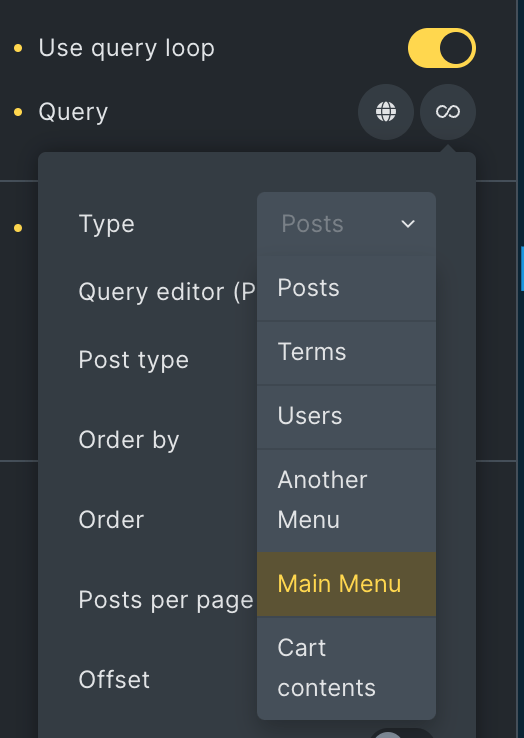
Nav Menus Custom Query Types in Bricks

Nav Menus Custom Query Types in Bricks

Updated on 21 Aug 2024 This Pro tutorial shows how custom query types for each navigation menu can be generated in Bricks. This enables us…
Pro
Random Row from ACF Repeater in Bricks

Random Row from ACF Repeater in Bricks

In the past, we shared how the first row of a ACF Repeater can be output in a Bricks query loop here. This Pro tutorial…
How to Exclude Elements from Bricks Editor

How to Exclude Elements from Bricks Editor

Bricks has a handy bricks/builder/elements filter using which the available elements that show up after clicking + (or ⌃/⌘ + ⇧ + E) in the…
Categories:
Tags:
Pro
Post ID Query Variable-based Post Output in Bricks

Post ID Query Variable-based Post Output in Bricks

How to query a single post of a custom post type using the post ID passed to a page via a URL parameter.
Pro
Dynamic Source for Video Element in Bricks Using Meta Box Post Field

Dynamic Source for Video Element in Bricks Using Meta Box Post Field

This Pro tutorial provides the steps to set the source of a Bricks video element on single CPT pages to be the URL of a…
Categories:
Pro
Post Data for the Current User in Bricks with Meta Box

Post Data for the Current User in Bricks with Meta Box

How to configure a query loop to output the post data of the SalesRep CPT associated with the current user.
Categories:
How to populate a map with dynamic markers from a CPT using ACF in Bricks (PART 1)

How to populate a map with dynamic markers from a CPT using ACF in Bricks (PART 1)

This tutorial provides the PHP & JS codes that can be pasted in order to create a dynamic map with markers populated from a custom…
Categories: