18th Nov '24
/
0 comments

Ordering Posts by Terms in Bricks

In the Bricks Facebook group a user asks:

Hello everyone. I have a CPT 'events' and a taxonomy 'event-did-it-happen' in which there are two items 'past' and 'upcoming'.

I need to list all the 'events' posts sorted by 'event-did-it-happen' in a loop so that they are 'upcomming' first and then 'past'.

I have created a query that works for me, but as soon as I use it in Bricks as a custom query, the posts are sorted randomly.

How to go about it? Thank you

This Pro tutorial shows how to output upcoming events at the top and past events below in a single query loop in Bricks.

Consider this scenario:

CPT: EventTaxonomy: Event StatusTerms: Upcoming, Past

Default output:

After implementing the tutorial:

Note: There is no 'Event Date' custom field in this example. Within each taxonomy group (Upcoming and Past), posts will be set to be shown in descending order of published date.

If you want to instead order events based on the Event Date field automatically without manually assigning them 'Upcoming' or 'Past' Event Status taxonomy terms, follow the Custom SQL Ordering for Sorting Events in Bricks tutorial instead.

Step 1

Enable query loop on a Block.

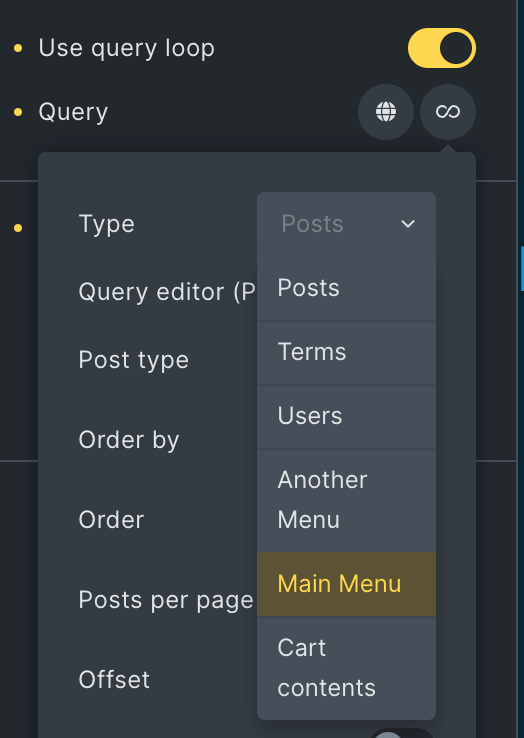
Click the query icon and select your Event post type.

Enable PHP query editor and paste:

This is a BricksLabs Pro tutorial.

For full access login below or create your BricksLabs Pro account

Get access to all 633 Bricks code tutorials with BricksLabs Pro

Related Tutorials..

HappyFiles Bricks Query Loop

HappyFiles Bricks Query Loop

This tutorial explores different ways in which images from WordPress Media Library organized via HappyFiles can be pulled and shown in Bricks using query loop(s).…
Categories:
Pro
Top-level Pages and Children Bricks Query Loop

Top-level Pages and Children Bricks Query Loop

This Pro tutorial for Bricks users can be considered Part 2 or a variation of the earlier Bricks Query Loop for Top-level Parent Pages with…
Categories:
Pro
Dynamic Posts Lightbox in Bricks using GLightbox

Dynamic Posts Lightbox in Bricks using GLightbox

Steps to set create a dynamic lightbox with content from the post inside of the query loop.
Categories:
Filtering Bricks Posts Query Loop by Meta Box Group’s Radio Subfield Value

Filtering Bricks Posts Query Loop by Meta Box Group’s Radio Subfield Value

In the past we showed how a Bricks posts query loop can be filtered by Meta Box group's subfield of types text/number and Datepicker here.…
Categories:
Pro
Query Loop Index in Bricks

Query Loop Index in Bricks

This Pro tutorial provides the code for getting the index of each post in Bricks' query loops. This can be used for either outputting the…
Categories:
Auto Responsive Grids in Bricks

Auto Responsive Grids in Bricks

This tutorial provides the CSS that can be pasted for automatic responsive grids in Bricks Builder. Posts element Each post will get a right padding…
Pro
Child Posts Section in Bricks

Child Posts Section in Bricks

This Pro tutorial provides the steps to limit the posts (can be of any post type) output by Bricks' query loop to children of the…
Categories:
Pro
Post Data for the Current User in Bricks with Meta Box

Post Data for the Current User in Bricks with Meta Box

How to configure a query loop to output the post data of the SalesRep CPT associated with the current user.
Categories: