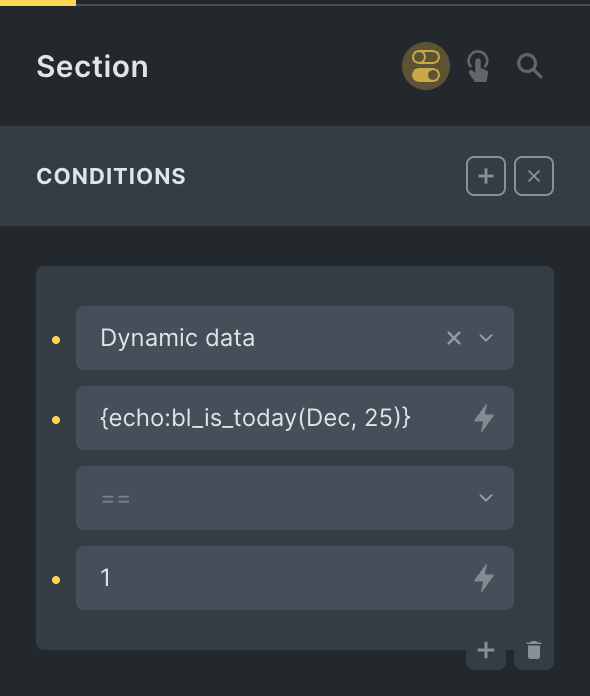
This Pro tutorial provides information on two ways a Bricks Popup can be shown on page load depending on whether the URL has a specific URL parameter with a specific value.
Ex.:
Show the popup only if the page URL is
https://example.com/sample-page/?etsTicketWidget=basket-detail
After implementing the tutorial, the popup will not appear if the query string is not present when accessing this page or when the value of etsTicketWidget is something other than basket-detail.
Step 1
Create a Bricks template of the type Popup and add your desired elements inside.