13th Jul '22
/
1 comment

Top Bar Above Sticky Header in Bricks

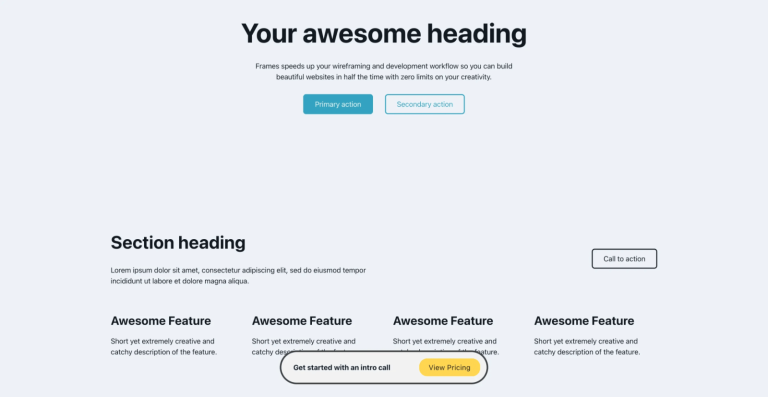
This Pro tutorial provides the steps to set up a top bar above sticky header in Bricks Builder such that only the header remains sticky when scrolling and not the top bar.

Step 1

Edit your Header template and add your top bar section if it's not already present. Save it as a section template.

Alternatively, you could go to the list of Templates and create a new one.

Step 2

Set your header as sticky by editing your Header template with Bricks → Settings → TEMPLATE SETTINGS → HEADER and enabling "Sticky header" setting.

You might want to set your desired header background color when it becomes sticky using the "Scrolling background" control.

Step 3

Let us output this Top Bar template above the header using the bricks_before_header hook.

Add this in your child theme's functions.php or a code snippets plugin:

This is a BricksLabs Pro tutorial.

For full access login below or create your BricksLabs Pro account

Get access to all 610 Bricks code tutorials with BricksLabs Pro

Related Tutorials..

Pro
Team Member Photos Stack with Hover Tooltips in Bricks

Team Member Photos Stack with Hover Tooltips in Bricks

Herman Baiatian shared in the Bricks Facebook group here that he worked on overlapping team member headshots showing info in hover tooltips. I recreated it…
Categories:
Pro
Masonry + Click-type Infinite Scroll in Bricks

Masonry + Click-type Infinite Scroll in Bricks

This Pro tutorial provides the steps to lay out posts in a masonry style with a View More button, which, when clicked, loads the next…
Categories:
Sticky Header in Bricks

Sticky Header in Bricks

Updated on 15 Nov 2022 Bricks has a handy sticky feature that enables us to build two types of sticky headers: Also, we can specify…
Categories:
Pro
“Pro” Category Ribbon for Posts in Bricks

“Pro” Category Ribbon for Posts in Bricks

This Pro tutorial provides the steps to show a "Pro" ribbon for posts that are categorized under the "Pro" category when using Bricks builder. Step…
Categories:
Pro
New Ribbon for Posts in Bricks

New Ribbon for Posts in Bricks

This Pro tutorial provides the steps to display a "New" ribbon for posts that were published in the last x days in Bricks. Update: Added…
Categories:
Tags:
Pro
Sticky Scrolling in Bricks Builder

Sticky Scrolling in Bricks Builder

Updated on 22 Apr 2024 This Pro tutorial provides the steps to fix elements in the viewport i.e., make them sticky while adjacent content in the section…
Categories:
Tags:
Pro
CSS Grid for Posts Element in Bricks

CSS Grid for Posts Element in Bricks

The "Posts" element in Bricks has "Grid" as the default layout but the actual CSS it applies on the page feels hacky with negative margins…
Categories:
Pro
Horizontal Scrolling Tabs in Bricks

Horizontal Scrolling Tabs in Bricks

Nestable Tabs element in Bricks wraps into multiple lines out of the box at smaller viewport widths. This Pro tutorial provides the steps to remove…
Categories:
Tags: