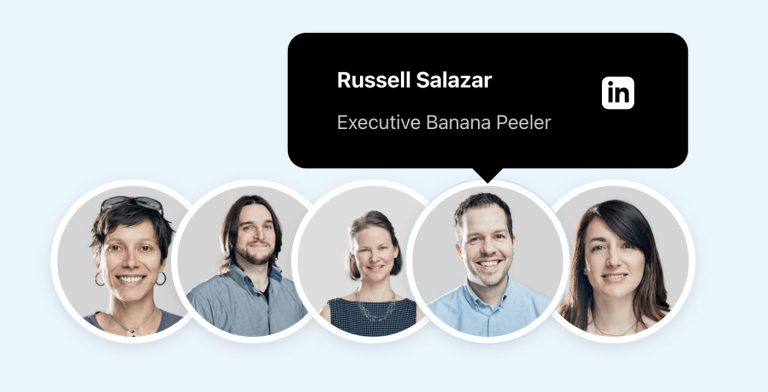
Pro Team Member Photos Stack with Hover Tooltips in BricksHerman Baiatian shared in the Bricks Facebook group here that he worked on overlapping team member headshots showing info in hover tooltips. I recreated it…Read more →Categories: Bricks, Plugins, ProTags: UI Pattern
Pro Bricks Query Loop Cards with Hover ImageHow images uploaded to posts can appear when the featured images in a Bricks posts query loop are hovered.Read more →Categories: Bricks, Plugins, ProTags: Hover Image
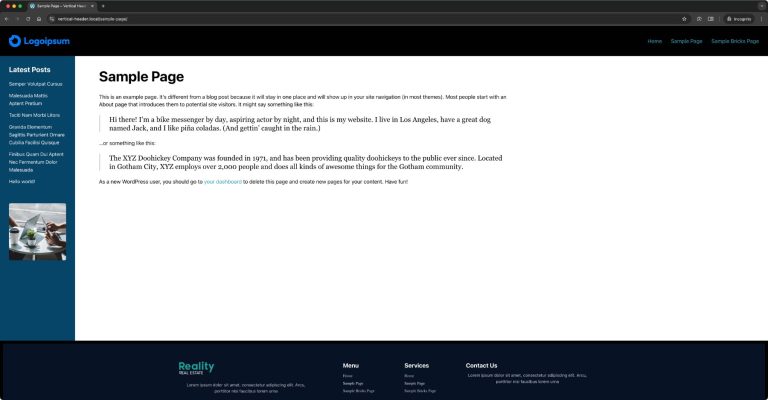
Pro Another Fixed Sidebar Layout in BricksHow to get the main content and sidebar sandwiched between the site header and footer.Read more →Categories: Bricks, ProTags: CSS Grid, Fixed Sidebar, Layouts
Pro Weekday Column Posts Bricks Query LoopThe steps to arrange the posts output by a Bricks query loop(s) in weekday columns based on a weekday custom field.Read more →Categories: Bricks, ProTags: CSS Grid, Data Attributes, Nested Queries, Query Loop
Pro Stacking Post Cards in BricksHow we can stack posts in a query loop so they stick on top of the previous one when scrolling.Read more →Categories: Bricks, ProTags: Sticky
Pro Meta Box/ACF Images Staggered Grid Gallery in BricksShowing images from two Gallery-type of ACF or Image Advanced-type of Meta Box fields in a staggered grid layout.Read more →Categories: Bricks, Plugins, ProTags: ACF, Image Gallery, Meta Box
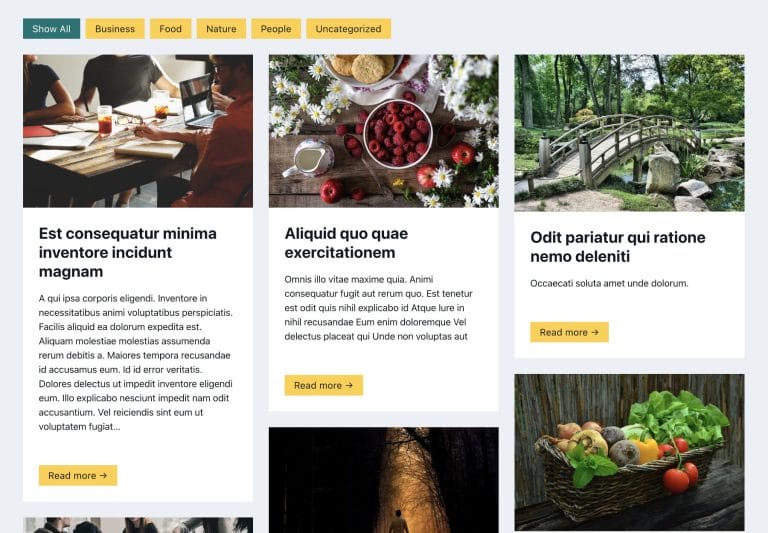
Pro Filtering Masonry-layout Posts by Categories in Bricks using IsotopeStep by step on how to use Isotope in Bricks for filtering posts by categories.Read more →Categories: Bricks, ProTags: Isotope, Masonry
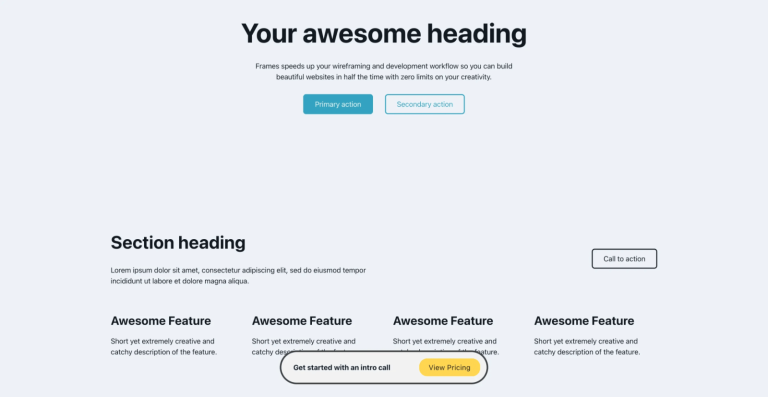
Pro Floating Bottom Div when Scrolling Down in BricksCreating a floating call to action element that reveals only as the user scrolls down.Read more →Categories: Bricks, ProTags:
Pro Masonry + Click-type Infinite Scroll in BricksThis Pro tutorial provides the steps to lay out posts in a masonry style with a View More button, which, when clicked, loads the next…Read more →Categories: Bricks, ProTags: Infinite Scroll, Masonry
Pro Fixed Sidebar Layout in BricksA user asked: This Pro tutorial provides the steps to set up a fixed left (or can be on the right) sidebar using hooks and…Read more →Categories: Bricks, ProTags: Fixed Sidebar, Hooks, Layout
Plain HTML pages in BricksHow to output only raw HTML on the page with no other WordPress/Bricks (or any other active child/parent theme)/plugins baggage.Read more →Categories: Bricks, FreeTags: WordPress Page Template
Floating Element in BricksHow to create a floating element in Bricks that appears across the entire website.Read more →Categories: Bricks, FreeTags: Hooks