18th Oct '24
/
0 comments

Weekday Column Posts Bricks Query Loop

Updated on 21 Oct 2024

This Pro tutorial provides the steps to arrange the posts output by a Bricks query loop(s) in weekday columns based on the value of a weekday custom field.

We shall cover two different ways of achieving this.

Using data attributes and CSS Grid

This solution is not accessible but has the benefit of being filterable using 3rd party filtering plugins like WP Grid Builder. Uses a single query.

Using custom query types and CSS Grid

This solution is accessible and uses nested (two) query loops. Filtering is possible using custom JavaScript and covered in this tutorial. Third-party filtering plugins will not work with this approach.

Update on 21 Oct 2024: Added steps on how to sort the posts by time in ascending order.

Using data attributes and CSS Grid

Step 1

Create a field group for your post type having a field of type Select or Button Group or any other type of field using your favorite custom fields plugin that enables selection of one option from many.

In this example, let's go with a Button Group type ACF Field.

Set the choices to

Monday Tuesday Wednesday Thursday Friday Saturday Sunday

Field Name/ID: weekday

Step 2

Edit the Page/template (with Bricks) in which you would like to show the post columns.

Copy and paste the JSON of the fully-built Section from below.

This is a BricksLabs Pro tutorial.

For full access login below or create your BricksLabs Pro account

Get access to all 625 Bricks code tutorials with BricksLabs Pro

Related Tutorials..

Pro
“My Favorites” in Bricks

“My Favorites” in Bricks

This Pro tutorial provides the steps to set up and use My Favorites in Bricks Builder.
Categories:
Pro
Image Banner as Query Loop Posts Grid’s Last Item in Bricks

Image Banner as Query Loop Posts Grid’s Last Item in Bricks

In the comments section of How to Insert Element(s) Between Query Loop Posts in Bricks tutorial, a site member asked: This is fantastic! Is there…
Categories:
Tags:
Pro
Posts Grouped by Authors in Bricks

Posts Grouped by Authors in Bricks

This Pro tutorial for Bricks users provides the steps to loop through users and inside that, through posts whilst setting the inner query's author parameter…
Pro
Floating Bottom Div when Scrolling Down in Bricks

Floating Bottom Div when Scrolling Down in Bricks

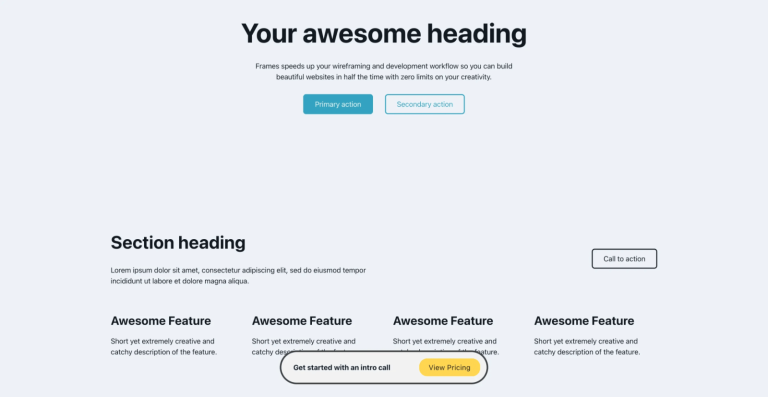
Creating a floating call to action element that reveals only as the user scrolls down.
Categories:
Tags:
Pro
Alternating Posts from Two Post Types in Bricks

Alternating Posts from Two Post Types in Bricks

How to output posts from two seperate post types, alternating in a query loop.
Categories:
Pro
Posts older than today in Bricks

Posts older than today in Bricks

How to display only posts that were published before today in a query loop.
Categories: