31st Mar '23
/
3 comments

Posts Grouped by Authors in Bricks

This Pro tutorial for Bricks users provides the steps to loop through users and inside that, through posts whilst setting the inner query's author parameter to the one in the outer loop for outputting posts grouped by their authors.

We shall fetch 4 posts in each group and render a "See more posts by this user" button only for users that have published more than 4 posts. The button will be linked to author posts' URL.

Step 1

Edit a Page with Bricks.

Copy this JSON and paste to get:

Step 2

Add the following in child theme's functions.php or a code snippets plugin:

This is a BricksLabs Pro tutorial.

For full access login below or create your BricksLabs Pro account

Get access to all 633 Bricks code tutorials with BricksLabs Pro

Related Tutorials..

Pro
“My Favorites” in Bricks

“My Favorites” in Bricks

This Pro tutorial provides the steps to set up and use My Favorites in Bricks Builder.
Categories:
How to display a Query Loop in 3 columns in Bricks

How to display a Query Loop in 3 columns in Bricks

This tutorial provides the builder settings and CSS codes that can be pasted in order to create a 3-columns query loop container inside Bricks Builder.
Categories:
Pro
Posts Grouped by Taxonomy Terms in Bricks using BricksExtras’ Dynamic Table and Pro Tabs

Posts Grouped by Taxonomy Terms in Bricks using BricksExtras’ Dynamic Table and Pro Tabs

How to output any post type, with the taxonomy terms as Tab titles and posts inside tables with sortable columns.
Pro
Search Results Grouped by Post Types in Bricks

Search Results Grouped by Post Types in Bricks

Updated on 08 Oct 2024 This Pro tutorial provides the steps to arrange the search results by specified post types in a Bricks site. We…
Pro
Posts Grouped by Month and Year in Bricks

Posts Grouped by Month and Year in Bricks

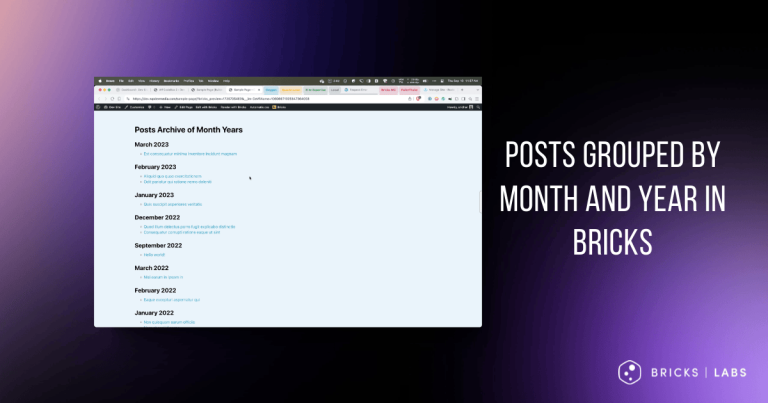
Nesting query loops with months & years in descending order, with the inner loop outputting the posts.
Categories: