10th Feb '23
/
0 comments

CPT Submenu Items in ACF Pro Options Admin Menu

This Pro tutorial provides the steps to add links to

  • a taxonomy terms
  • a custom post type's "Add New"
  • a custom post type's listing

admin pages under an Options page created with ACF Pro.

All code mentioned in this tutorial is to be added in the child theme's functions.php or a code snippets plugin.

Step 1

Let's create an ACF Options page by adding:

// Add ACF Options page. if ( function_exists( 'acf_add_options_page' ) ) { $options = [ 'page_title' => __( 'Site Options' ), 'position' => '2.38856', // as 3rd item 'menu_slug' => 'site-options', // if left empty, ACF will use the page title slug but prefixes it with acf-options-. ]; acf_add_options_page( $options ); }

To add fields in this options page, go to Custom Fields → Add New and create a new field group. For the location, select "Site Options".

Step 2

Add the ACF Options page as a submenu. This will be the first submenu item.

This is a BricksLabs Pro tutorial.

For full access login below or create your BricksLabs Pro account

Get access to all 634 Bricks code tutorials with BricksLabs Pro

Related Tutorials..

Pro
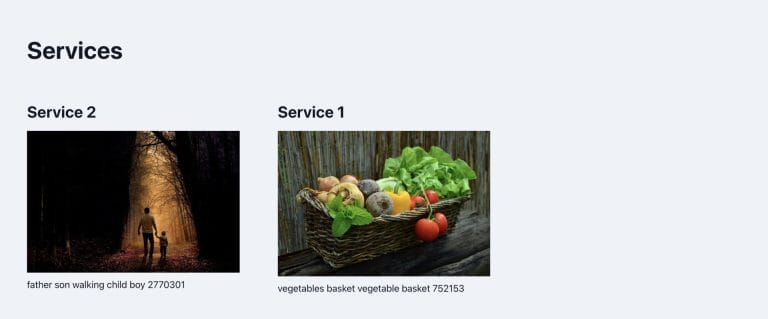
Related Services grouped by Service Categories on Single Branch Posts in Bricks

Related Services grouped by Service Categories on Single Branch Posts in Bricks

How to query ACF relationship fields on single CPT templates.
Categories:
Pro
Events grouped by Event Date custom field in Bricks

Events grouped by Event Date custom field in Bricks

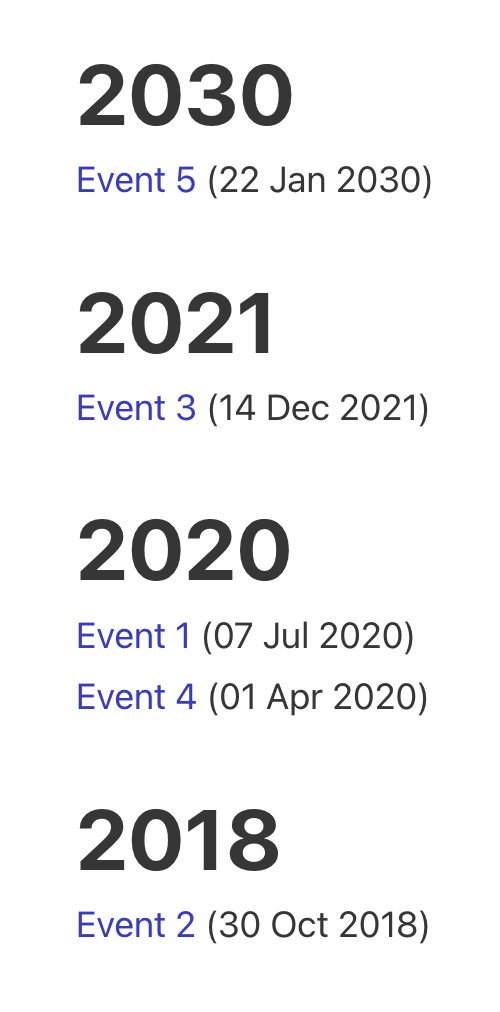
This Pro tutorial for Bricks users provides the steps to output posts of an event custom post type dynamically grouped by the value of their…
Categories:
Pro
Querying Posts by Date/Datetime Custom Fields in Bricks

Querying Posts by Date/Datetime Custom Fields in Bricks

This Pro tutorial shows how to configure ACF and Meta Box to query posts in Bricks by custom field(s) of the type Date/Date Time Picker…
Categories:
Tags:
Pro
ACF Taxonomy Field Value in Single Posts

ACF Taxonomy Field Value in Single Posts

Consider this scenario: CPT: Movie Movie CPT Taxonomy: Movie Genre Movie Genre Taxonomy's field: Genre Color Each movie will have only genre set. The requirement…
Categories:
Tags:
Pro
Querying Posts by ACF Date Sub Field in Bricks

Querying Posts by ACF Date Sub Field in Bricks

Updated on 17 Nov 2023. This Pro tutorial shows how we can set post__in query parameter of a query loop in Bricks to an array…
Categories:
Tags:
Pro
ACF Image Data in Bricks

ACF Image Data in Bricks

Displaying Alt text, Caption, Title and URL of an ACF image field for posts in a query loop.
Categories:
Tags: