

Get access to all 633 Bricks code tutorials with BricksLabs Pro
Related Tutorials..
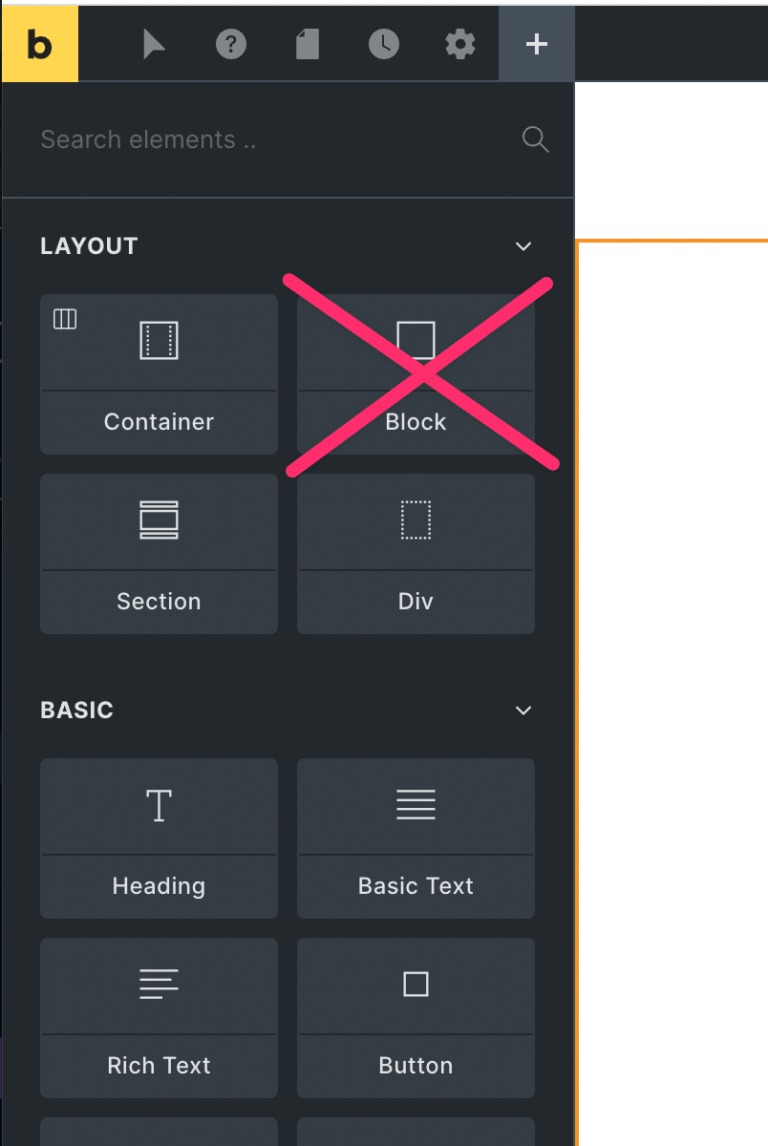
How to hide/remove the Block Element from the Bricks Builder
Don't like the new Block element in Bricks? Just copy/paste the following code into your child theme's functions.php. By the way, It's a terrible idea…
Categories:
Tags:
Pro

Published Years Filters in Bricks
In the Posts Grouped by Years in Bricks tutorial, we showed how posts can be grouped by all the years in which there are published…
Categories:
Tags:
Pro

Products in the Same Product Categories as the Current Product in Bricks
How to output WooCommerce products related by the current product’s categories when viewing the product page.
Categories:
Tags:
Pro

Sorting a Cloneable Meta Box Group by a Date Subfield in Bricks
In the past we showed how to order Meta Box group rows in Bricks by a text-type subfield here. This Pro tutorial covers the same,…
Categories:
Tags:
Pro

How to Order Posts by Post Meta in Bricks
Updated on 4 Feb 2024 This Pro tutorial provides the steps to show posts marked as featured at the top and then the other posts…
Categories:
Tags:
Pro

MemberPress in Bricks
This tutorial aims to be a useful resource for using MemberPress in Bricks sites.
Categories:
Tags:
Pro

Outputting Only the First ACF Repeater Row in Bricks
Updated on 12 Dec 2023 In the Bricks Facebook group a user asks: How can I display only the first entry from an ACF repeater?…
Categories:
Tags:
Pro

WooCommerce Product Gallery Images in Bricks Query Loop
How to output the images attached to Product gallery on a product page with a query loop
Categories:
Tags:
Pro

Conditionally Hiding Bricks Filters based on Select Filter Value
How show or hide Bricks' filter based on the selection made by another filter.
Categories:
Tags: