In the Bricks Facebook group a user asks:
Does anyone have experience accessing an acf gallery with a php query within a flexible content loop?
Normally I use this to access the gallery as a php query:
$acf_images = get_field("gallery");
if (!empty($acf_images)) {
    return [
        'post_type' => 'attachment',
        'post_mime_type' => 'image',
        'post_status' => 'inherit',
        'orderby' => 'post__in',
        'post__in' => $acf_images,
        'posts_per_page' => -1,
    ];
} else {
    return [];
}
I've also tried to incorporate this:
$acf_row = \Bricks\Query::get_loop_object();
to access the subfield within the loop but I can't seem to target it
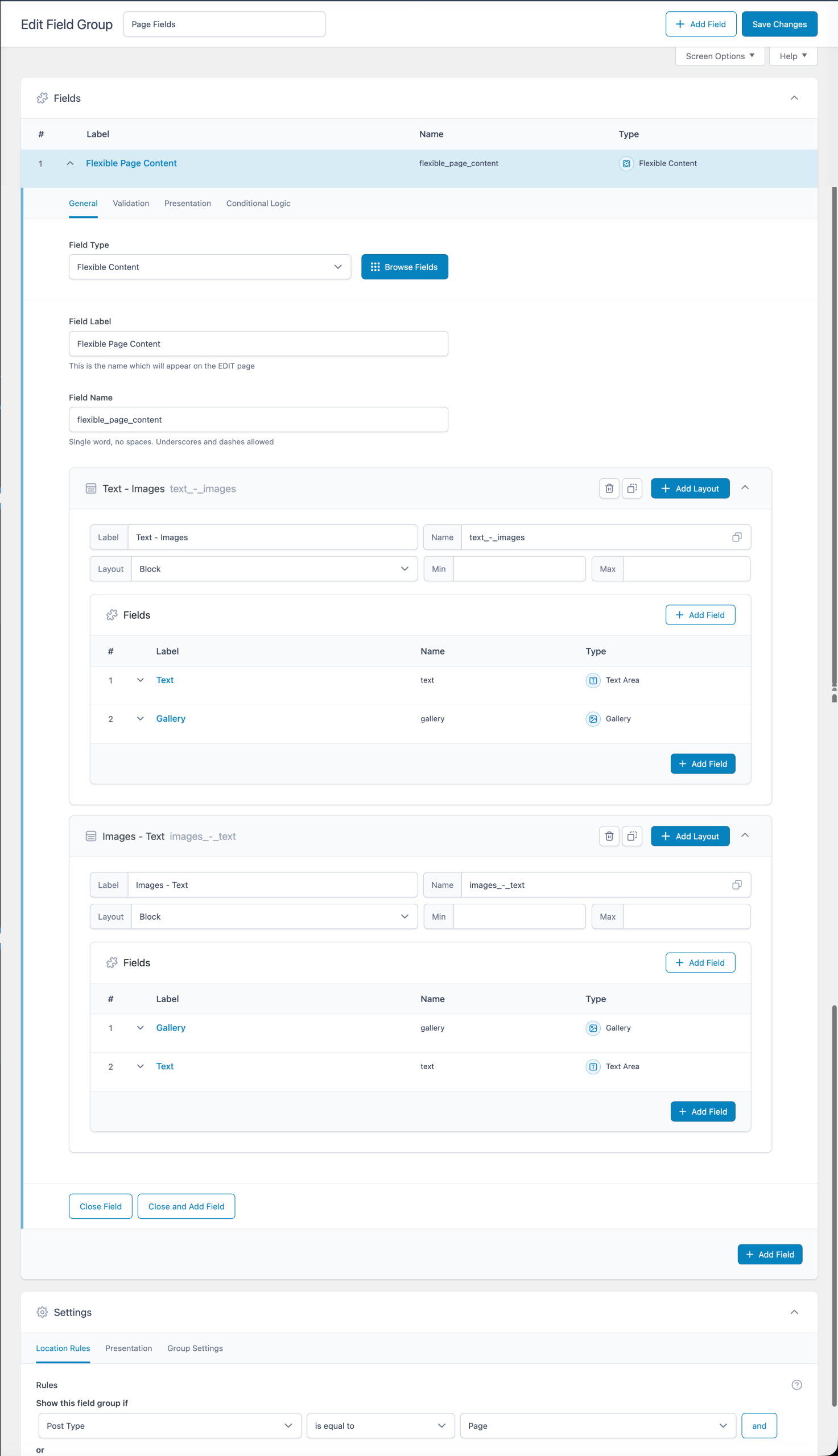
This Pro tutorial walks you through setting up a ACF Flexible Content field with a couple of layouts (Text - Images and Images - Text) where the Images part uses Gallery-type fields and outputting the galleries' images using PHP query loops.
The magic sauce is the Bricks' render_tag() function.
Note: No custom code is needed to display the gallery images using a 'Image Gallery' element. This tutorial is for when you want more control on the layout via a query loop instead of using the Image Gallery element.

Step 1
Create a field group for your post type having a Flexible Content field.
Step 2
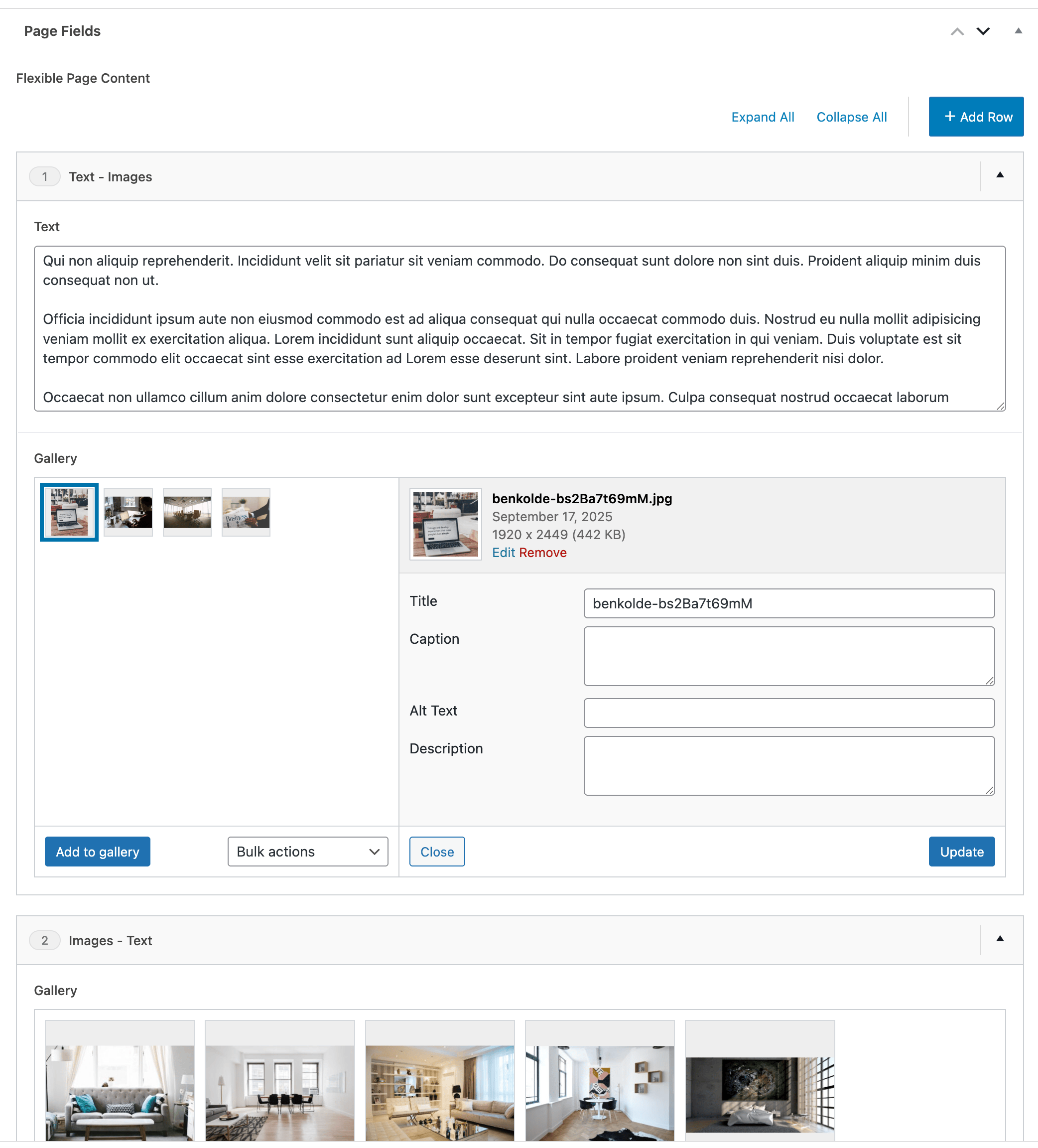
Edit a Page (or a post of your post type) and populate the field.

Step 3
Let's create a custom function that takes a field name and returns an array Bricks' rendered image IDs in the field value.
Add the following in child theme's functions.php (w/o the opening PHP tag) or a code snippets plugin: