30th Jul '24
/
0 comments

Bricks Term Query Sorted by Tag Count of Posts in the Current Category

Bricks Term Query Sorted by Tag Count of Posts in the Current Category

In the Bricks Facebook group a user asks:

I have a archive template for post categories. I would like to know if is possible using query builder, extract the most used post tags for post of current category

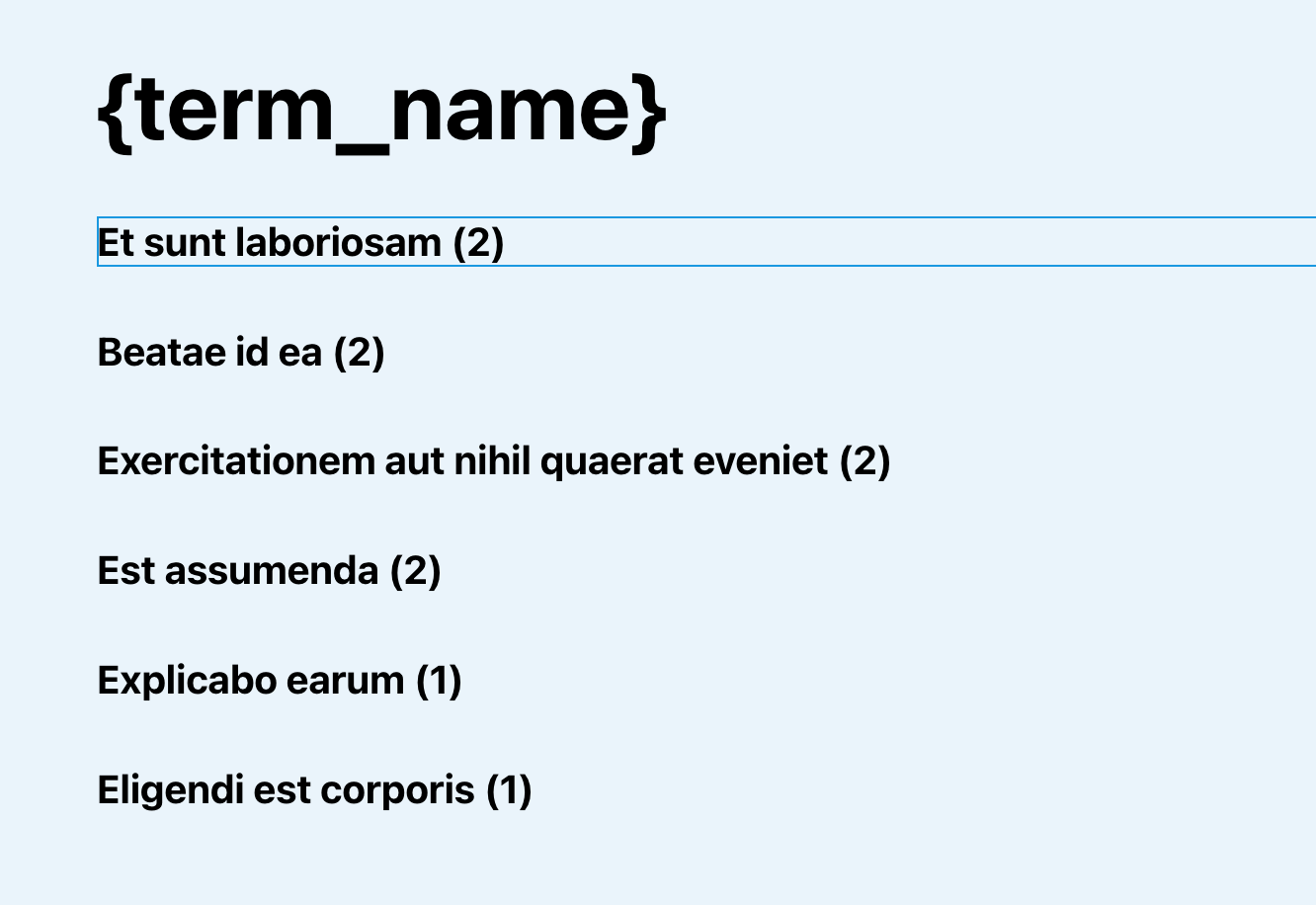
This Pro tutorial provides the steps to set up a Terms query loop in Bricks for tags and order the results by the tag count for the posts in the current category when viewing category archive pages.

Step 1

Edit the template (create, if not existing) that applies to your category archives with Bricks.

Set up a Tags query.

This is a BricksLabs Pro tutorial.

For full access login below or create your BricksLabs Pro account

Get access to all 633 Bricks code tutorials with BricksLabs Pro

Related Tutorials..

Modifying ACF Field Value Before It Is Output

Modifying ACF Field Value Before It Is Output

Consider the scenario where a Page has a "Page Fields" field group created with ACF Pro like this: Field name: scientific_coordinators (type Repeater)|__ Sub field…
Categories:
Pro
Limit the Number of Posts in a Bricks Query Loop of Relationship Type

Limit the Number of Posts in a Bricks Query Loop of Relationship Type

Updated on 12 Dec 2023 Bricks Query Loop popup does not have a control for setting the number of posts to be output when the…
Pro
x Number of Random Bricks Query Loop Items(s) to be Shown Every x Hours

x Number of Random Bricks Query Loop Items(s) to be Shown Every x Hours

Showing how to display one random row of a Meta Box group for an hour and then output another random row.
Pro
Conditionally Excluding Elements from Bricks Editor

Conditionally Excluding Elements from Bricks Editor

In the past, we shared How to Exclude Elements from Bricks Editor. This Pro tutorial shows how specific elements can be excluded selectively based on…