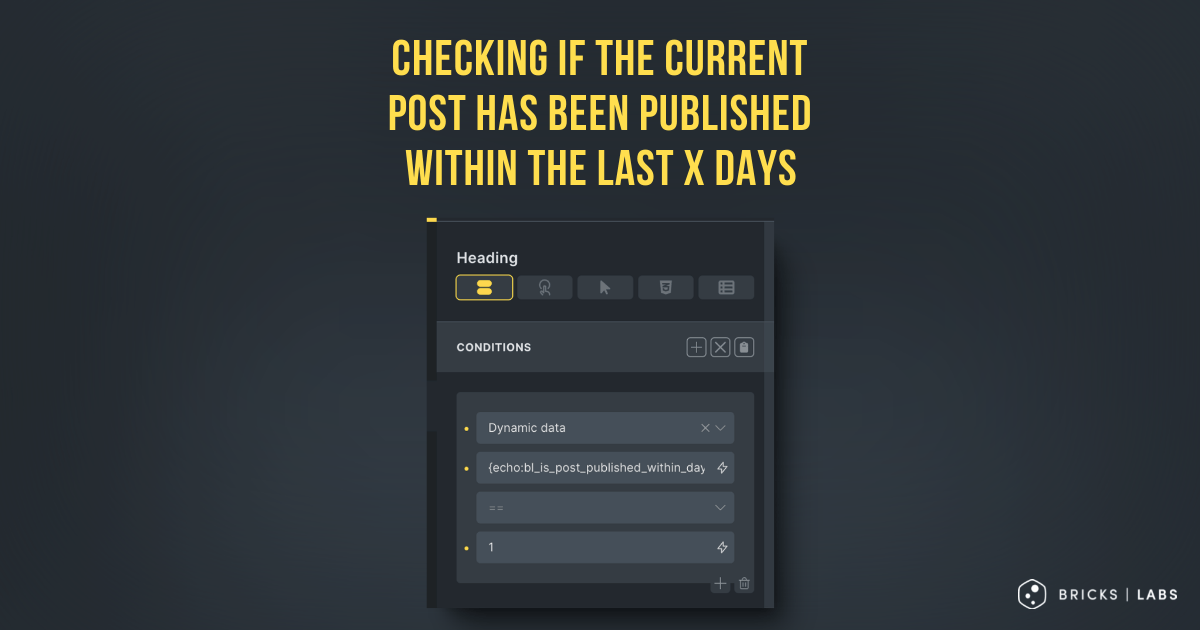
Looking to conditionally output an element if the current post (either in a query loop or when viewing a single post) has been published in the last x number of days?
Here’s how.
Step 1
Register a custom function with the number of days as a parameter and returns true or false depending on whether the current post is written in those number of days.
Add the following in child theme‘s functions.php (w/o the opening PHP tag) or a code snippets plugin:
<?php

/**
 * Check if the current post is published within the last X days.
 *
 * @param int $days Number of days to check against. Default is 30.
 * @return bool True if the post is published within the specified number of days, false otherwise.
 */
function bl_is_post_published_within_days( int $days = 30 ): bool {
    $current_time = time();
    $post_time    = get_the_date( 'U' );
    $time_diff    = $current_time - $post_time;
    $days_in_seconds = $days * 24 * 60 * 60;

    return $time_diff < $days_in_seconds;
}
We are setting the default function argument value to be 30 days.
Step 2
The function can now be used like this:
if ( bl_is_post_published_within_days() )for 30 days
or
if ( bl_is_post_published_within_days( 7 ) )for 7 days
If you are using Bricks make sure you whitelist the bl_is_post_published_within_days function.
Ex.:
<?php

add_filter( 'bricks/code/echo_function_names', function() {
  return [
    'bl_is_post_published_within_days'
  ];
} );
You should also add other functions (native or custom) being used in your Bricks instance besides bl_is_post_published_within_days. This can be checked at Bricks → Settings → Custom code by clicking the Code review button.
More info on whitelisting can be found here.
Then set up a dynamic data condition like this:

{echo:bl_is_post_published_within_days}
If you want to check for number of days other than 30, specify it as an argument like this:
{echo:bl_is_post_published_within_days(7)}