
This Pro tutorial provides the steps to create a custom query loop type for outputting the subfield values of a Group field (repeatable) when using CMB2, a free custom fields plugin for WordPress in Bricks.
We shall add a Group field containing a Text field, URL text field and a File field (for the image) via code.
A sample post (a Page to be precise, in this example):

After implementing the tutorial, you will be able to select the custom query type and output subfield values using dynamic data tags.
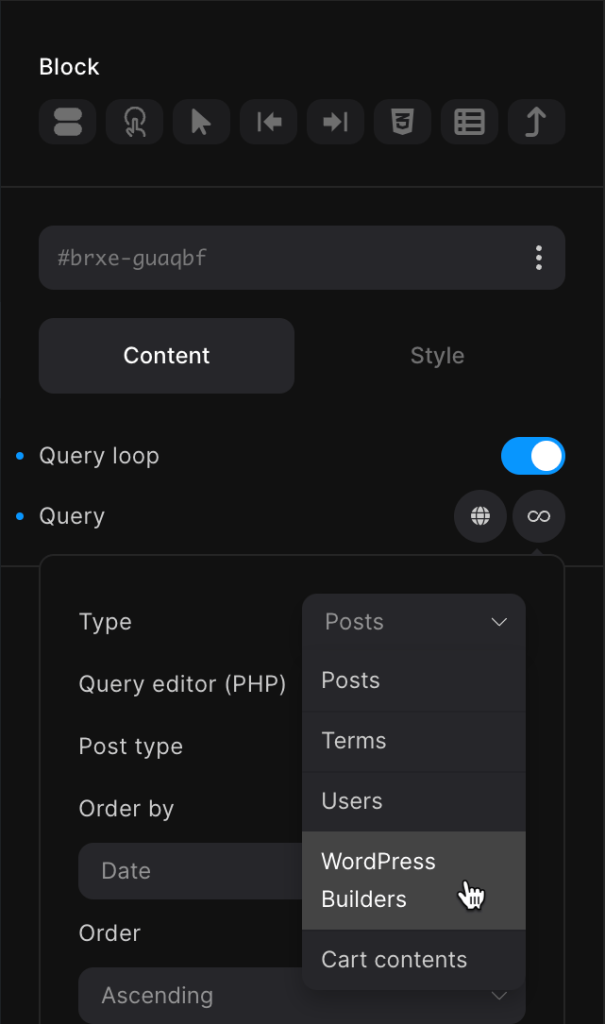
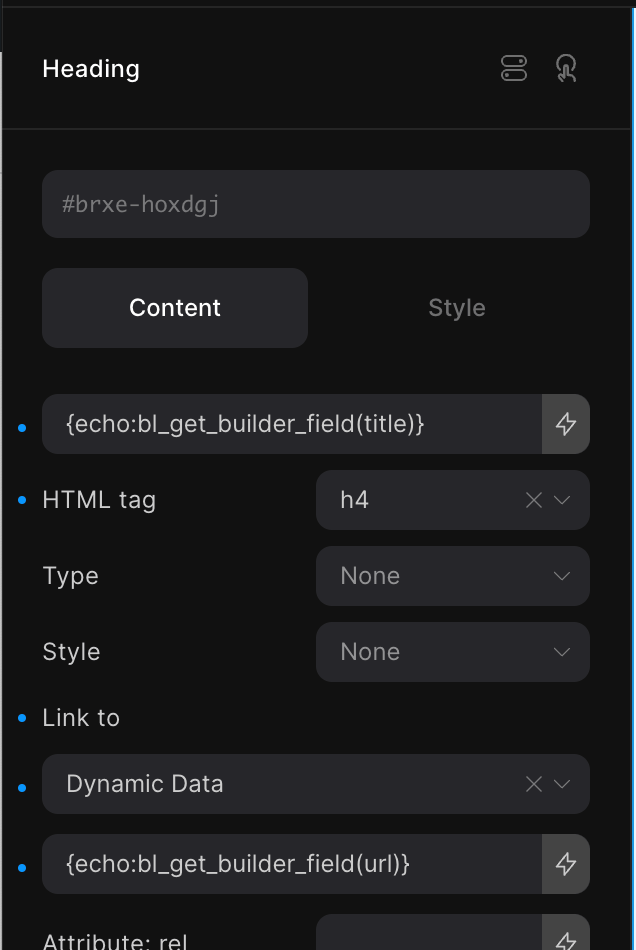
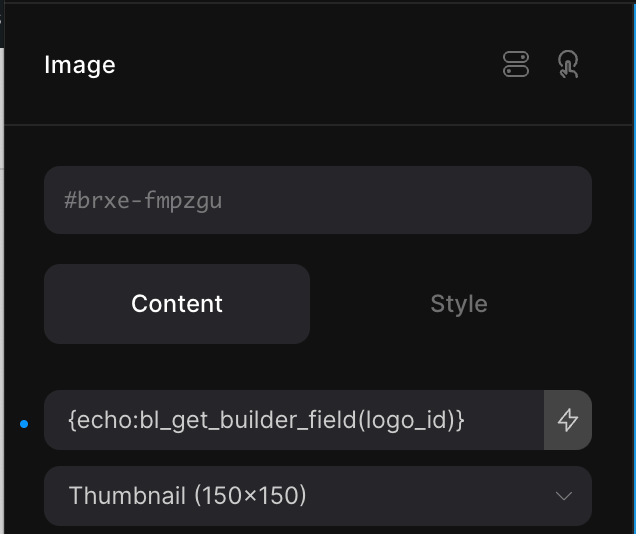
to get

Step 1
Install and activate CMB2 from the WordPress repository via Plugins → Add New Plugin.
There is no GUI for the plugin.
Step 2
Let's define the CMB2 metabox and field configurations.
Add the following in child theme's functions.php (w/o the opening PHP tag) or a code snippets plugin:


