26th Sep '24
/
0 comments

Sorting ACF Repeater Rows in Bricks by Date Sub Field

Sorting ACF Repeater Rows in Bricks by Date Sub Field

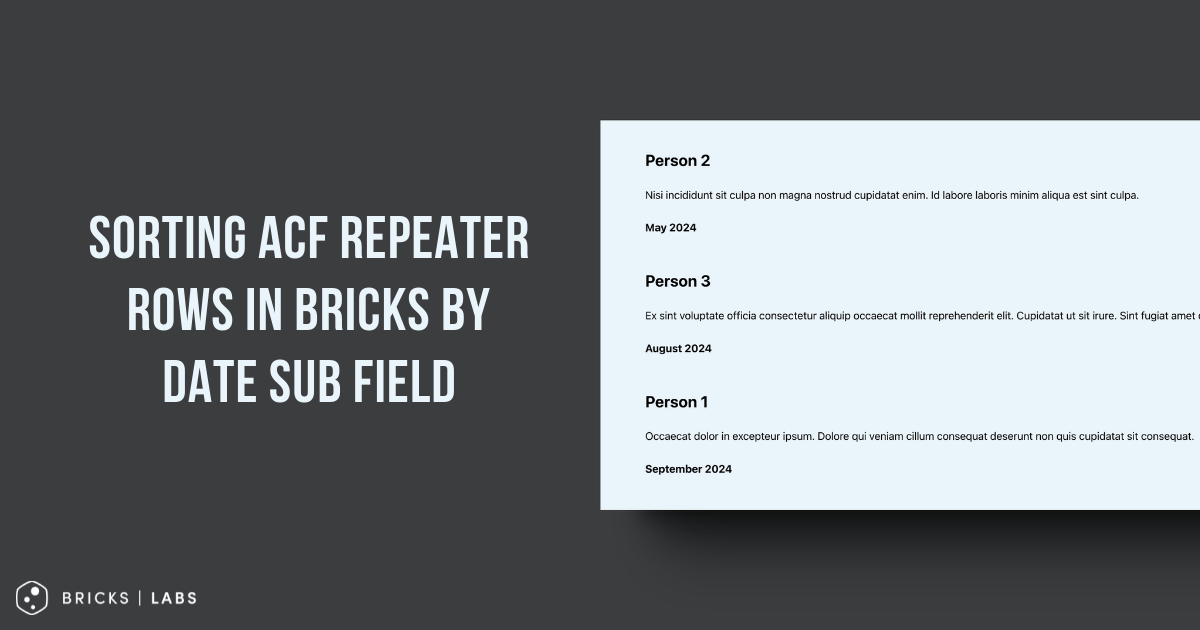
This Pro tutorial shows how the rows of a ACF Repeater query loop in Bricks can be sorted by ascending or descending order of a date sub field.

Consider this example:

Testimonials (Repeater)|_ Testimonial Content (WYSIWYG Editor)|_ Client Name (Text)|_ Testimonial Date (Date Picker)

Sample testimonials for a post:

Output on the front end by default:

Note: To change the order, the rows can simply be re-arranged by drag and drop in the post editor. This tutorial is when the ordering should happen automatically.

After implementing the tutorial:

Ascending order of date:

Descending order of date:

Step 1

Set Return Format for the date sub field to Ymd.

To output the date in a human-friendly format, add the desired format string like :F Y at the end for the value of your Basic Text element.

Ex.:

{acf_testimonials_testimonial_date:F Y}

Step 2

Add the following in child theme's functions.php (w/o the opening PHP tag) or a code snippets plugin:

This is a BricksLabs Pro tutorial.

For full access login below or create your BricksLabs Pro account

Get access to all 610 Bricks code tutorials with BricksLabs Pro

Related Tutorials..

Filtering out Media Items from “Select post/page” Bricks control

Filtering out Media Items from “Select post/page” Bricks control

The dropdown that appears after choosing "Internal post/page" when setting a link in Bricks shows media (attachment) items besides Pages, Posts and other CPTs. If…
Pro
x Number of Random Bricks Query Loop Items(s) to be Shown Every x Hours

x Number of Random Bricks Query Loop Items(s) to be Shown Every x Hours

Showing how to display one random row of a Meta Box group for an hour and then output another random row.
Pro
Conditionally Excluding Elements from Bricks Editor

Conditionally Excluding Elements from Bricks Editor

In the past, we shared How to Exclude Elements from Bricks Editor. This Pro tutorial shows how specific elements can be excluded selectively based on…
Color Custom Field as Section Background Color on Category/Term Archives in Bricks

Color Custom Field as Section Background Color on Category/Term Archives in Bricks

How to use a color from a taxonomy term custom field for as the hero section background color on archive pages.
Categories:
Tags:
Pro
Filtering a Bricks Terms query on Term archive pages

Filtering a Bricks Terms query on Term archive pages

On product category archives, how to show product type names but only those that the current product category has.