26th Sep '24
/
0 comments

Sorting ACF Repeater Rows in Bricks by Date Sub Field

Sorting ACF Repeater Rows in Bricks by Date Sub Field

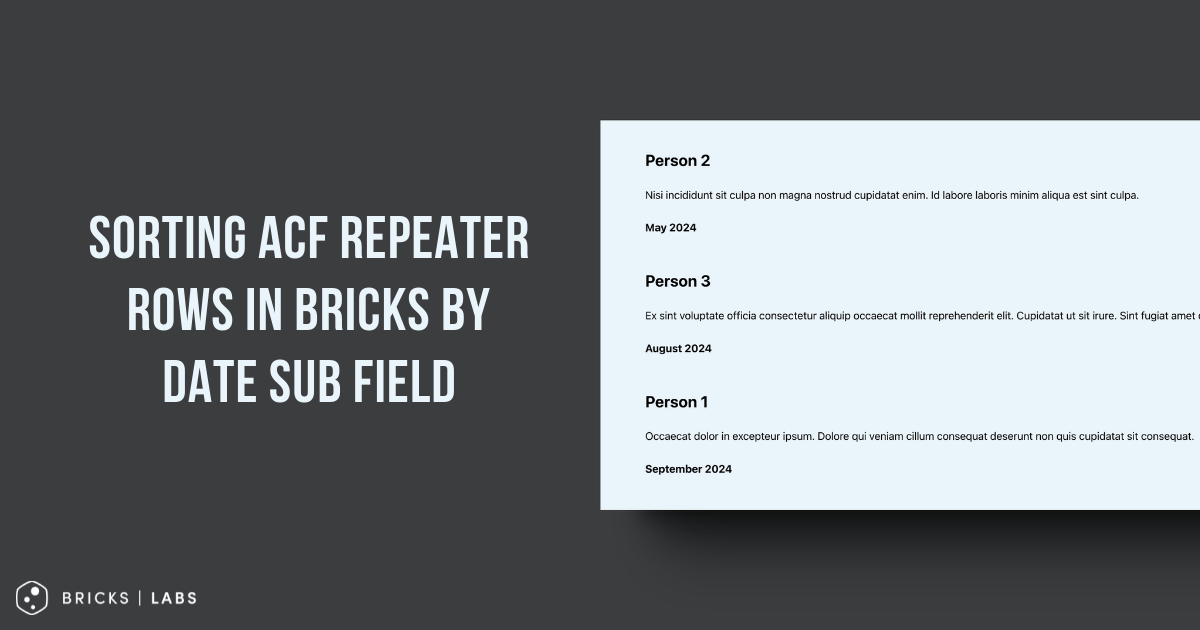
This Pro tutorial shows how the rows of a ACF Repeater query loop in Bricks can be sorted by ascending or descending order of a date sub field.

Consider this example:

Testimonials (Repeater)|_ Testimonial Content (WYSIWYG Editor)|_ Client Name (Text)|_ Testimonial Date (Date Picker)

Sample testimonials for a post:

Output on the front end by default:

Note: To change the order, the rows can simply be re-arranged by drag and drop in the post editor. This tutorial is when the ordering should happen automatically.

After implementing the tutorial:

Ascending order of date:

Descending order of date:

Step 1

Set Return Format for the date sub field to Ymd.

To output the date in a human-friendly format, add the desired format string like :F Y at the end for the value of your Basic Text element.

Ex.:

{acf_testimonials_testimonial_date:F Y}

Step 2

Add the following in child theme's functions.php (w/o the opening PHP tag) or a code snippets plugin:

This is a BricksLabs Pro tutorial.

For full access login below or create your BricksLabs Pro account

Get access to all 630 Bricks code tutorials with BricksLabs Pro

Related Tutorials..

Pro
How to programmatically add a class to an element in Bricks

How to programmatically add a class to an element in Bricks

This Pro tutorial shows how a dynamic class can be added to a query loop element in Bricks programmatically. Let's take an example where posts…
Pro
Bricks Dynamic Data Tag for Text-type Custom Field Value with Word Limit

Bricks Dynamic Data Tag for Text-type Custom Field Value with Word Limit

How to register a new dynamic tag for setting excerpt word limits and outputting an ellipsis (...) at the end.
Categories:
Pro
Limit the Number of Posts in a Bricks Query Loop of Relationship Type

Limit the Number of Posts in a Bricks Query Loop of Relationship Type

Updated on 12 Dec 2023 Bricks Query Loop popup does not have a control for setting the number of posts to be output when the…
Pro
Related FAQs on Product pages Based on Product Category Taxonomy in Bricks

Related FAQs on Product pages Based on Product Category Taxonomy in Bricks

On product pages, we show all the FAQs associated with the current WooCommerce product's product categories.
Categories: