In the previous ACF Flexible Content in Bricks tutorial we showed how Bricks' Flexible Content type of query can be used for showing the ACF Flexible Content field rows inside a Container.
A user asked in the comments:
Thanks for the great tutorial. How can we use flexible content where each row layout still gets its own section? For good semantic html, but also because I want to make the sections (each row layout) full width, so they get their own background color.
This Pro tutorial shows how this can be done by setting up separate section templates for each Flexible Content layout and programmatically applying these templates depending on the type of populated rows for posts so each row is in its full-width Section.
First, some screenshots.
Field group for Pages:

Flexible Content field being populated for "Sample Page":

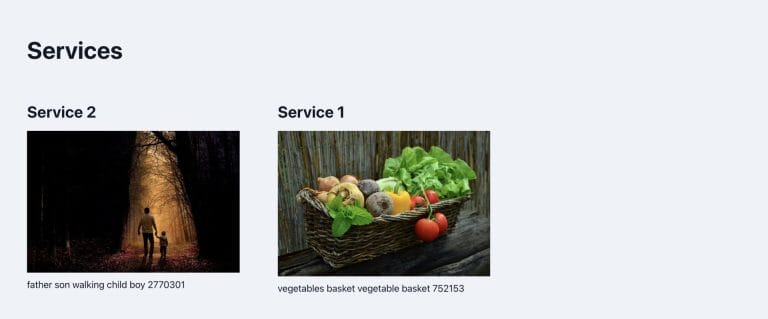
Output on the front end after implementing the tutorial:

Generated HTML:

Step 1
Follow Steps 1 and 2 of https://brickslabs.com/acf-flexible-content-in-bricks/.
Step 2
Add the following in child theme's functions.php (w/o the opening PHP tag) or a code snippets plugin: