28th Sep '23
/
1 comment

Filtering out Media Items from “Select post/page” Bricks control

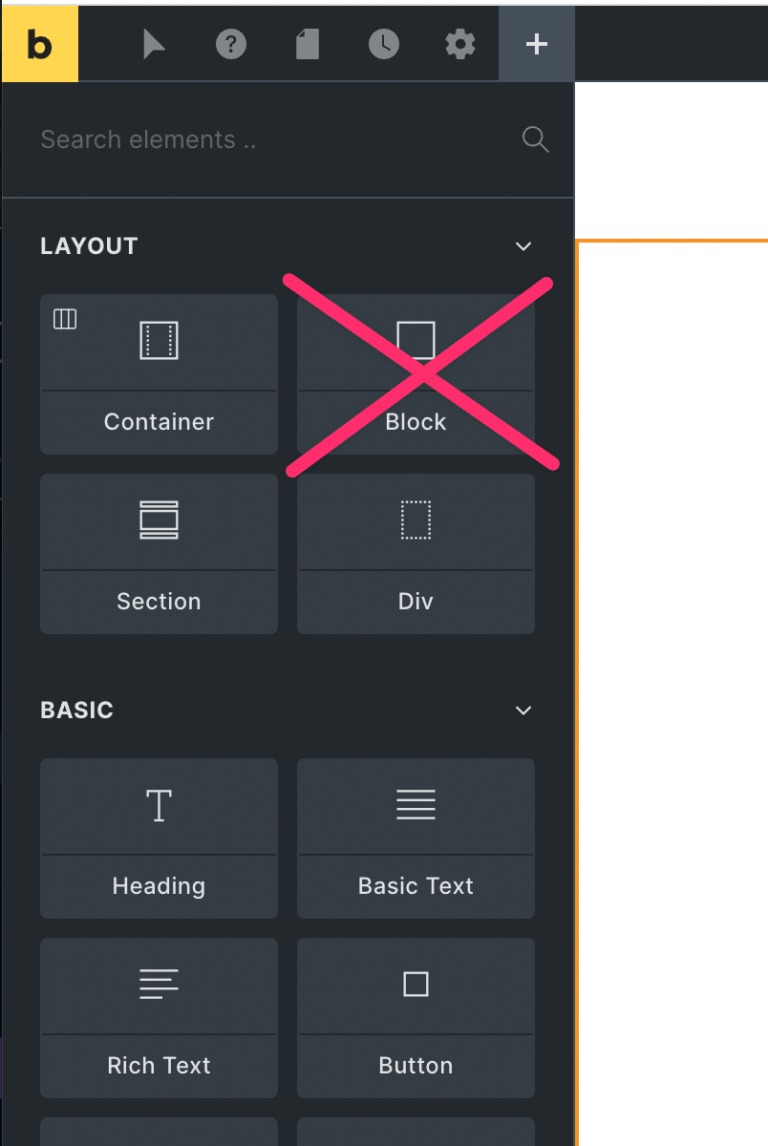
The dropdown that appears after choosing “Internal post/page” when setting a link in Bricks shows media (attachment) items besides Pages, Posts and other CPTs.

If you want to remove the Media attachment items from appearing in this list, an undocumented filter called bricks/helpers/get_posts_args can be used.

Add the following in child theme‘s functions.php or a code snippets plugin:

add_filter( 'bricks/helpers/get_posts_args', function ( $args ) {
	$post_types = get_post_types( [ 'exclude_from_search' => false ] );

	// exclude attachment
	unset( $post_types['attachment'] );

	$args['post_type'] = $post_types;

	return $args;
});

Tested in Bricks 1.9.1.1.

Get access to all 612 Bricks code tutorials with BricksLabs Pro

1 comment

  • Joe Fletcher

    To also exclude Bricks Templates from the Link To dialog (almost never need to link to templates), add:

    // exclude Templates unset( $post_types['bricks_template'] );

Leave a Reply to Joe Fletcher (Cancel Reply)


Related Tutorials..

How to Remove Name and Website Fields in Bricks Comment Forms

How to Remove Name and Website Fields in Bricks Comment Forms

Updated on 14 Mar 2024 In the BricksLabs Facebook group a user asked: What is the best method to remove fields from the Bricks "Comments"…
Pro
Random Row from ACF Repeater in Bricks

Random Row from ACF Repeater in Bricks

In the past, we shared how the first row of a ACF Repeater can be output in a Bricks query loop here. This Pro tutorial…
Modifying ACF Field Value Before It Is Output

Modifying ACF Field Value Before It Is Output

Consider the scenario where a Page has a "Page Fields" field group created with ACF Pro like this: Field name: scientific_coordinators (type Repeater)|__ Sub field…
Categories: