11th Jul '25
/
0 comments

Frontend Filtering of ACF Repeater Rows by Checkbox Sub Field in Bricks

Updated on 14 Jul 2025

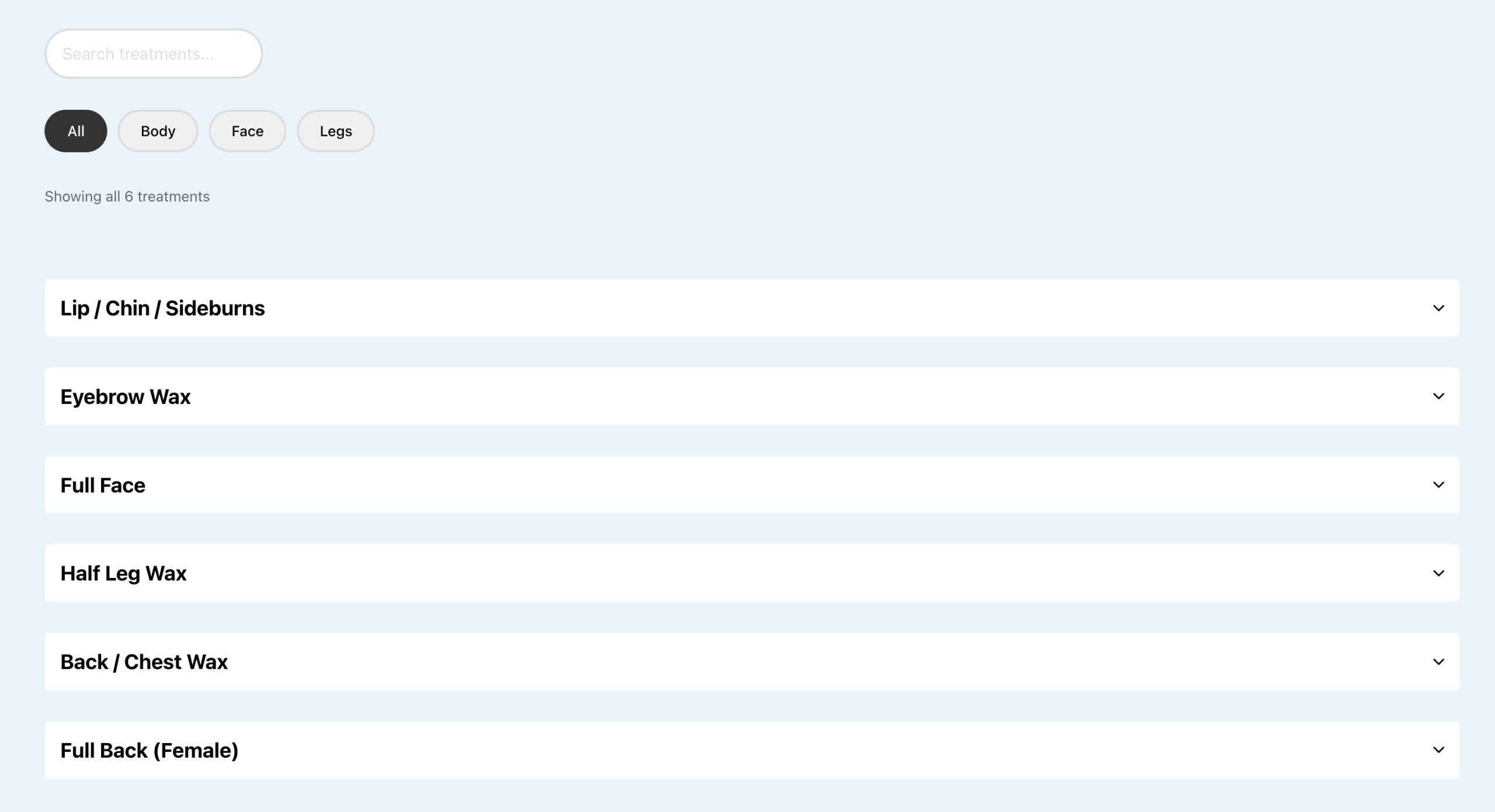
This Pro tutorial provides the steps to set up input search field filter and button filters so visitors can filter the rows of a ACF Repeater on single CPT posts.

Consider this scenario:

CPT: Beauty Treatments

ACF Field Group:Pricing Section (Repeater)|__ Treatment Name (Text)|__ Content (WYSIWYG Editor)|__ Price (Number)|__ Category (Checkbox)|____ Choices:|____ Face|____ Body|____ Legs

Sample post titled "Waxing":

List view:

Accordion (with either BricksExtras or Frames) view:
Step 1

Create a function that returns space-separated list of categories in lowercase.

Add the following in child theme's functions.php (w/o the opening PHP tag) or a code snippets plugin:

This is a BricksLabs Pro tutorial.

For full access login below or create your BricksLabs Pro account

Get access to all 630 Bricks code tutorials with BricksLabs Pro

Related Tutorials..

Pro
ACF Repeater sub field value dynamic data condition in Bricks

ACF Repeater sub field value dynamic data condition in Bricks

This Pro tutorial provides the steps to output an element on single posts (can be of any post type) only if a specified ACF (Pro)…
Pro
Upcoming Events with ACF Date Sub field Repeaters grouped by Month Years in Bricks

Upcoming Events with ACF Date Sub field Repeaters grouped by Month Years in Bricks

In the comments section of Upcoming Events Accordion in Bricks Grouped by 'Month Year' a member asked: CPT: eventACF Field: event_dates (Repeater) with event_date sub…
Categories:
Pro
Random images from ACF Options Gallery in Bricks

Random images from ACF Options Gallery in Bricks

This Pro tutorial provides the steps to output images from an ACF Gallery-type custom field in a Bricks query loop randomly with each image appearing…
Categories: