
Update: Also added Variation 2 with support for Bricks' Load more functionality.
In the Bricks Facebook group a user asked:
Hello everyone. I have this issue with filtering and bi-directional relationships between 2 CPTs. I have made a query loop with the CPT "Sample packs" and need the CPT "Artists" post title in it. So I did the following (see image). This worked perfectly, but now filtering is an issue. Searching for the artist name, with the article card selected as target query doesn't seem to work, neither does targeting the artist name query.
Hope someone can help me out 
Also having some trouble with this actually, as I need a way to display a “,” or something like that between the 2 artist names in the query loop
This Pro tutorial provides the steps to
- output comma-separated titles of
artistCPT posts related to the currentsample-packCPT post (in the loop) - add a search input that lets the visitors search across titles, excerpts, and artist names simultaneously, with a results counter showing how many packs match the search query
on the Sample Pack CPT's archive page (or on a standard Page, if you choose to).
Note
This solution will NOT work properly with pagination. The JavaScript only searches through posts that are currently loaded in the DOM (i.e., only the posts on the current page).
If you don't have too many sample packs (under 50-100), disable pagination and show all posts in your Bricks query settings by setting Posts per page to -1 or a high number.
Step 1
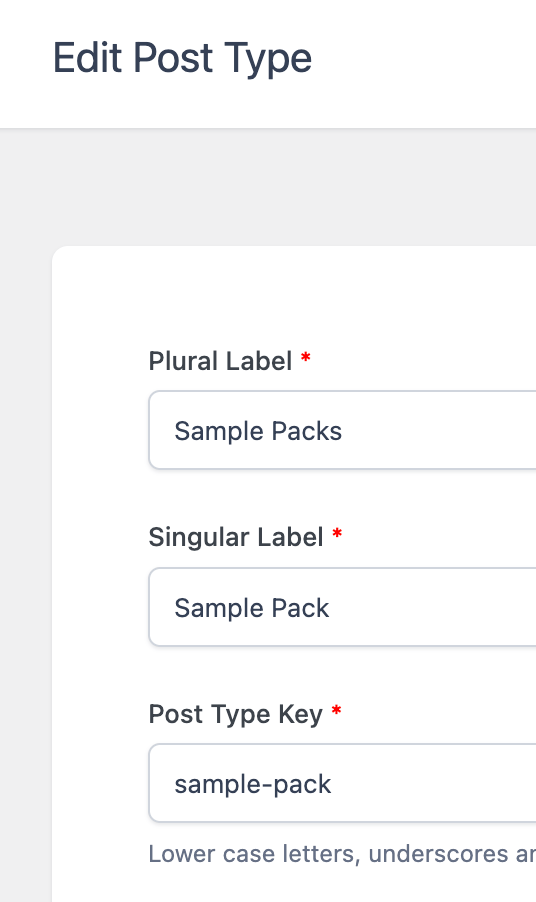
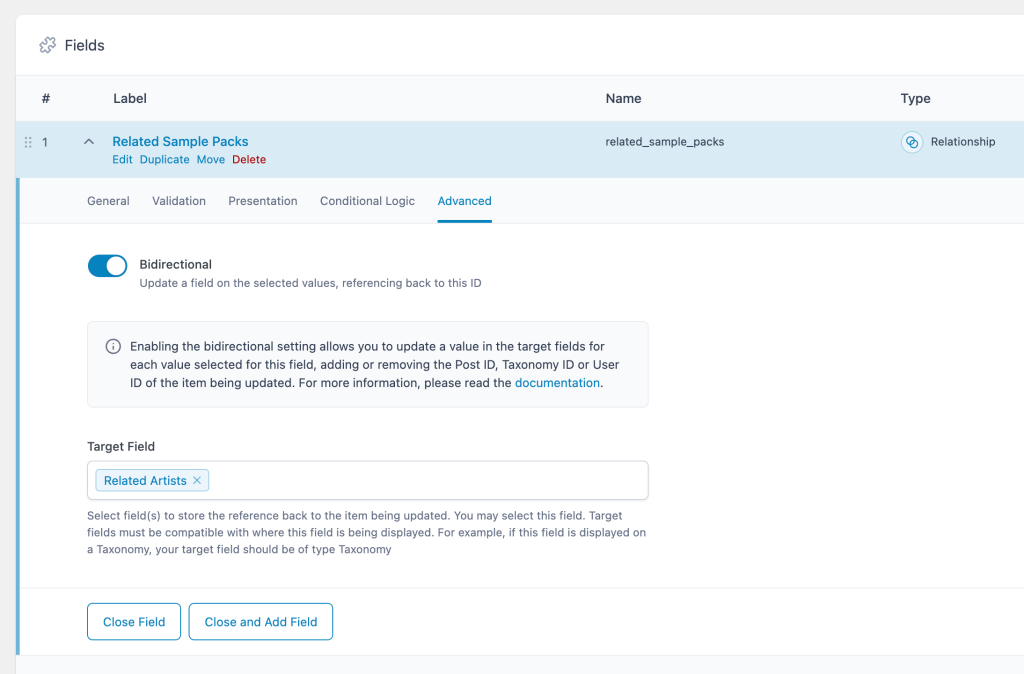
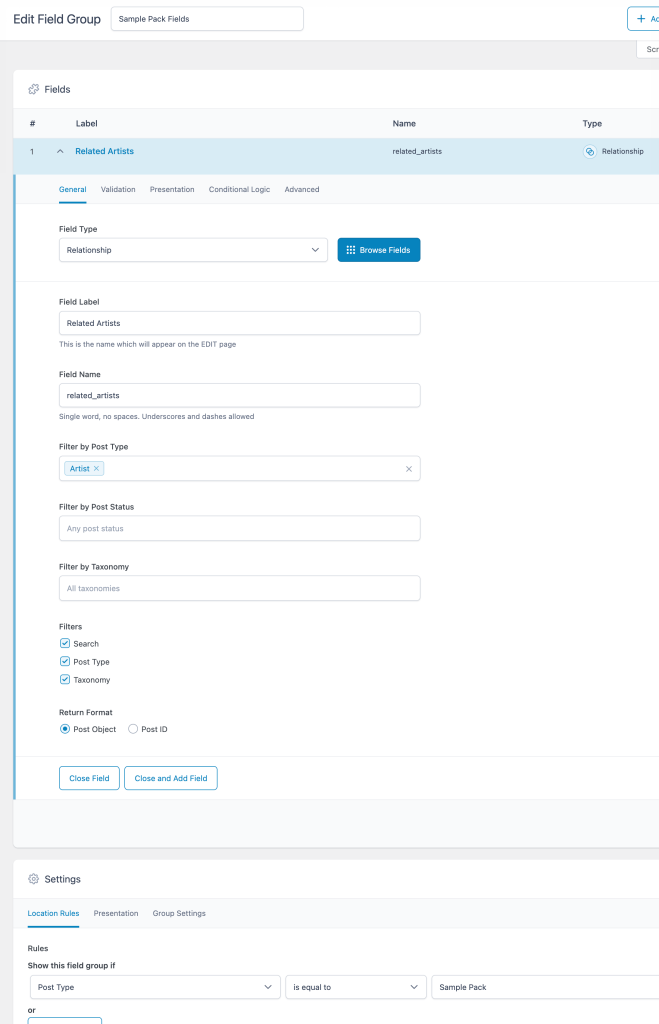
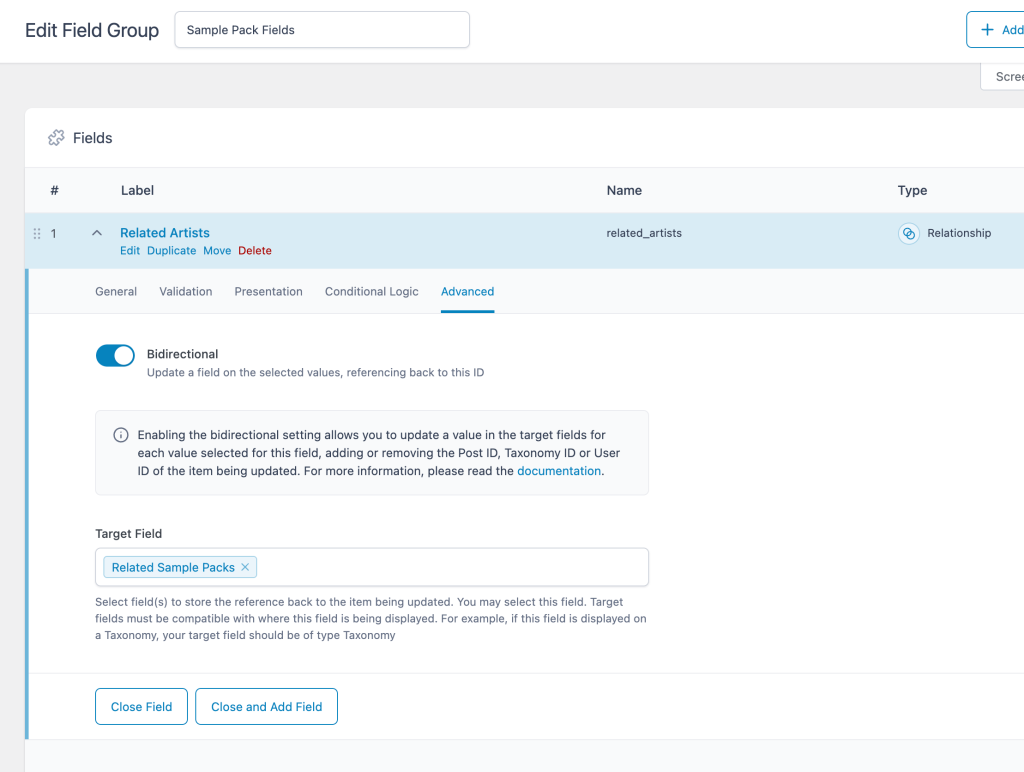
Create your CPTs and add a field group for each using ACF having a bidirectional Relationship field.


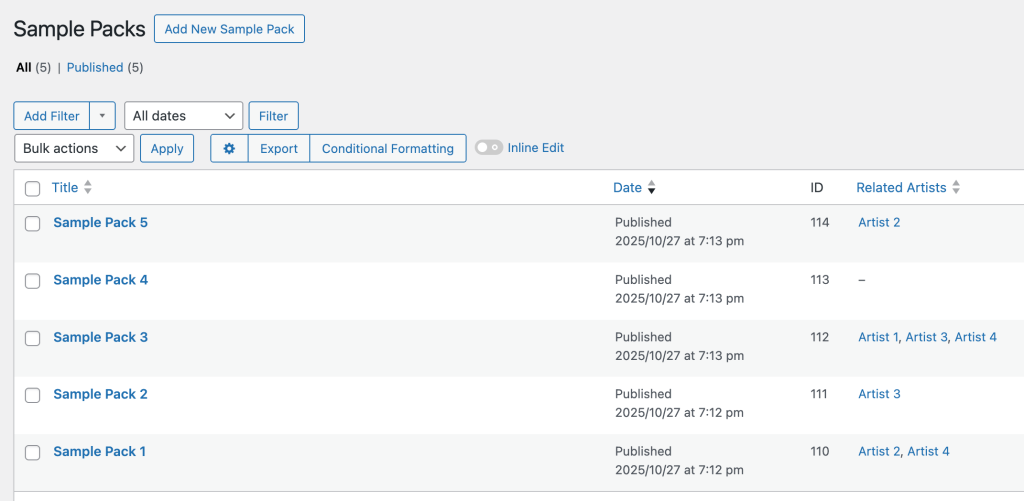
Add Artist and Sample Pack posts. Select related posts of the other post type.
Step 2
This step is optional and if you prefer, you could just use a standard Page.
Where possible, it is better (pedagogically speaking, not so much practically) to use a CPT archive page instead of a static Page since the query will be default vs a custom one.
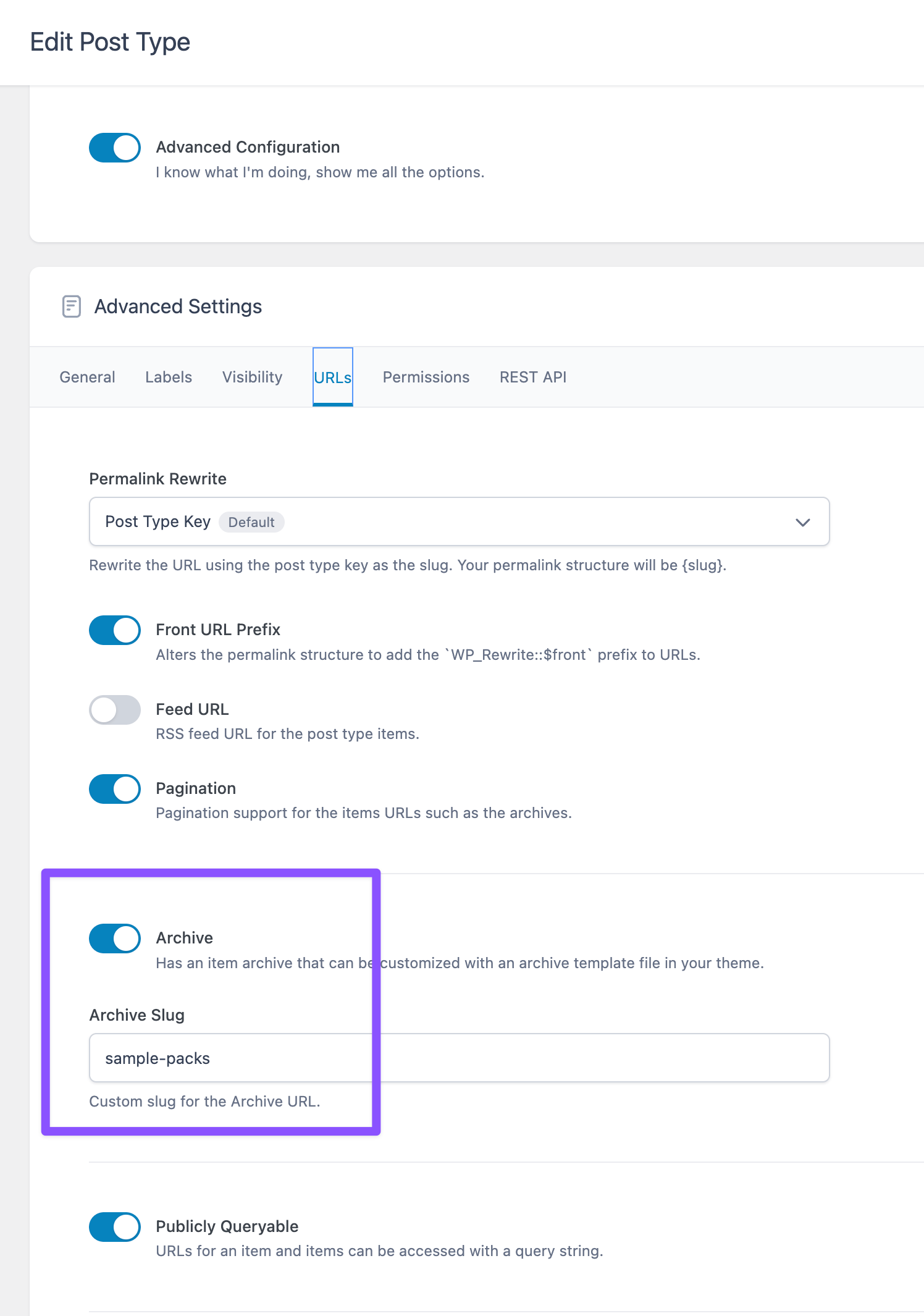
Edit Sample Pack CPT, ensure that Archive is enabled and set your desired archive slug.
Create a Bricks template for the CPT archive and add the condition.

Step 3
Let's create two custom functions.
- that returns comma-separated artist titles for the current sample pack (in the loop)
- that returns searchable data (JSON-encoded string) for sample pack filtering
Add the following in child theme's functions.php (w/o the opening PHP tag) or a code snippets plugin:


