1st Jul '24
/
4 comments

Upcoming Events Grouped by ‘Month Year’ in Bricks

Updated on 5 Dec 2024

In the comments section of Events grouped by months within years based on event date custom field value tutorial, a member asked:

... A good update for this would be a single loop of just MONTH YEAR with the events under each Month and Year, rather than YEAR, then MONTh then events.

This Pro tutorial is another example of custom advanced Bricks query loop types for showing future posts of event CPT based on a date custom field using three nested query loops.

The Heading element's text is dynamic and automatically pulls data from the Event Year and Event Month query loop objects.

Similarly, the Post Loop pulls the year and month from the parent queries, passes them to a custom function which returns the IDs of posts from that year and and that month.

Events list:

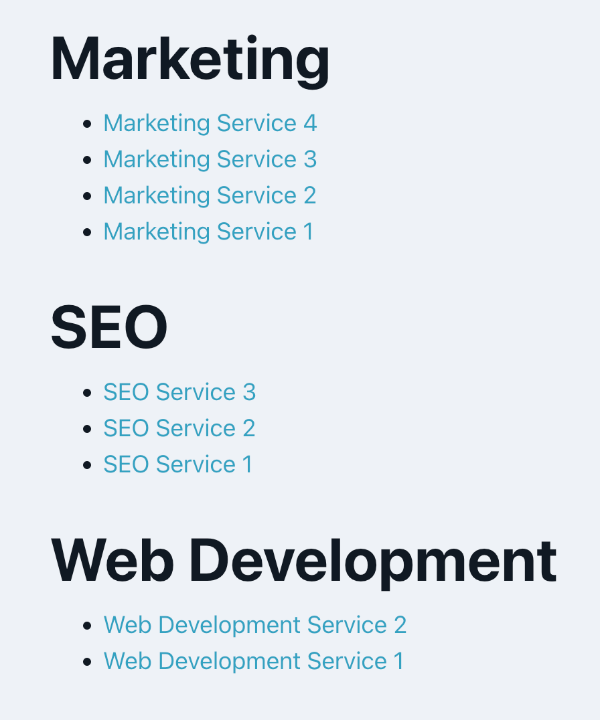
Output on the front end after implementing the tutorial:

Step 1

Add the following in child theme's functions.php (w/o the opening PHP tag) or a code snippets plugin:

This is a BricksLabs Pro tutorial.

For full access login below or create your BricksLabs Pro account

Get access to all 633 Bricks code tutorials with BricksLabs Pro

Related Tutorials..

Latest Featured Posts First in Bricks Query Loop (No Duplicates)

Latest Featured Posts First in Bricks Query Loop (No Duplicates)

In the Bricks Facebook group a user asks: We can use AI to help unfreeze our brains sometimes or at least have it write the…
Categories:
Pro
Post Data for the Current User in Bricks with Meta Box

Post Data for the Current User in Bricks with Meta Box

How to configure a query loop to output the post data of the SalesRep CPT associated with the current user.
Categories:
Pro
Custom Nested Queries in Bricks

Custom Nested Queries in Bricks

In most of the previous tutorials covering nested query loops in Bricks on this site, we accessed the parent query's looping object in the inner…
Categories:
How to conditionally load your scripts based on an ACF field

How to conditionally load your scripts based on an ACF field

This tutorial provides the PHP codes that can be pasted in order to enqueue your scripts conditionally based on the value of an ACF field…
Categories:
Pro
Programmatically populating ACF field values in WordPress

Programmatically populating ACF field values in WordPress

An example of how to set the values of a Select-type field with the names and labels of all public post types.
Categories:
Pro
Events grouped by Event Date custom field in Bricks

Events grouped by Event Date custom field in Bricks

This Pro tutorial for Bricks users provides the steps to output posts of an event custom post type dynamically grouped by the value of their…
Categories:
How to create parallax effects using Rellax.js in Bricks

How to create parallax effects using Rellax.js in Bricks

This tutorial provides the JS & PHP codes that can be pasted in order to create smooth parallax effects using the Rellax.js library inside Bricks…
Categories:
Pro
Posts Grouped by Month and Year in Bricks

Posts Grouped by Month and Year in Bricks

Nesting query loops with months & years in descending order, with the inner loop outputting the posts.
Categories:
Pro
Current Single Post Reference From Inside a Bricks Query Loop

Current Single Post Reference From Inside a Bricks Query Loop

Use case: Get the single post’s custom field (like ACF Repeater or Meta Box Group) array row corresponding to the loop’s counter/index
Categories: