2nd Jun '22
/
36 comments

Single Event Template for The Events Calendar in Bricks

Updated on 19 Sep 2024

The Events Calendar is one of the most popular event plugins for WordPress.

With The Events Calendar active, single event pages appear fine out of the box in Bricks.

However, in certain situations, you may want to customize the layout inside the Bricks editor and in this Pro tutorial, we share how this can be done.

Step 1

Go to Events → Settings → Display.

This is a BricksLabs Pro tutorial.

For full access login below or create your BricksLabs Pro account

Get access to all 633 Bricks code tutorials with BricksLabs Pro

Related Tutorials..

Pro
Events Grouped by Event Year

Events Grouped by Event Year

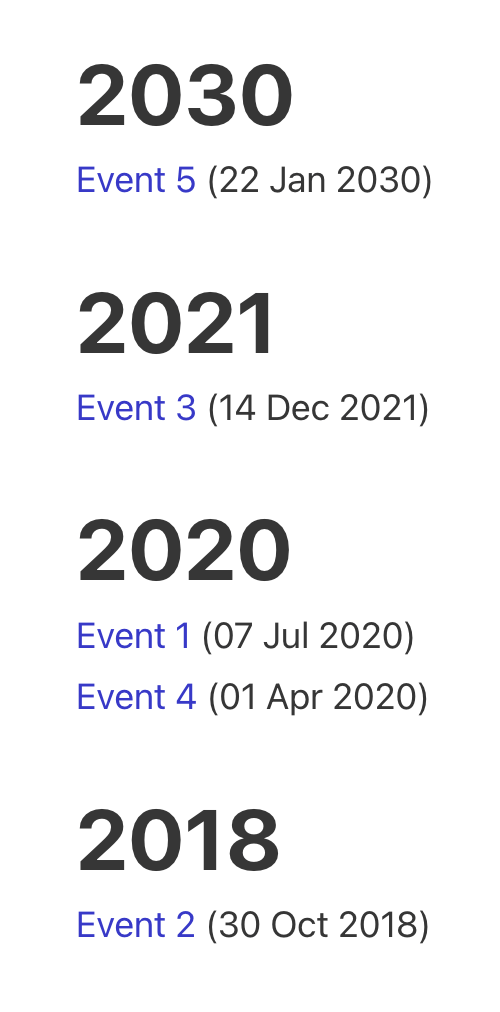
In this Pro tutorial, we share the PHP code for outputting past events grouped by the event year in descending order of the event year.…
Categories:
Tags:
Pro
Modern Events Calendar in Bricks

Modern Events Calendar in Bricks

This Pro tutorial provides the steps for using Modern Events Calendar in Bricks. We shall set up the single event Bricks template with a combination…
Pro
Upcoming Events Grouped by ‘Month Year’ in Bricks

Upcoming Events Grouped by ‘Month Year’ in Bricks

A custom query loop type for showing future events based on a date custom field using three nested query loops.
Pro
Events grouped by Event Date custom field in Bricks

Events grouped by Event Date custom field in Bricks

This Pro tutorial for Bricks users provides the steps to output posts of an event custom post type dynamically grouped by the value of their…
Categories:
Pro
Custom SQL Ordering for Sorting Events in Bricks

Custom SQL Ordering for Sorting Events in Bricks

Showing events ordered by the event date with upcoming events in ascending order and past events in descending order.
Categories:
Pro
ACF Relationship: Show all other events related to the artists of the current event

ACF Relationship: Show all other events related to the artists of the current event

How all other events related to the artists of the current event can be output in a Bricks query loop.
Categories: