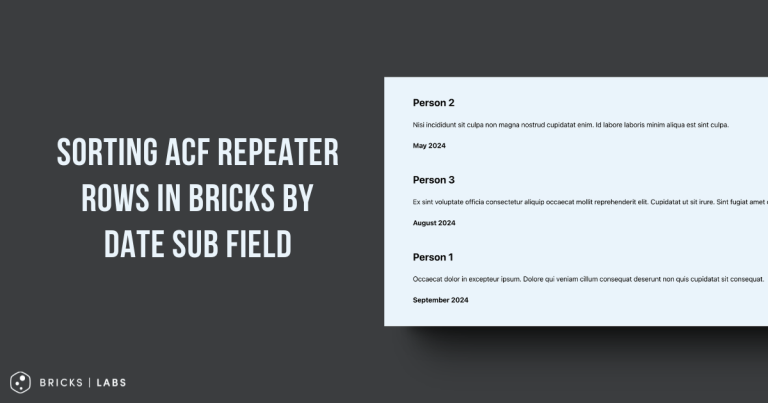
In the past we showed how to order Meta Box group rows in Bricks by a text-type subfield here.
This Pro tutorial covers the same, but for a Date Picker subfield.
Consider this field group:
and in the post editor of a sample Page:
With the query type set to this Meta Box group in the Bricks editor, the default output:
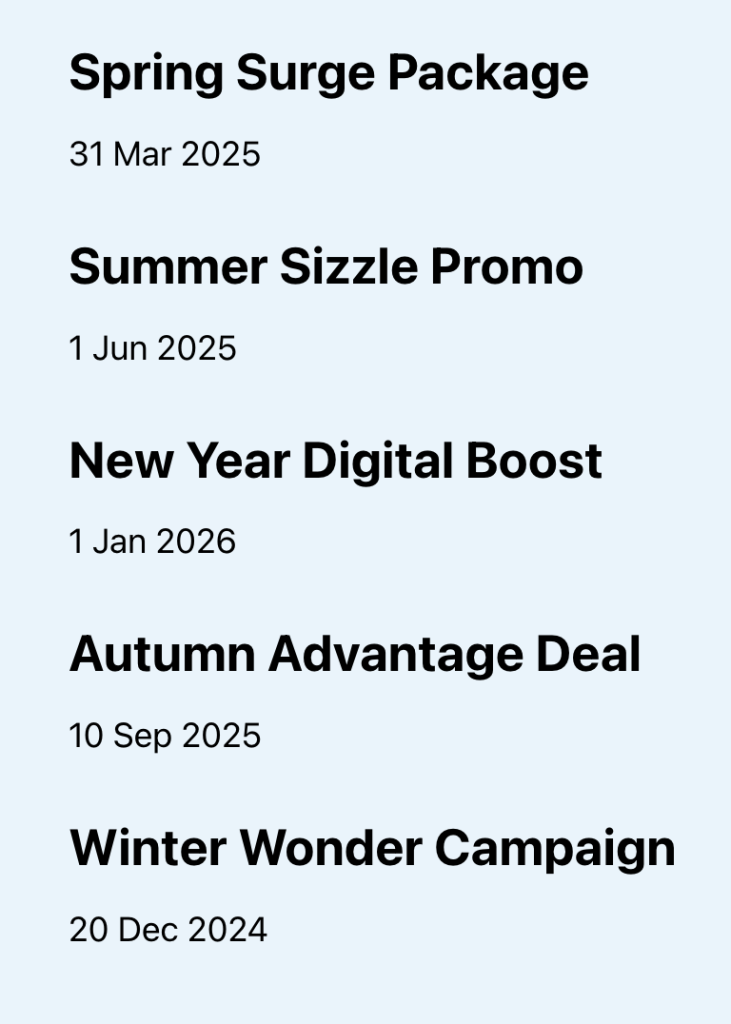
The items will be in the same order as they are in the backend.
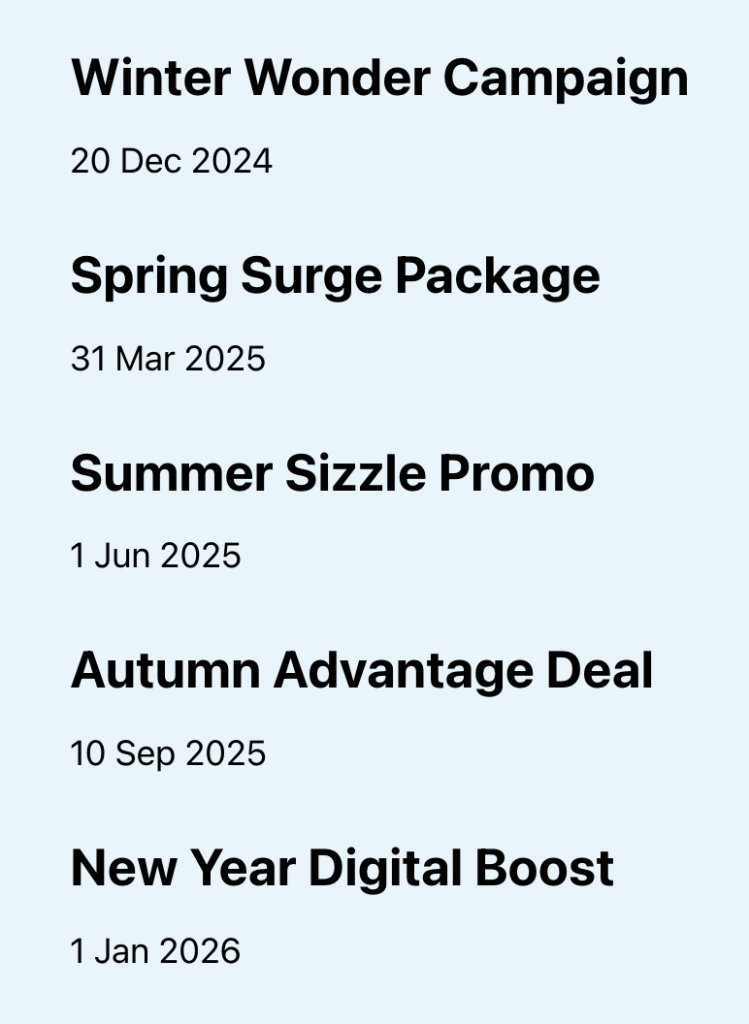
After implementing this tutorial, the items will be output in ascending (or descending if you choose to) order of the offer date i.e., the oldest first. Like this:
Sridhar Katakam is a Bricks enthusiast. He likes helping others by researching and solving WordPress-related problems and building websites.
Get access to all 612 Bricks code tutorials with BricksLabs Pro
Related Tutorials..
Pro
Posts Related by Taxonomy in Bricks
It is a common requirement to show posts (posts/CPT items) that belong to the same taxonomy (category/tag/custom taxonomy) as the current single post. This Pro…
Dynamic Post-specific Templates in Bricks using Meta Box/ACF Select Field
Update on 23 Aug 2023: Added steps for ACF. Bricks builder v1.8.4 introduced an pretty useful filter called bricks/active_templates that flew under the radar. This…
How to hide/remove the Block Element from the Bricks Builder
Don't like the new Block element in Bricks? Just copy/paste the following code into your child theme's functions.php. By the way, It's a terrible idea…
Removing Action/Filter Inside a Plugin’s Namespaced Class Constructor
Recently worked with a friend figuring out how to remove/undo/cancel an add_action() line that's inside a plugin's constructor inside a PHP Class with the file…
Meta Box Group Subfield Text’s Slug as Query Loop Item ID in Bricks
In the BricksLabs Facebook group a user asks: I have a metaBox custom field called 'section_title' inside a clonable metabox group called 'about_section' How can…