29th Jul '25
/
0 comments

WooCommerce Product Reviews Bricks Query Loop

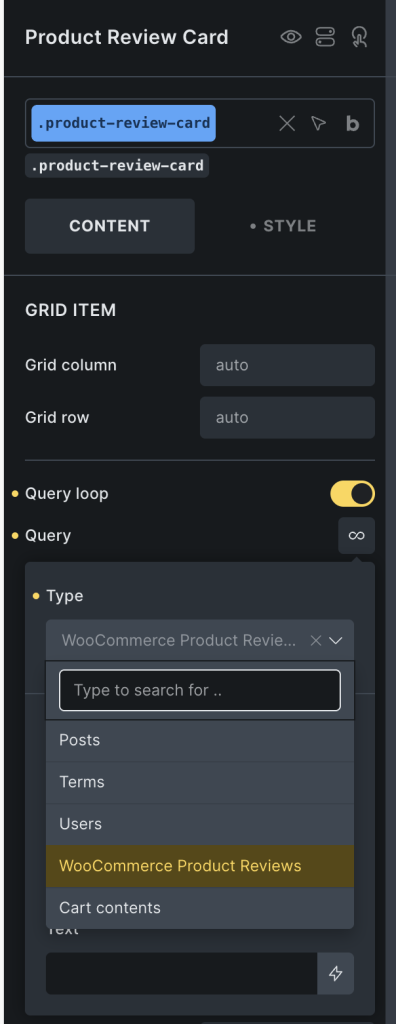
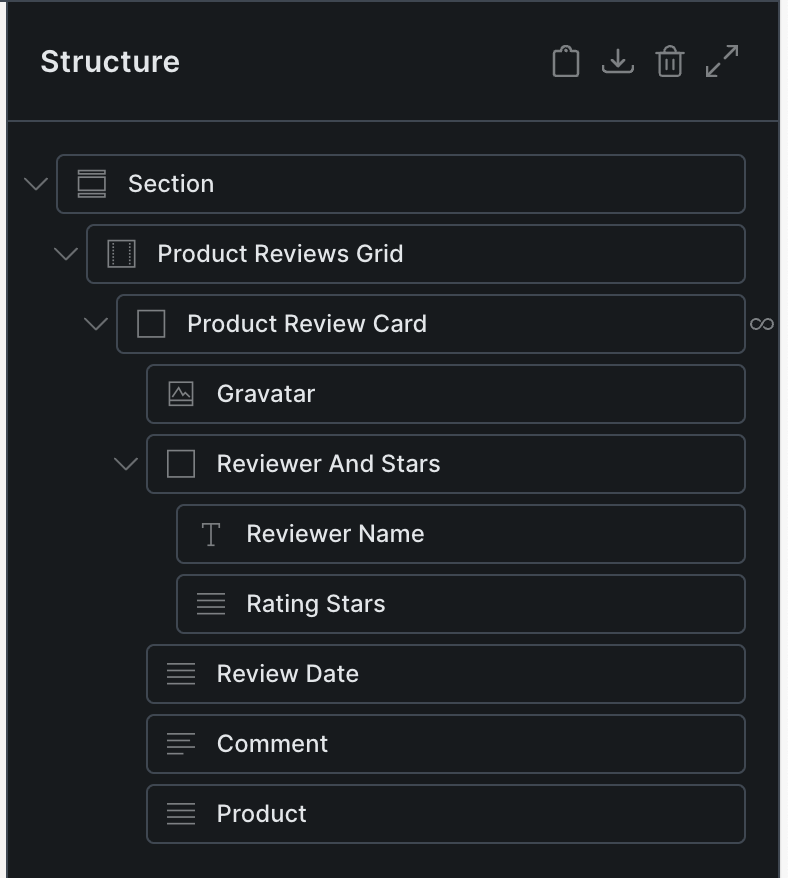
This Pro tutorial provides the steps to create a custom Bricks query type for showing WooCommerce product reviews with custom dynamic data tags for reviewer name, product rating, comment text, product etc so you can visually design/build product reviews structure using Bricks builder's elements.

All the reviews will be displayed by default on non single product pages. On single product pages, the reviews for the current product will be shown.

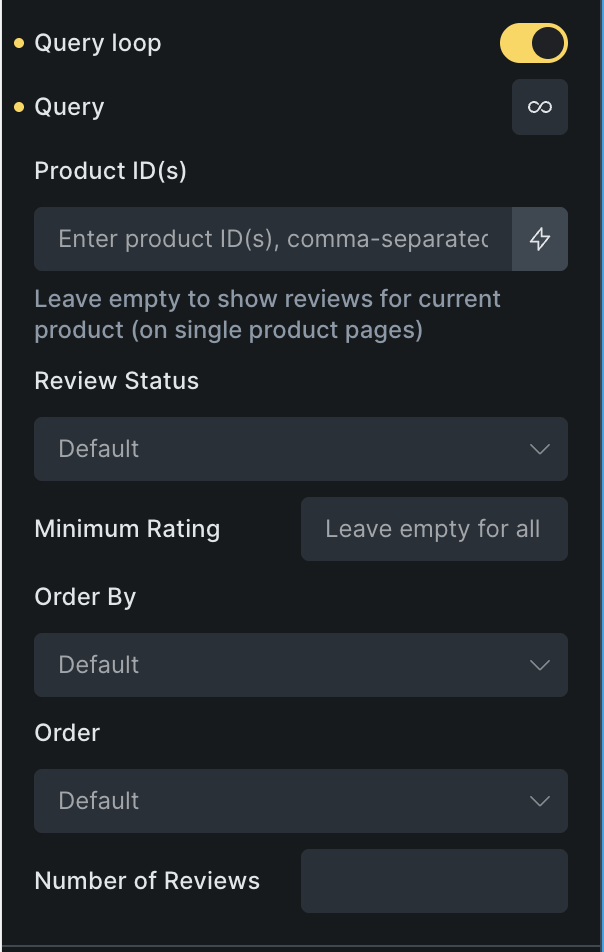
We shall also add custom query controls for:

  • comma-separated product IDs to limit the reviews to specific products
  • minimum rating value to limit the reviews to
  • ordering by date, rating, random
  • number of reviews

Step 1

Add the following in child theme's functions.php (w/o the opening PHP tag) or a code snippets plugin:

This is a BricksLabs Pro tutorial.

For full access login below or create your BricksLabs Pro account

Get access to all 625 Bricks code tutorials with BricksLabs Pro

Related Tutorials..

Pro
Nav Menus Custom Query Types in Bricks

Nav Menus Custom Query Types in Bricks

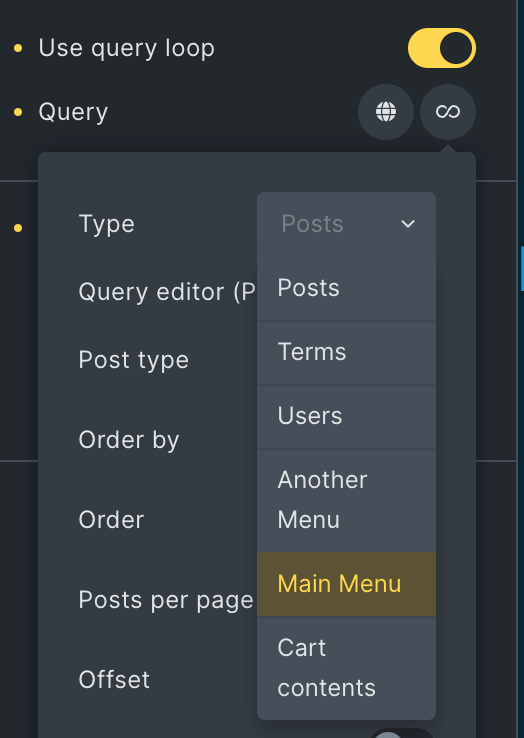
Updated on 21 Aug 2024 This Pro tutorial shows how custom query types for each navigation menu can be generated in Bricks. This enables us…
Adding any Custom WP_Query loop to Bricks’ Query Loop

Adding any Custom WP_Query loop to Bricks’ Query Loop

Sometimes we may need to create a custom post loop using Bricks' query loop feature, but wish to use our own WP_Query code for more…
Pro
Top-level Pages and Children Bricks Query Loop

Top-level Pages and Children Bricks Query Loop

This Pro tutorial for Bricks users can be considered Part 2 or a variation of the earlier Bricks Query Loop for Top-level Parent Pages with…
Categories:
Appending WooCommerce Endpoint Names To My account Page Titles in Bricks

Appending WooCommerce Endpoint Names To My account Page Titles in Bricks

Adding the WooCommerce endpoint names, “Orders”, “Downloads” after the WooCommerce ‘My account’ Page’s title text at the various endpoint URLs.
Categories:
Pro
How to Redirect WordPress Search to WooCommerce Shop Filter by Product Title or SKU

How to Redirect WordPress Search to WooCommerce Shop Filter by Product Title or SKU

Learn how to redirect users to the Shop page with filtered results if the searched term matches a WC product title or SKU. And, if…
Categories:
Latest Featured Posts First in Bricks Query Loop (No Duplicates)

Latest Featured Posts First in Bricks Query Loop (No Duplicates)

In the Bricks Facebook group a user asks: We can use AI to help unfreeze our brains sometimes or at least have it write the…
Categories: