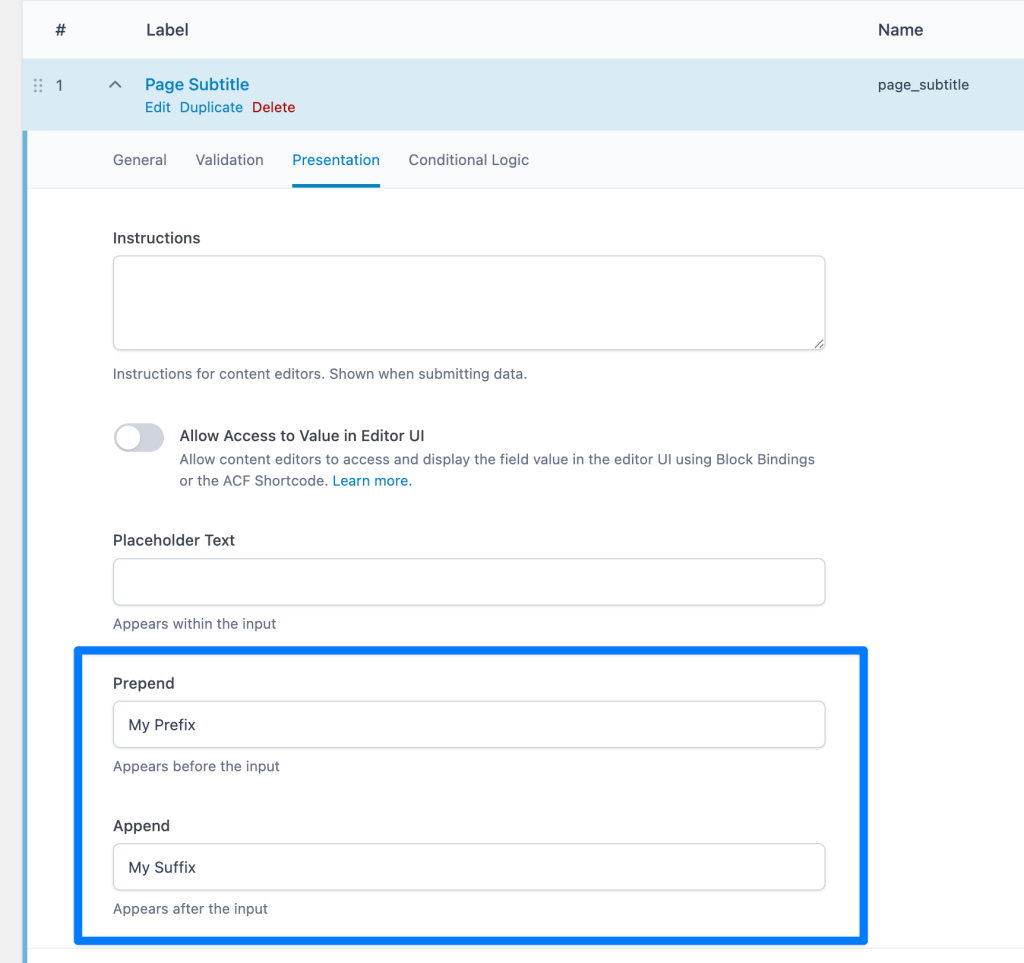
Bricks does not currently have built-in dynamic tags for outputting labels, 'prepend' and 'append' text for custom fields created using Advanced Custom Fields.
But it does provide
bricks/dynamic_tags_listbricks/dynamic_data/render_tagbricks/dynamic_data/render_content
PHP filters using which we can create our own custom data tags.
This Pro tutorial provides the code for registering the following dynamic data tags for use in Bricks editor:
- {custom_acf_fieldname:label} - shows the field label
- {custom_acf_fieldname:prefix} - shows the field prefix (prepend value)
- {custom_acf_fieldname:suffix} - shows the field suffix (append value)
Ex.:

After adding the code:


Add the following in child theme's functions.php (w/o the opening PHP tag) or a code snippets plugin: