

Get access to all 633 Bricks code tutorials with BricksLabs Pro
Related Tutorials..
Pro

Grouping ACF Post Objects by a Repeater Sub Field in Bricks
Consider the following scenario. CPT: product (from WooCommerce) ACF field group for the product post type: A Repeater with a Select sub field and Post…
Categories:
Tags:
Pro

Count of Images in Meta Box Image Advanced Field
In the BricksLabs Facebook group a user asks: Is there a way to count images inside a post that uses metabox image upload ? This…
Categories:
Tags:
Pro

Featured Image’s Meta in a Bricks Posts Query Loop
How to output values of custom fields for the featured image of current post in a query loop
Categories:
Tags:
Pro

Filtering ACF Repeater Rows in Bricks by a Boolean Sub Field
Limiting the ACF Repeater query loops in the three columns to only add rows for which the specified sub field.
Categories:
Tags:
Pro
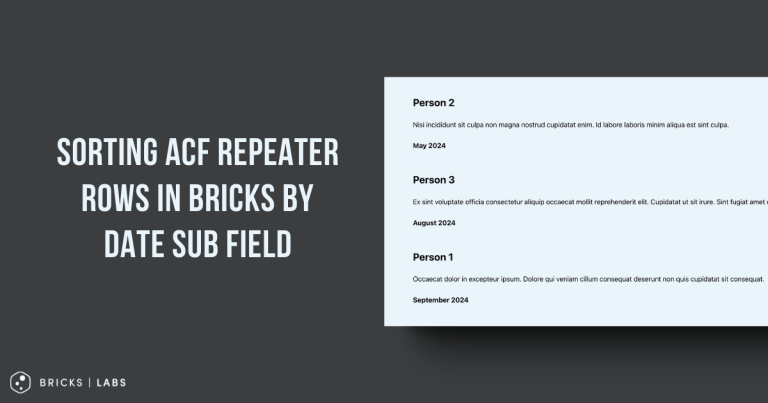
Sorting ACF Repeater Rows in Bricks by Date Sub Field
How the rows of a ACF Repeater query loop can be sorted by ascending or descending order of a date sub field.
Categories:
Tags:
Pro

YouTube Video Timestamps in Bricks
This Pro tutorial provides the steps to output a YouTube video given its ID with custom timestamps and their description text using ACF Pro or…
Categories:
Tags:

Color Custom Field as Section Background Color on Category/Term Archives in Bricks
How to use a color from a taxonomy term custom field for as the hero section background color on archive pages.
Categories:
Tags:
Pro

ACF Options Fields in Bricks
This Pro tutorial walks you through outputting the values of custom fields attached to an ACF Pro's Options page in Bricks builder. We shall register…
Categories:
Tags:

Month-based Background Image in Bricks
How to have different background images for an element for different quarters in a year.
Categories:
Tags: