8th Sep '24
/
2 comments

Dynamic Horizontal Posts Accordion in Bricks

Dynamic Horizontal Posts Accordion in Bricks

Updated on 9 Sep 2024

This Pro tutorial provides the steps to set up a horizontal accordion of featured images of posts output by a Bricks query loop so that each image expands smoothly, making the others shrink as they are hovered.

We shall also have the post titles appear as caption and slide in up from the bottom when hovered with the entire accordion item linking to the corresponding single post's permalink.

Coming to responsiveness, at 992px and below breakpoint we shall reduce the height of the images so they don't appear too vertically stretched. At this breakpoint, the device is likely a tablet and there won't be any hover action, so tapping the images would briefly show the caption (post title) and take the user to the corresponding single post.

At 768px and below, we shall make the accordion items (images) appear one below the other with the post title captions showing up.

Step 1

Register a custom image size for the vertical images in our accordion.

Add the following in child theme's functions.php (w/o the opening PHP tag) or a code snippets plugin:

<?php add_image_size( 'horizontal-accordion-item', 1000, 1563, true ); add_filter( 'image_size_names_choose', function ( $sizes ) { return array_merge( $sizes, [ 'horizontal-accordion-item' => 'Horizontal Accordion Item', ] ); } );

If your posts already have featured images before adding this code, regenerate thumbnails.

Step 2

Edit your Post/Template with Bricks.

This is a BricksLabs Pro tutorial.

For full access login below or create your BricksLabs Pro account

Get access to all 633 Bricks code tutorials with BricksLabs Pro

Related Tutorials..

Pro
How to Query WordPress Taxonomy Terms by Hierarchy Level in Bricks

How to Query WordPress Taxonomy Terms by Hierarchy Level in Bricks

How to limit the terms of a Bricks Terms query to only those at a specific level within the taxonomy hierarchy.
Categories:
Pro
Excluding Duplicate Posts from Query Loops in Bricks

Excluding Duplicate Posts from Query Loops in Bricks

How to ensure that posts are not duplicated when two query loops are used on the same page.
Categories:
Pro
Non-empty events sorted by event date and other posts below in Bricks

Non-empty events sorted by event date and other posts below in Bricks

Updated on 15 Jan 2024 Consider a scenario where you are showing posts from multiple post types namely post, event and game in a single…
Categories:
Pro
Events grouped by Event Date custom field in Bricks

Events grouped by Event Date custom field in Bricks

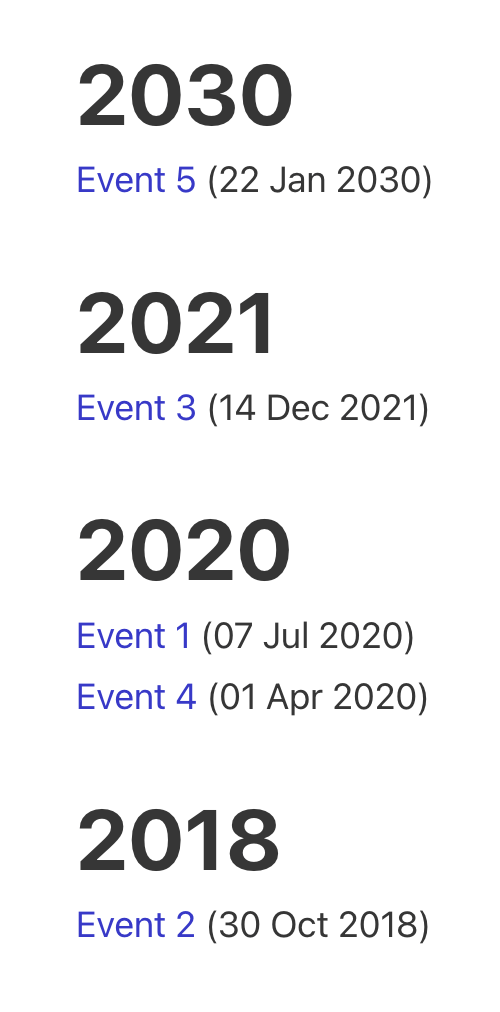
This Pro tutorial for Bricks users provides the steps to output posts of an event custom post type dynamically grouped by the value of their…
Categories:
How to Create a Right Overflow Effect on Sliders in Bricks

How to Create a Right Overflow Effect on Sliders in Bricks

In this tutorial, we'll learn how to recreate a nice overflow effect on the right of our sliders in Bricks. Introduction Recently, I've been asked…
Categories: