10th Sep '24
/
0 comments

Custom SQL Ordering for Sorting Events in Bricks

Custom SQL Ordering for Sorting Events in Bricks

Consider the following scenario.

CPT: eventCustom field: event_date (of type Date)

Sample posts with post titles matching the meta value for convenience:

Requirement:

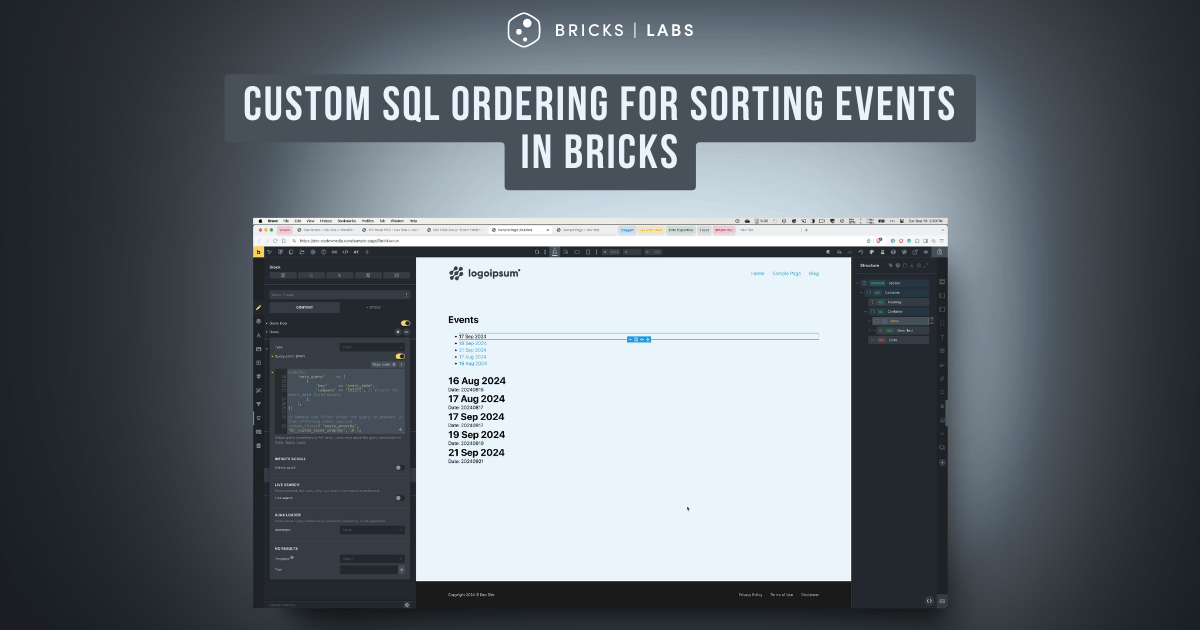
Show the events ordered by the event date with all current/upcoming events in ascending order and then all past events in descending order.

After implementing the tutorial:

This Pro tutorial provides the steps to create a custom sorting system that orders events by displaying future events first in ascending order, followed by past events in descending order, all within a single database query in Bricks.

Split (multiple) queries and post-query PHP sorting using a Bricks filter are two other ways of getting the same result. But a custom SQL ORDER BY clause has several advantages like performance, scalability for large datasets and pagination support.

Single Tutorial Purchase Option

Lifetime access to this single tutorial can be purchased for $39 here.

Step 1

Create event CPT and a corresponding field group having event_date field.

Add event posts and populate the field for each. We shall only pull the events for which the event date has been set.

Step 2

Define a custom function to modify the ORDER BY clause for event queries.

Add the following in child theme's functions.php (w/o the opening PHP tag) or a code snippets plugin:

This is a BricksLabs Pro tutorial.

For full access login below or create your BricksLabs Pro account

Get access to all 633 Bricks code tutorials with BricksLabs Pro

Related Tutorials..

Pro
Single Event Template for The Events Calendar in Bricks

Single Event Template for The Events Calendar in Bricks

Updated on 19 Sep 2024 The Events Calendar is one of the most popular event plugins for WordPress. With The Events Calendar active, single event…
Pro
Post Views Counter Query Loop in Bricks

Post Views Counter Query Loop in Bricks

How we can output the most viewed posts in your Bricks site in a query loop.
Categories:
Pro
Mixed Post Types Grid in Bricks

Mixed Post Types Grid in Bricks

How to set up a mixed post types grid in Bricks, where you can display both standard posts and custom quote cards in alternating positions.
Categories:
Filtering Bricks Posts Query Loop by Meta Box Group’s Radio Subfield Value

Filtering Bricks Posts Query Loop by Meta Box Group’s Radio Subfield Value

In the past we showed how a Bricks posts query loop can be filtered by Meta Box group's subfield of types text/number and Datepicker here.…
Categories:
How to List Your Posts Divided by Categories in Bricks

How to List Your Posts Divided by Categories in Bricks

In this tutorial, we'll learn how to display a list of posts divided by each category. The DOM tree Here is how I structured my…
Categories:
Pro
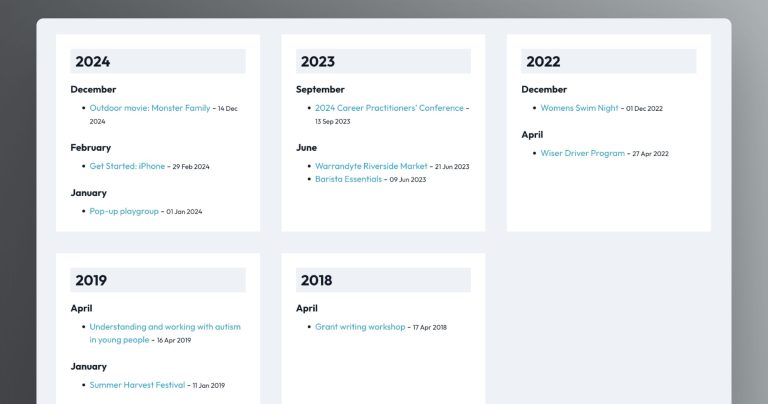
Events grouped by months within years based on event date custom field value

Events grouped by months within years based on event date custom field value

How to output events grouped by years and months using three nested query loops in Bricks.
Categories:
Displaying SureCart Featured Products & Products Collections with a Query Loop

Displaying SureCart Featured Products & Products Collections with a Query Loop

We walk through how to use a query loop to display SureCart products, featured products & collections.
Categories:
Pro
Adjacent Posts Bricks Query Loop

Adjacent Posts Bricks Query Loop

This Pro tutorial provides the steps to customize a posts query loop in Bricks to show previous and next posts on single post pages. The…
Categories: