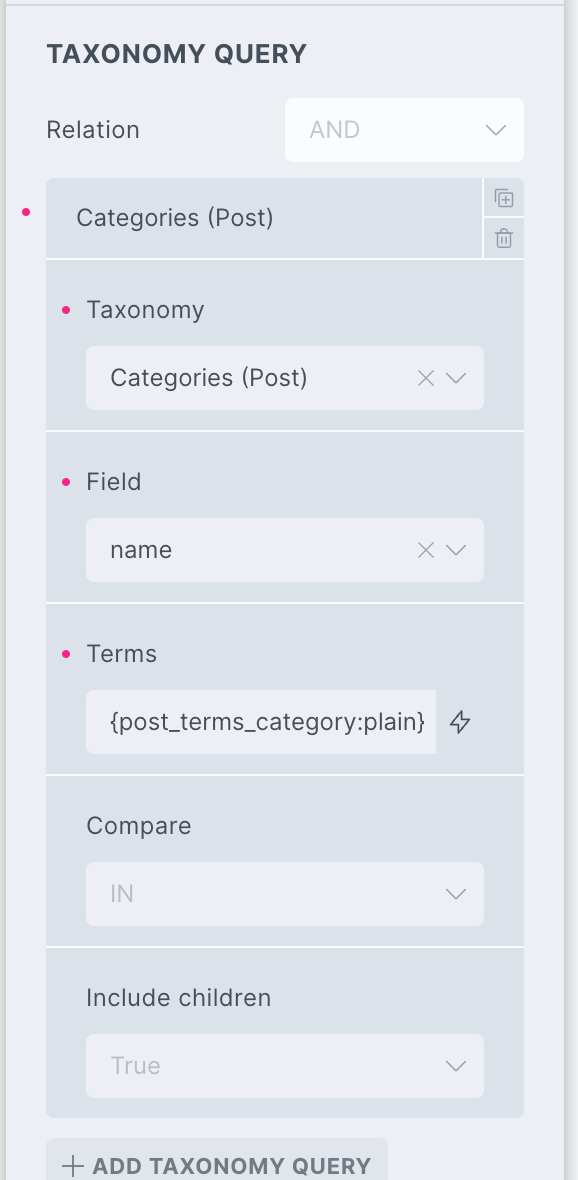
This Pro tutorial provides the steps for adding a category names select dropdown and instant search input field for post titles (and excerpts, if present) so visitors can filter posts grouped by categories (or CPT posts grouped by a custom taxonomy) when using a Posts query loop nested inside a Terms query loop.
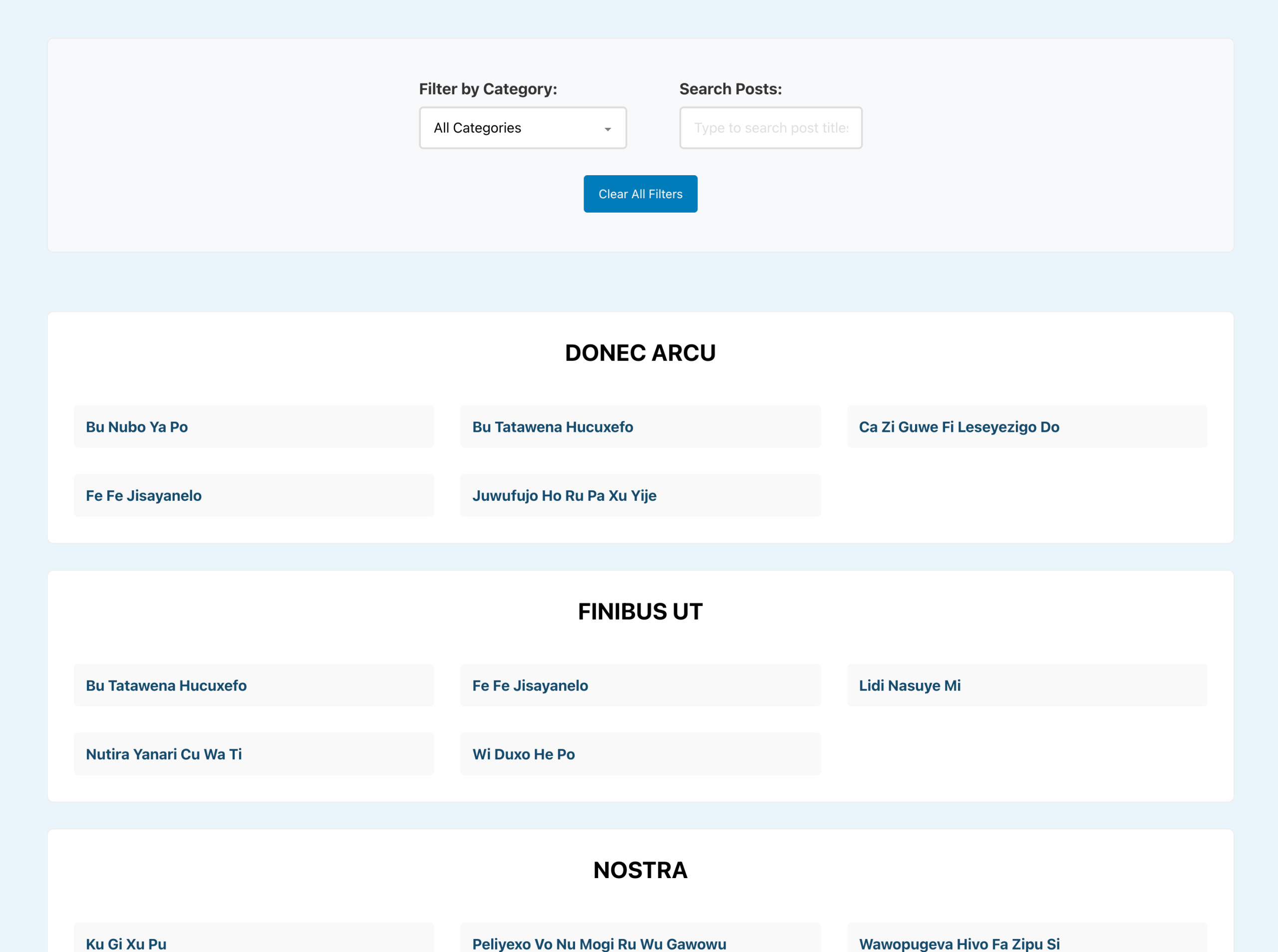
The solution incorporates:
- Real-time category filtering with a dropdown interface
- Instant search functionality that filters as users type
- Combined filtering allowing users to search within specific categories
- URL-based deep linking for clean URLs of shareable filtered results (
?category=slug&search=term). - Custom post type compatibility that works with products, portfolios, events, or any post type
- Custom taxonomy support for filtering by any taxonomy (categories, tags, or custom taxonomies)
- A Reset button for the filters
- No Results message for when there are no matching results
- Browser back/forward button support
Step 1
Edit your Template or Page with Bricks.
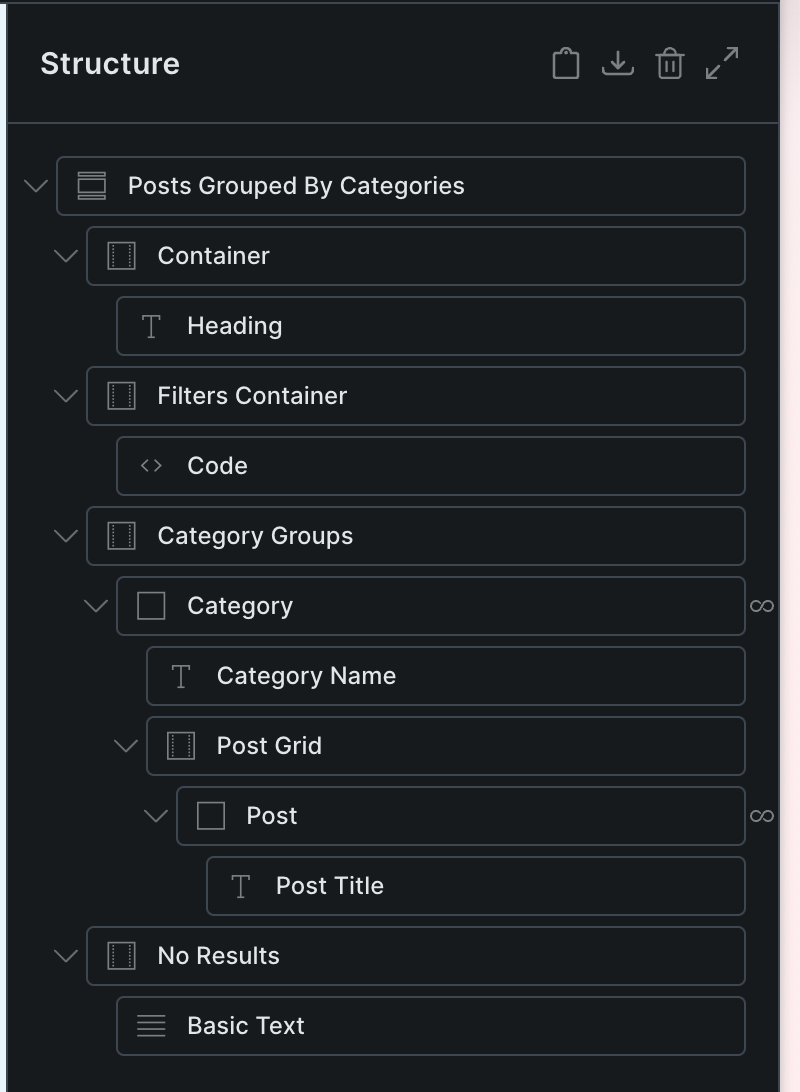
Copy and paste the JSON of the fully-built Section from the link below.