4th Jul '25
/
0 comments

Making a Nav Menu Item Active for Custom Post Type Single Views in WordPress

Consider this scenario:

CPT: project

Page titled "Project" is being used to show a list/grid of all the projects rather than the CPT archive.

When viewing a single project, you want this Project Page's nav menu item to become active.
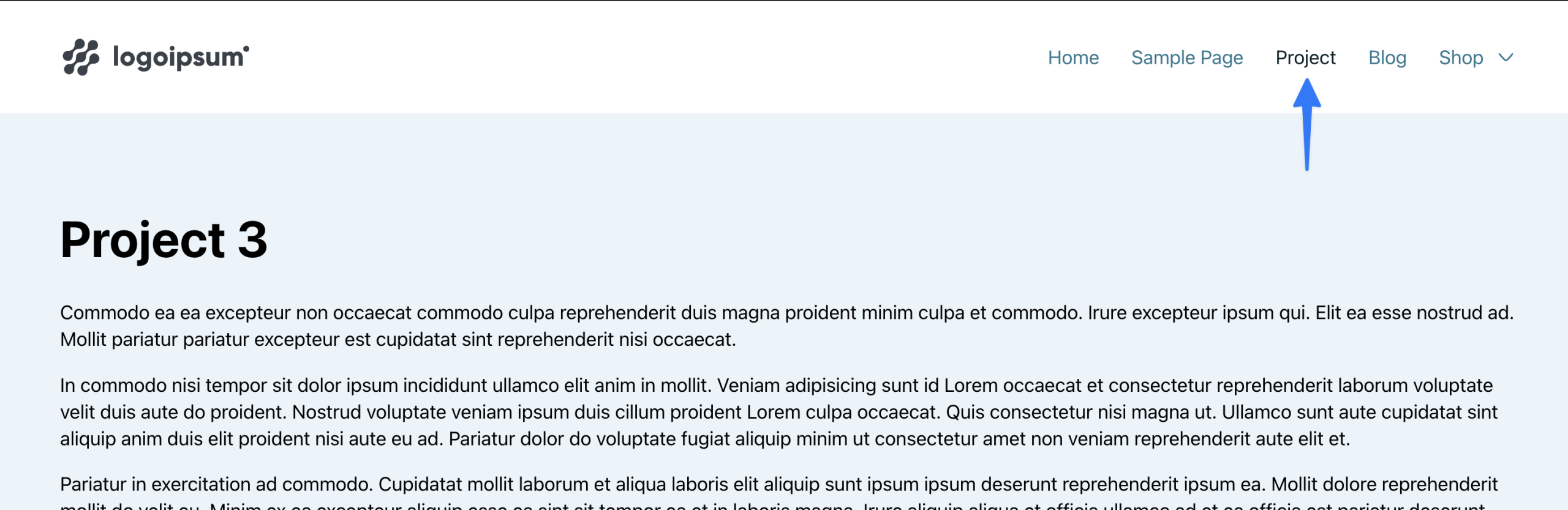
This Pro tutorial provides the code for using nav_menu_css_class WordPress filter to make the "Project" menu item active when viewing a single post of project custom post type.

Note that this can also be done using custom CSS but PHP solution is more solid.

Add the following in child theme's functions.php (w/o the opening PHP tag) or a code snippets plugin:

This is a BricksLabs Pro tutorial.

For full access login below or create your BricksLabs Pro account

Get access to all 610 Bricks code tutorials with BricksLabs Pro

Related Tutorials..

Pro
Restrict Content Pro in Bricks

Restrict Content Pro in Bricks

This Pro tutorial provides the steps to restrict Pages and individual elements like Sections in Bricks depending on whether the current user has any active…
Filtering Breadcrumbs in Bricks

Filtering Breadcrumbs in Bricks

Using the bricks/breadcrumbs/items filter to modify Bricks' breadcrumbs’ element programmatically.
Categories: