
Consider the following scenario from a recent project I worked on.
CPT 1: project
CPT 2: content-offer
Taxonomy for Projects: remodel-typeSample term names: Backyard Cottages and DADUs, Bathrooms, Garages, Kitchens
Meta Box Relationship: Remodel Type to Content Offer (screenshot)From Term to Post
Content offer custom field: cta_image (type: Single Image)
Sample project: University District Kitchen and BathRemodel Types: Bathrooms and Kitchens
Requirement: On single project posts, get the first remodel type term, then get the first connected content offer, then get its cta_image ID.
This Pro tutorial shows how this can be done in Bricks.
Continuing with the current example, the first remodel type term is Bathrooms and the corresponding content offer is "Bathroom Pricing Guide".

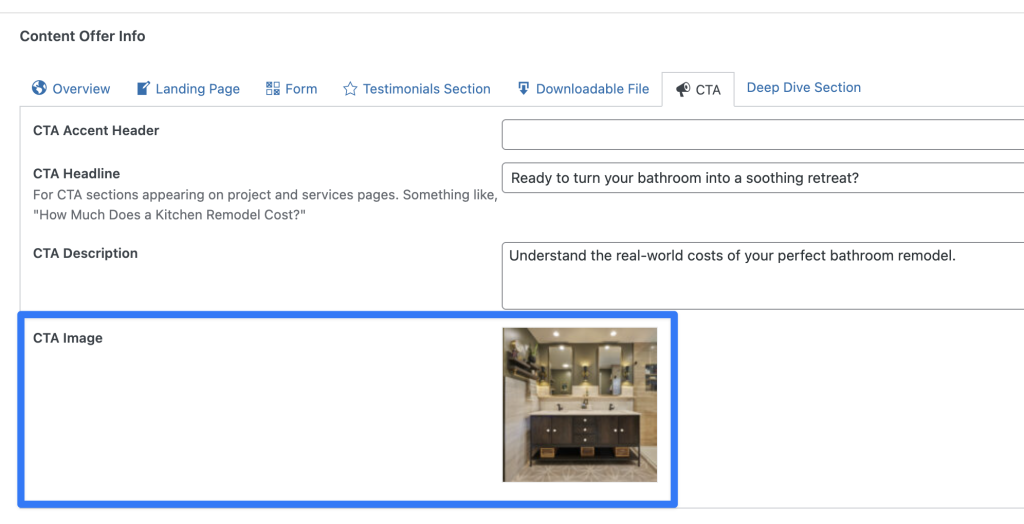
Bathroom Pricing Guide's CTA image:
When done, we would use the name of the below custom function in an Image element in single project Bricks template like this:

Code can be added in child theme's functions.php (w/o the opening PHP tag) or a code snippets plugin.


