4th Mar '25
/
0 comments

Merging ACF Gallery Images with Featured Image in Bricks

Updated on 12 Mar 2025

In the Bricks Facebook group a user asks:

Merging images from different fields into a single gallery

Hi, I have a Gallery field created in ACF and a standard Featured Image field. Is it possible in Bricks to display images from both fields as a single gallery using dynamic data, for example, in a carousel element?

This Pro tutorial shows how render_tag() method of Bricks Providers PHP class can be used to get the image IDs of selected images of the specified ACF Gallery field and combine these with the current post's featured image ID and supplied as the dynamic data source for Bricks elements like Image Gallery.

We shall also add optional randomize and image count arguments in our custom function so the images can be shown in random order and the number of images to be shown can be set, if needed.

This also works with Meta Box and JetEngine and any other custom fields plugin that Bricks integrates with (see the list here) with minor changes.

Single Tutorial Purchase Option

Lifetime access to this single tutorial can be purchased for $20 here.

Step 1

Add the following in child theme's functions.php (w/o the opening PHP tag) or a code snippets plugin:

This is a BricksLabs Pro tutorial.

For full access login below or create your BricksLabs Pro account

Get access to all 610 Bricks code tutorials with BricksLabs Pro

Related Tutorials..

Pro
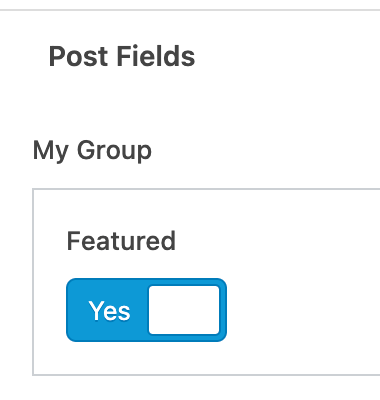
Filtering posts by a group field’s true / false field sub field value with ACF or Meta Box in Bricks

Filtering posts by a group field’s true / false field sub field value with ACF or Meta Box in Bricks

This Pro tutorial covers how posts of a Bricks query loop can be filtered to show only the ones whose true / false or checkbox…
Categories:
Tags:
How to create a dynamic infinite logo slider with ACF and Bricks

How to create a dynamic infinite logo slider with ACF and Bricks

This tutorial provides the builder settings, PHP & CSS codes that can be pasted in order to create an infinite logo slider in pure CSS…
How to conditionally load your scripts based on an ACF field

How to conditionally load your scripts based on an ACF field

This tutorial provides the PHP codes that can be pasted in order to enqueue your scripts conditionally based on the value of an ACF field…
Categories:
How to populate a map with dynamic markers from a CPT using ACF in Bricks (PART 1)

How to populate a map with dynamic markers from a CPT using ACF in Bricks (PART 1)

This tutorial provides the PHP & JS codes that can be pasted in order to create a dynamic map with markers populated from a custom…
Categories:
Pro
Bricks Dynamic Data Tag for Text-type Custom Field Value with Word Limit

Bricks Dynamic Data Tag for Text-type Custom Field Value with Word Limit

How to register a new dynamic tag for setting excerpt word limits and outputting an ellipsis (...) at the end.
Categories:
Pro
ACF Repeater sub field value dynamic data condition in Bricks

ACF Repeater sub field value dynamic data condition in Bricks

This Pro tutorial provides the steps to output an element on single posts (can be of any post type) only if a specified ACF (Pro)…
Pro
ACF Flexible Content Field – Layout Labels and Sub Field Labels

ACF Flexible Content Field – Layout Labels and Sub Field Labels

How to output the text of layout labels and/or sub field labels using the Flexible Content field of ACF Pro.
Categories:
Pro
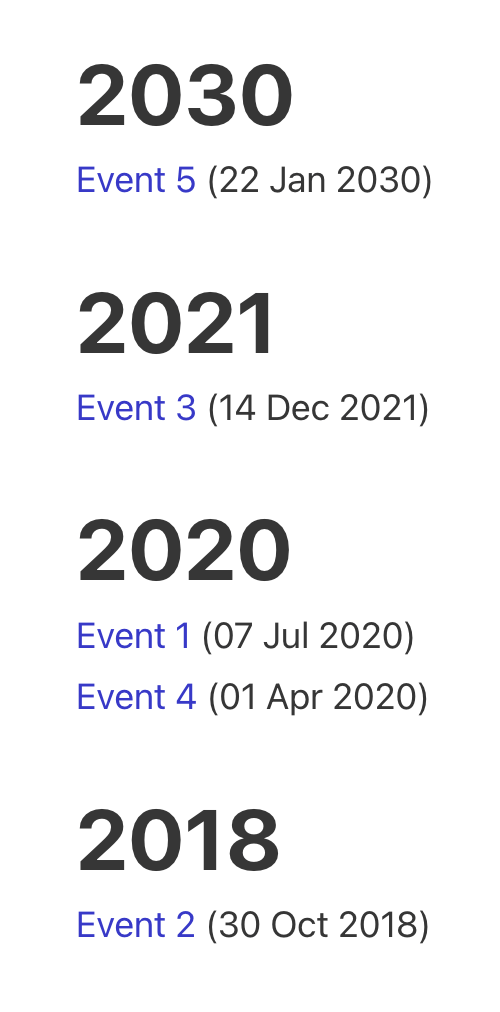
Events grouped by Event Date custom field in Bricks

Events grouped by Event Date custom field in Bricks

This Pro tutorial for Bricks users provides the steps to output posts of an event custom post type dynamically grouped by the value of their…
Categories: