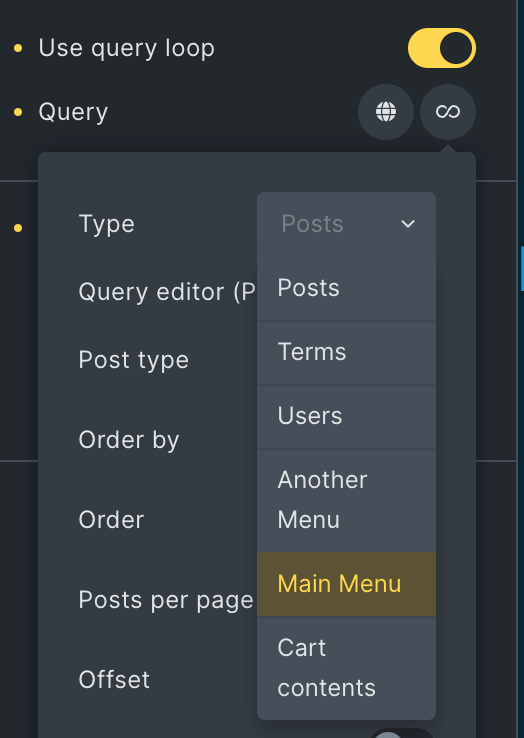
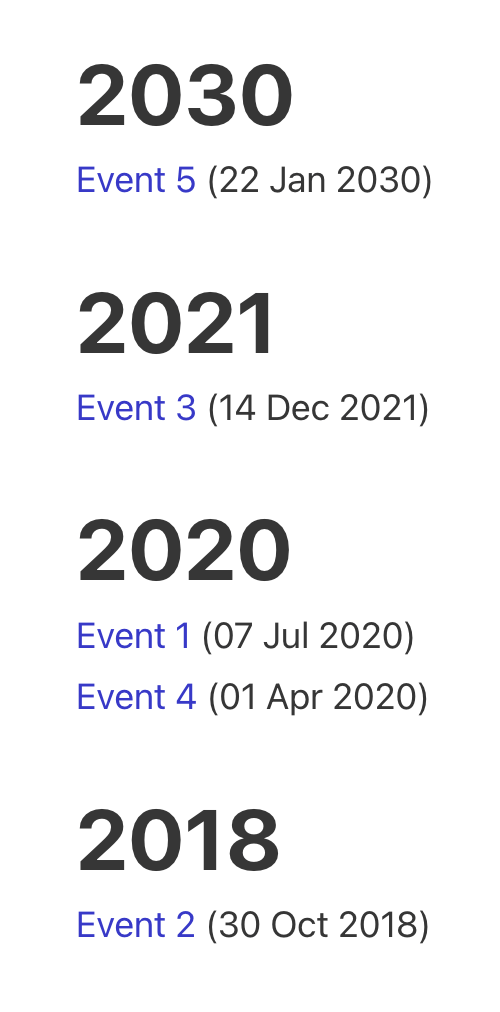
This Pro tutorial provides the code needed to make WP Grid Builder's Load More facet work with ACF Repeater items output by a Bricks query loop.
Consider these values for a sub field of a "Services" ACF Repeater:
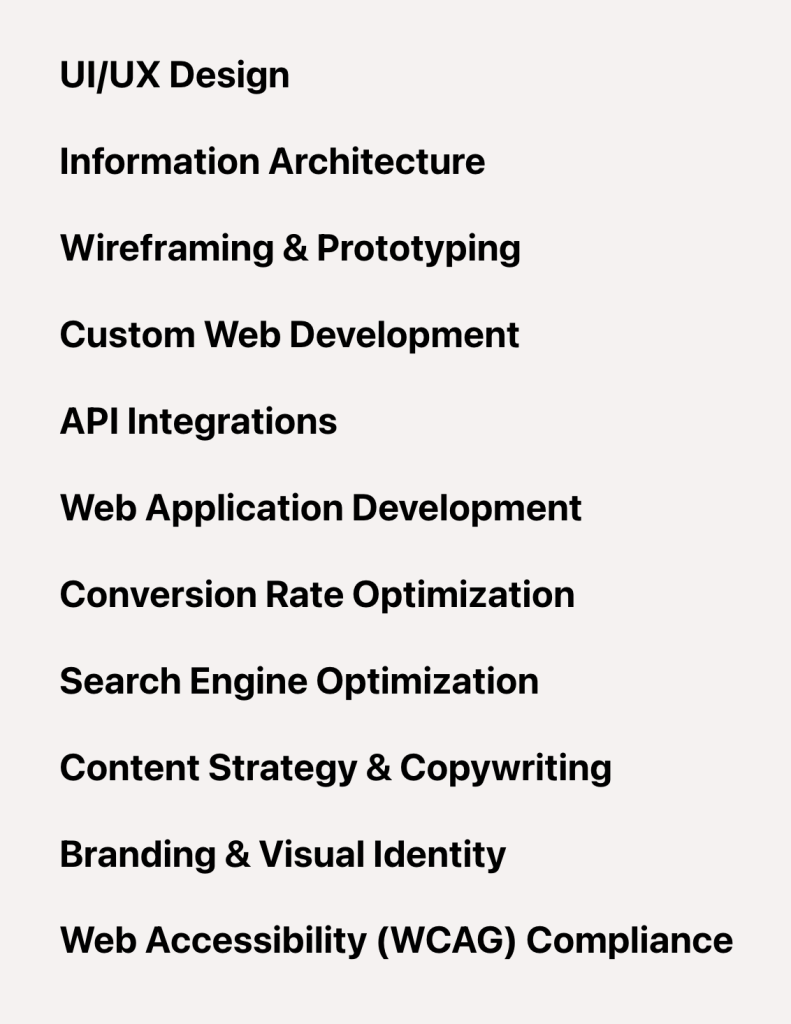
After implementing the tutorial:

Step 1
Add a Load More type facet in WP Grid Builder.

Specify how many items should be shown each time (5 in the above example) - i.e., on the initial page load and after each click of the Load more button.
Step 2
Set up a ACF Repeater query loop and add a Facet element provided by the "WP Grid Builder - Bricks" integration plugin.

Step 3
Add the following in child theme's functions.php (w/o the opening PHP tag) or a code snippets plugin: