30th Jul '24/2 commentsCategory Grid with ACF Images in BricksSridhar Katakam This Pro tutorial provides the steps to set up a grid of post categories, with each category card showing an image set up using the Advanced Custom Fields plugin, the category name, and the category description. Step 1 Install and activate ACF. This is a BricksLabs Pro tutorial. For full access login below or create your BricksLabs Pro account Username Password Remember Me Forgot Password Tagged: ACFBricksPluginsProTerms QuerySridhar KatakamSridhar Katakam is a Bricks enthusiast. He likes helping others by researching and solving WordPress-related problems and building websites.Get access to all 630 Bricks code tutorials with BricksLabs Pro
Accessing ACF Repeater Sub Fields Programmatically in Bricks Query LoopIt is possible to output sub field's values when a Bricks query loop's type has been set to a ACF Repeater without writing code. This…Read more →Categories: Bricks, FreeTags: ACF, get_loop_object
Pro Conditionally Hiding Bricks Filters based on Select Filter ValueHow show or hide Bricks' filter based on the selection made by another filter.Read more →Categories: Bricks, Plugins, ProTags: ACF, Filters, JS
ACF Repeater Sub Field DataHow to get a specific sub field’s data like its label from a specific ACF Repeater.Read more →Categories: Bricks, Free, PluginsTags: ACF Repeater
Pro Bidirectional Relationship between a CPT and a Taxonomy of another CPT using ACF in BricksA couple of members asked: I have a cpt called "Markets" aand a cpt "tools". Tools have a taxonomy "tools group". How can i create…Read more →Categories: Bricks, Plugins, ProTags: ACF, Bidirectional, Relationship
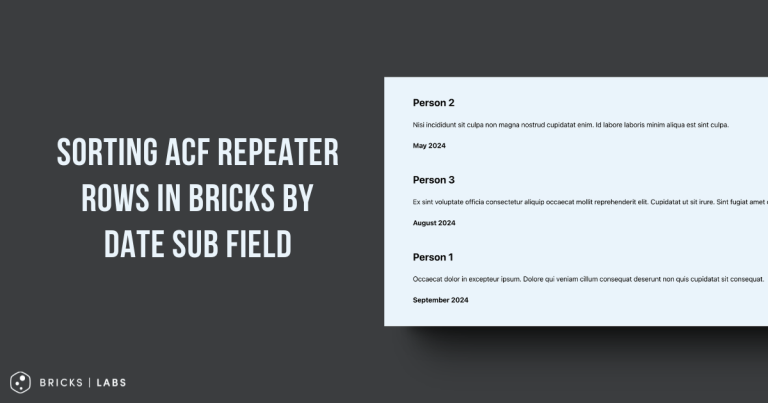
Pro Sorting ACF Repeater Rows in Bricks by Date Sub FieldHow the rows of a ACF Repeater query loop can be sorted by ascending or descending order of a date sub field.Read more →Categories: Bricks, Plugins, ProTags: ACF, bricks/query/result, Filters
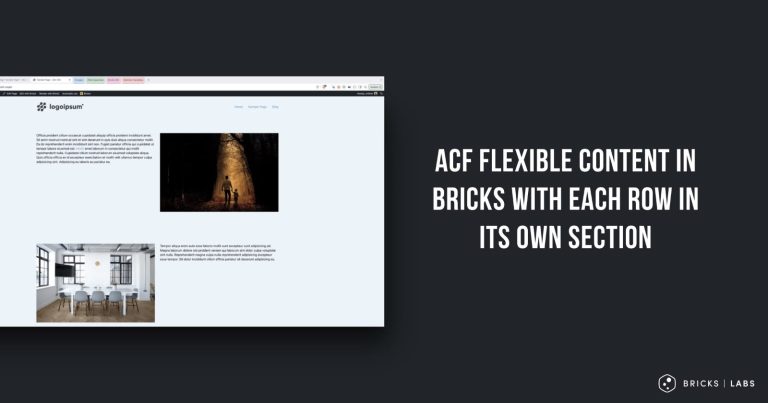
Pro ACF Flexible Content in Bricks with Each Row in its Own SectionHow we can use flexible content where each row layout still gets its own full-width section.Read more →Categories: Bricks, Plugins, ProTags: ACF Pro, Flexible Content
Pro ACF Date Field Value Custom Format in BricksIn the Bricks forum, a user asks: Hi there, I am setting up an events calendar using bricks. In some circumstances I would like to…Read more →Categories: Bricks, Plugins, ProTags: ACF, Date
Pro Sorting ACF Repeater Query by Sub Field in BricksThis Pro tutorial shows how the rows of a ACF Repeater can be sorted alphabetically by the value of one of its sub fields when…Read more →Categories: Bricks, Plugins, ProTags: ACF Pro, bricks/query/run, Filters
Pro How to Query WordPress Taxonomy Terms by Hierarchy Level in BricksHow to limit the terms of a Bricks Terms query to only those at a specific level within the taxonomy hierarchy.Read more →Categories: Bricks, ProTags: Terms Query